Description
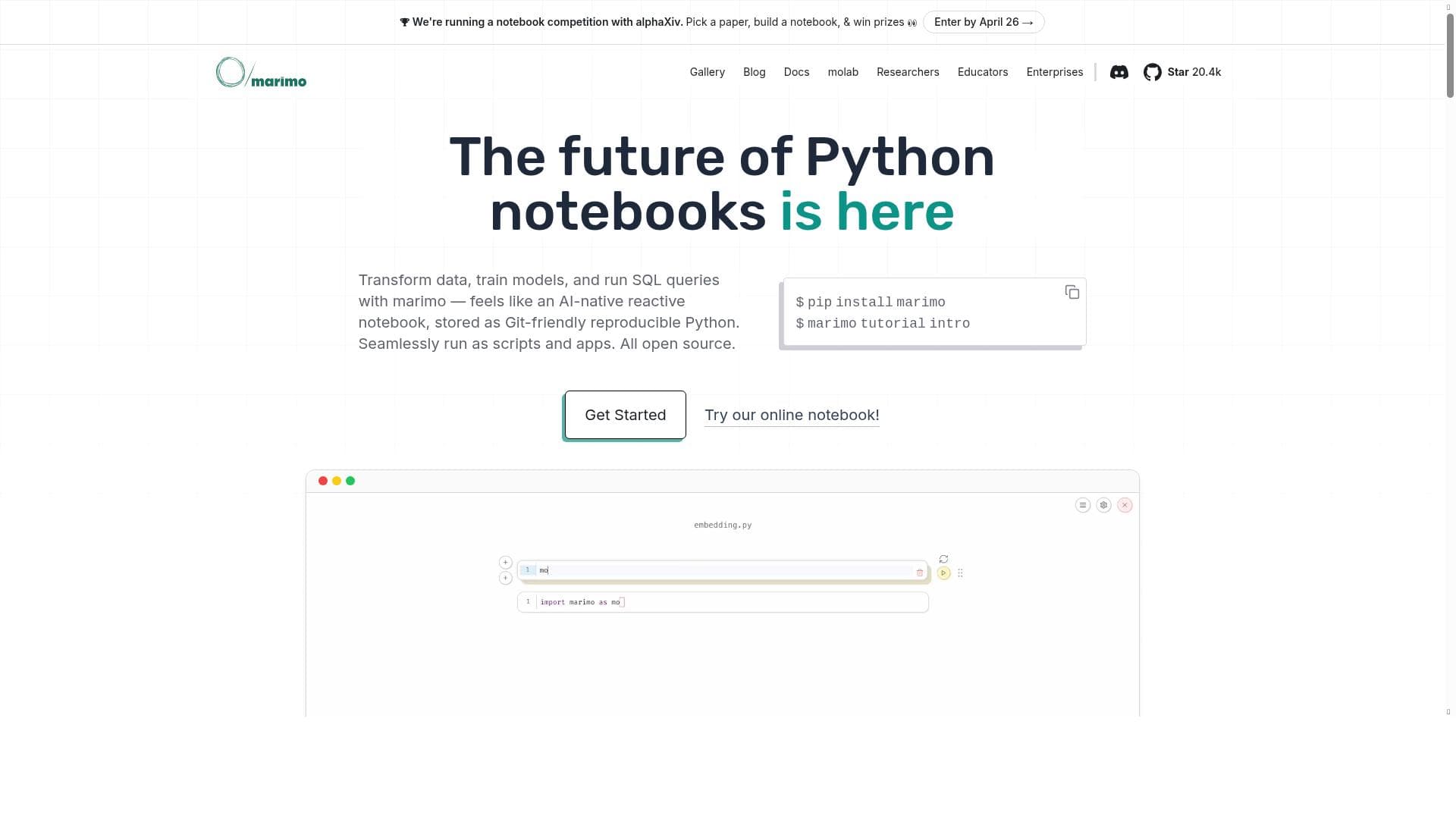
Marimo is a cutting-edge, open-source notebook that combines Python and SQL in a reactive, AI-powered environment designed for data professionals. Its seamless git integration, browser-based interface, and ability to share interactive web apps make it ideal for reproducible experiments and collaborative data projects.
Marimo is an innovative, open-source notebook environment designed specifically for Python and SQL users who work extensively with data. Its core purpose is to provide a modern, AI-powered platform that facilitates reproducible experiments, seamless version control with git, and easy sharing of work as interactive web applications. Unlike traditional notebooks, marimo integrates reactive programming principles, enabling dynamic updates and interactivity within the notebook interface. This makes it an ideal tool for data scientists, analysts, and developers who require a robust yet flexible environment for data exploration, analysis, and presentation. One of marimo's standout features is its next-generation Python notebook interface. It supports reactive cells that automatically update when dependencies change, streamlining workflows and reducing manual reruns. The environment is fully open source, encouraging community contributions and transparency. Marimo is also git-friendly, allowing users to version control their notebooks effortlessly, which is crucial for collaborative projects and maintaining reproducibility. Additionally, it supports interactive Python coding directly in the browser, eliminating the need for local installations and enabling access from anywhere. Users can also share their notebooks as interactive web apps, making it easy to distribute insights and tools without requiring recipients to install any software. Marimo is best suited for data scientists, researchers, and developers who need a powerful yet user-friendly platform for data-driven projects. Its support for both Python and SQL makes it versatile for working with various data sources and performing complex queries alongside data processing and visualization. Use cases include running reproducible data experiments, building interactive dashboards, sharing analytical reports, and developing data-centric applications. Its reactive environment is particularly beneficial for iterative data exploration and rapid prototyping. The tool is completely free to use, reflecting its open-source nature. This makes marimo accessible to individuals, educational institutions, startups, and enterprises looking to leverage a modern notebook without incurring licensing costs. Since it is browser-based, users do not need to worry about hardware requirements or installation complexities, further lowering the barrier to entry. Compared to alternatives like Jupyter Notebook or Google Colab, marimo offers a more integrated experience with reactive programming and built-in git support, which are not native to many traditional notebooks. Its focus on combining Python and SQL in a single environment also sets it apart, providing a seamless workflow for data professionals who need to query databases and perform analysis in one place. While Jupyter is widely adopted and has a vast ecosystem, marimo’s modern interface and interactivity features provide a fresh approach to notebook computing. However, as a relatively new and open-source project, marimo may have limitations in terms of ecosystem maturity and third-party integrations compared to more established platforms. Users might encounter fewer pre-built extensions or community resources. Additionally, since it runs in the browser, performance could be constrained by the client’s hardware and network conditions. Users should also consider their team’s familiarity with reactive programming concepts to fully leverage marimo’s capabilities. Overall, marimo represents a forward-thinking evolution of the data notebook, combining the power of Python and SQL with reactive interactivity and seamless version control. Its open-source, free, and browser-based nature makes it an attractive option for anyone looking to enhance their data workflows with a modern, collaborative, and reproducible environment.

Description
Marimo is a cutting-edge, open-source notebook that combines Python and SQL in a reactive, AI-powered environment designed for data professionals. Its seamless git integration, browser-based interface, and ability to share interactive web apps make it ideal for reproducible experiments and collaborative data projects.
Marimo is an innovative, open-source notebook environment designed specifically for Python and SQL users who work extensively with data. Its core purpose is to provide a modern, AI-powered platform that facilitates reproducible experiments, seamless version control with git, and easy sharing of work as interactive web applications. Unlike traditional notebooks, marimo integrates reactive programming principles, enabling dynamic updates and interactivity within the notebook interface. This makes it an ideal tool for data scientists, analysts, and developers who require a robust yet flexible environment for data exploration, analysis, and presentation. One of marimo's standout features is its next-generation Python notebook interface. It supports reactive cells that automatically update when dependencies change, streamlining workflows and reducing manual reruns. The environment is fully open source, encouraging community contributions and transparency. Marimo is also git-friendly, allowing users to version control their notebooks effortlessly, which is crucial for collaborative projects and maintaining reproducibility. Additionally, it supports interactive Python coding directly in the browser, eliminating the need for local installations and enabling access from anywhere. Users can also share their notebooks as interactive web apps, making it easy to distribute insights and tools without requiring recipients to install any software. Marimo is best suited for data scientists, researchers, and developers who need a powerful yet user-friendly platform for data-driven projects. Its support for both Python and SQL makes it versatile for working with various data sources and performing complex queries alongside data processing and visualization. Use cases include running reproducible data experiments, building interactive dashboards, sharing analytical reports, and developing data-centric applications. Its reactive environment is particularly beneficial for iterative data exploration and rapid prototyping. The tool is completely free to use, reflecting its open-source nature. This makes marimo accessible to individuals, educational institutions, startups, and enterprises looking to leverage a modern notebook without incurring licensing costs. Since it is browser-based, users do not need to worry about hardware requirements or installation complexities, further lowering the barrier to entry. Compared to alternatives like Jupyter Notebook or Google Colab, marimo offers a more integrated experience with reactive programming and built-in git support, which are not native to many traditional notebooks. Its focus on combining Python and SQL in a single environment also sets it apart, providing a seamless workflow for data professionals who need to query databases and perform analysis in one place. While Jupyter is widely adopted and has a vast ecosystem, marimo’s modern interface and interactivity features provide a fresh approach to notebook computing. However, as a relatively new and open-source project, marimo may have limitations in terms of ecosystem maturity and third-party integrations compared to more established platforms. Users might encounter fewer pre-built extensions or community resources. Additionally, since it runs in the browser, performance could be constrained by the client’s hardware and network conditions. Users should also consider their team’s familiarity with reactive programming concepts to fully leverage marimo’s capabilities. Overall, marimo represents a forward-thinking evolution of the data notebook, combining the power of Python and SQL with reactive interactivity and seamless version control. Its open-source, free, and browser-based nature makes it an attractive option for anyone looking to enhance their data workflows with a modern, collaborative, and reproducible environment.
Tool Features
- Next-generation Python notebook
- Open source
- Reactive notebook environment
- Git-friendly
- Interactive Python
- Browser-based usage
Frequently Asked Questions
What is marimo?
Marimo is an open-source notebook platform designed for Python and SQL users working with data. It offers a reactive, AI-powered environment that supports reproducible experiments, git versioning, and sharing work as interactive web apps, all accessible through a browser.
How much does marimo cost?
Marimo is completely free to use, reflecting its open-source nature. There are no paid plans or subscription fees.
Who is marimo best for?
Marimo is best suited for data scientists, researchers, analysts, and developers who need a powerful, flexible notebook environment for data exploration, analysis, and sharing, especially those who work with both Python and SQL.
What are the main features of marimo?
Key features include a next-generation Python notebook interface, reactive notebook cells that update automatically, full git integration for version control, interactive Python coding in the browser, support for SQL queries, and the ability to share notebooks as interactive web apps.
Does marimo offer a free trial?
Since marimo is an open-source and free tool, there is no need for a free trial; users can access and use it immediately without any cost.
What integrations does marimo support?
Marimo integrates seamlessly with git for version control and supports Python and SQL environments. As an open-source platform, it can potentially be extended to support additional integrations through community contributions.
How does marimo work?
Marimo operates as a browser-based notebook environment where users write Python and SQL code in reactive cells. These cells automatically update when their dependencies change, enabling dynamic and interactive data workflows. Users can version their notebooks with git and share them as interactive web applications.
Socials
Use ToolSponsored Tools













































Reviews
No reviews yet. Be the first to share your experience.










