Pratiksha
Description
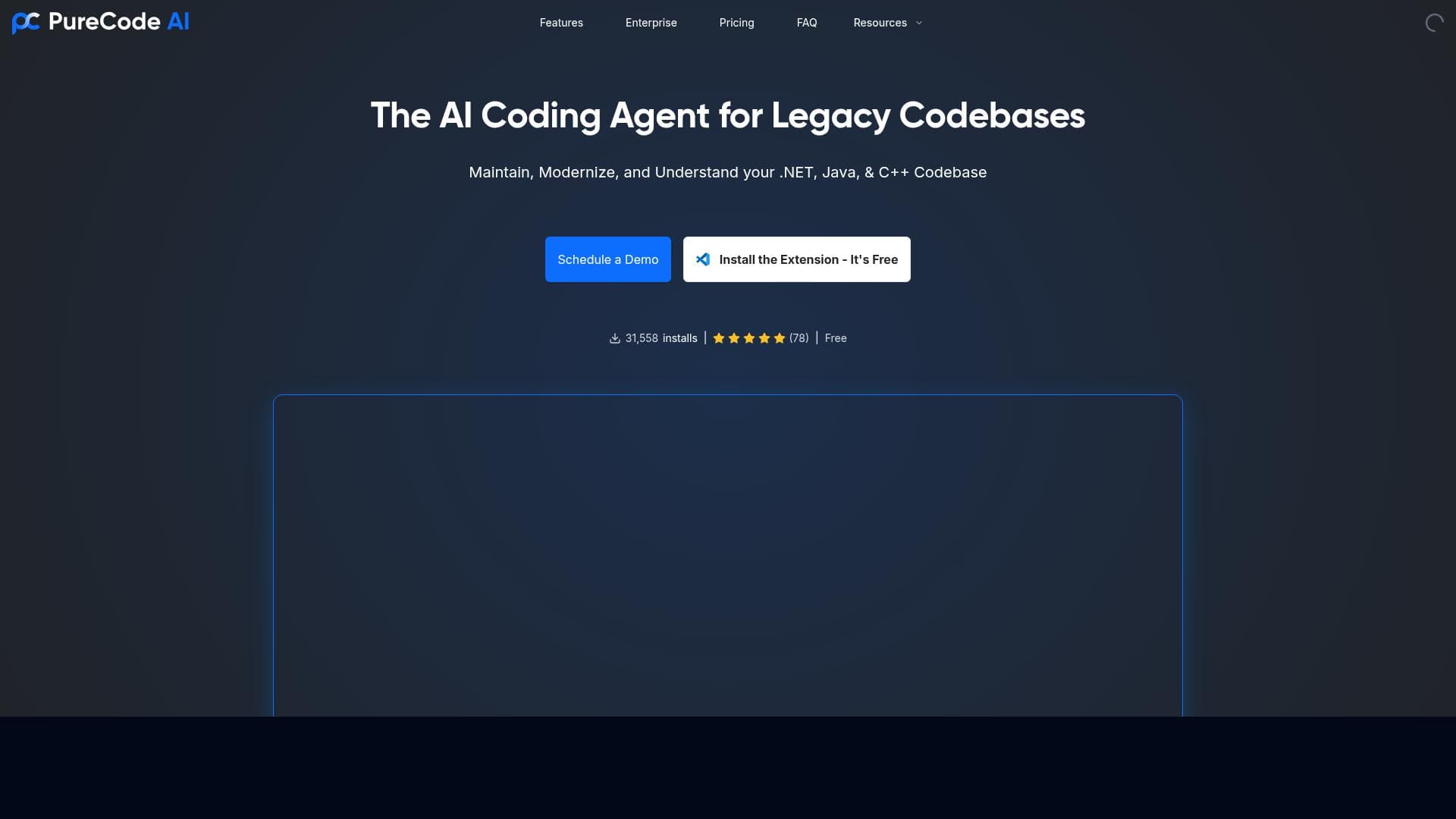
Pratiksha is a powerful AI coding agent for VS Code that uniquely understands the full context of your .NET projects, enabling intelligent and secure code generation. Ideal for professional developers and enterprise teams, it accelerates development by 50% while maintaining high security and seamless integration.
Pratiksha is an advanced AI coding agent designed specifically for Visual Studio Code that revolutionizes the way developers approach .NET projects by understanding the context across the entire codebase. Its core purpose is to accelerate the software development lifecycle by providing intelligent code generation and contextual assistance, thereby reducing manual coding effort and increasing productivity. Unlike traditional code completion tools that operate on a line-by-line basis, Pratiksha comprehends the broader project structure, dependencies, and coding patterns, enabling it to suggest more accurate, relevant, and secure code snippets that fit seamlessly into the existing code. This holistic understanding makes it an indispensable tool for developers working on complex enterprise-grade applications where maintaining code quality and security is paramount. One of Pratiksha's standout features is its ability to speed up .NET development by up to 50%, a significant boost that can help teams meet tight deadlines and reduce time-to-market. This acceleration is achieved through its intelligent code generation capabilities, which not only autocomplete code but also generate entire functions, classes, or modules based on the project context. Additionally, Pratiksha places a strong emphasis on security during development, ensuring that the generated code adheres to best practices and avoids common vulnerabilities. This is particularly crucial for enterprise environments where compliance and security standards must be rigorously maintained. Furthermore, Pratiksha supports seamless enterprise integration, allowing it to fit effortlessly into existing workflows and toolchains, including CI/CD pipelines and version control systems. To support development teams, it offers dedicated customer support, ensuring that users can maximize the tool's potential and resolve any issues promptly. Pratiksha is best suited for professional .NET developers, software development teams, and enterprises looking to enhance their coding efficiency without compromising on security and code quality. It is especially valuable for large-scale projects where understanding the entire codebase context is critical for maintaining consistency and avoiding integration issues. Use cases include accelerating feature development, refactoring legacy codebases, and onboarding new developers by providing context-aware code suggestions that reduce the learning curve. Startups and mid-sized companies aiming to scale their development processes can also benefit from Pratiksha's ability to streamline coding tasks and improve collaboration among team members. Regarding pricing, Pratiksha follows a freemium model, allowing users to access core functionalities at no cost, which is ideal for individual developers or small teams experimenting with AI-assisted coding. For enterprises and larger teams requiring advanced features, enhanced security options, and dedicated support, premium plans are available. These paid tiers provide additional integrations, priority support, and customization options tailored to organizational needs. This flexible pricing approach makes Pratiksha accessible to a wide range of users while offering scalability for growing teams. When compared to alternative AI coding tools, Pratiksha distinguishes itself through its deep contextual understanding of entire projects rather than isolated code snippets. While many AI assistants offer generic autocomplete or code suggestions, Pratiksha’s project-wide awareness enables it to generate more coherent and secure code that aligns with the developer’s intent and project architecture. Its focus on .NET development and enterprise integration further sets it apart from more general-purpose coding assistants. However, users should consider that Pratiksha’s specialization means it may not support languages or frameworks outside the .NET ecosystem as comprehensively as some competitors. In terms of limitations, Pratiksha’s effectiveness depends on the quality and structure of the existing codebase; poorly organized or undocumented projects may reduce the accuracy of its suggestions. Additionally, while it maintains security best practices, developers should still review generated code to ensure it meets specific project requirements and compliance standards. Finally, as with any AI-driven tool, there is a learning curve to fully leverage its capabilities, and integration into existing workflows may require initial setup and adjustment. Overall, Pratiksha offers a powerful, context-aware AI coding assistant tailored for .NET developers seeking to enhance productivity, maintain security, and integrate seamlessly into enterprise environments. Its combination of intelligent code generation, project-wide understanding, and dedicated support makes it a compelling choice for teams aiming to modernize their development processes.

Description
Pratiksha is a powerful AI coding agent for VS Code that uniquely understands the full context of your .NET projects, enabling intelligent and secure code generation. Ideal for professional developers and enterprise teams, it accelerates development by 50% while maintaining high security and seamless integration.
Pratiksha is an advanced AI coding agent designed specifically for Visual Studio Code that revolutionizes the way developers approach .NET projects by understanding the context across the entire codebase. Its core purpose is to accelerate the software development lifecycle by providing intelligent code generation and contextual assistance, thereby reducing manual coding effort and increasing productivity. Unlike traditional code completion tools that operate on a line-by-line basis, Pratiksha comprehends the broader project structure, dependencies, and coding patterns, enabling it to suggest more accurate, relevant, and secure code snippets that fit seamlessly into the existing code. This holistic understanding makes it an indispensable tool for developers working on complex enterprise-grade applications where maintaining code quality and security is paramount. One of Pratiksha's standout features is its ability to speed up .NET development by up to 50%, a significant boost that can help teams meet tight deadlines and reduce time-to-market. This acceleration is achieved through its intelligent code generation capabilities, which not only autocomplete code but also generate entire functions, classes, or modules based on the project context. Additionally, Pratiksha places a strong emphasis on security during development, ensuring that the generated code adheres to best practices and avoids common vulnerabilities. This is particularly crucial for enterprise environments where compliance and security standards must be rigorously maintained. Furthermore, Pratiksha supports seamless enterprise integration, allowing it to fit effortlessly into existing workflows and toolchains, including CI/CD pipelines and version control systems. To support development teams, it offers dedicated customer support, ensuring that users can maximize the tool's potential and resolve any issues promptly. Pratiksha is best suited for professional .NET developers, software development teams, and enterprises looking to enhance their coding efficiency without compromising on security and code quality. It is especially valuable for large-scale projects where understanding the entire codebase context is critical for maintaining consistency and avoiding integration issues. Use cases include accelerating feature development, refactoring legacy codebases, and onboarding new developers by providing context-aware code suggestions that reduce the learning curve. Startups and mid-sized companies aiming to scale their development processes can also benefit from Pratiksha's ability to streamline coding tasks and improve collaboration among team members. Regarding pricing, Pratiksha follows a freemium model, allowing users to access core functionalities at no cost, which is ideal for individual developers or small teams experimenting with AI-assisted coding. For enterprises and larger teams requiring advanced features, enhanced security options, and dedicated support, premium plans are available. These paid tiers provide additional integrations, priority support, and customization options tailored to organizational needs. This flexible pricing approach makes Pratiksha accessible to a wide range of users while offering scalability for growing teams. When compared to alternative AI coding tools, Pratiksha distinguishes itself through its deep contextual understanding of entire projects rather than isolated code snippets. While many AI assistants offer generic autocomplete or code suggestions, Pratiksha’s project-wide awareness enables it to generate more coherent and secure code that aligns with the developer’s intent and project architecture. Its focus on .NET development and enterprise integration further sets it apart from more general-purpose coding assistants. However, users should consider that Pratiksha’s specialization means it may not support languages or frameworks outside the .NET ecosystem as comprehensively as some competitors. In terms of limitations, Pratiksha’s effectiveness depends on the quality and structure of the existing codebase; poorly organized or undocumented projects may reduce the accuracy of its suggestions. Additionally, while it maintains security best practices, developers should still review generated code to ensure it meets specific project requirements and compliance standards. Finally, as with any AI-driven tool, there is a learning curve to fully leverage its capabilities, and integration into existing workflows may require initial setup and adjustment. Overall, Pratiksha offers a powerful, context-aware AI coding assistant tailored for .NET developers seeking to enhance productivity, maintain security, and integrate seamlessly into enterprise environments. Its combination of intelligent code generation, project-wide understanding, and dedicated support makes it a compelling choice for teams aiming to modernize their development processes.
Tool Features
- Speeds up .NET development by 50%
- Maintains security during development
- Offers intelligent code generation
- Supports enterprise integration
- Provides dedicated support for development teams
Frequently Asked Questions
What is Pratiksha ?
Pratiksha is an AI-powered coding assistant integrated with Visual Studio Code that understands the context across your entire .NET project to provide intelligent, secure, and context-aware code generation.
How much does Pratiksha cost?
Pratiksha offers a freemium pricing model with core features available for free. Premium plans with advanced features, enhanced security, and dedicated support are available for enterprises and larger teams.
Who is Pratiksha best for?
Pratiksha is best suited for professional .NET developers, software development teams, and enterprises seeking to accelerate development, maintain code security, and integrate AI-assisted coding into their workflows.
What are the main features of Pratiksha ?
Key features include speeding up .NET development by 50%, maintaining security during development, offering intelligent code generation, supporting enterprise integration, and providing dedicated support for development teams.
Does Pratiksha offer a free trial?
Yes, Pratiksha offers a freemium plan that allows users to try core functionalities for free before opting for premium plans.
What integrations does Pratiksha support?
Pratiksha supports seamless integration with Visual Studio Code and enterprise toolchains, including CI/CD pipelines and version control systems, to fit into existing development workflows.
How does Pratiksha work?
Pratiksha works by analyzing the entire context of your .NET project within Visual Studio Code to generate intelligent, context-aware code suggestions and completions, helping speed up development while ensuring security and consistency.
Socials
Use ToolSponsored Tools













































Reviews
No reviews yet. Be the first to share your experience.