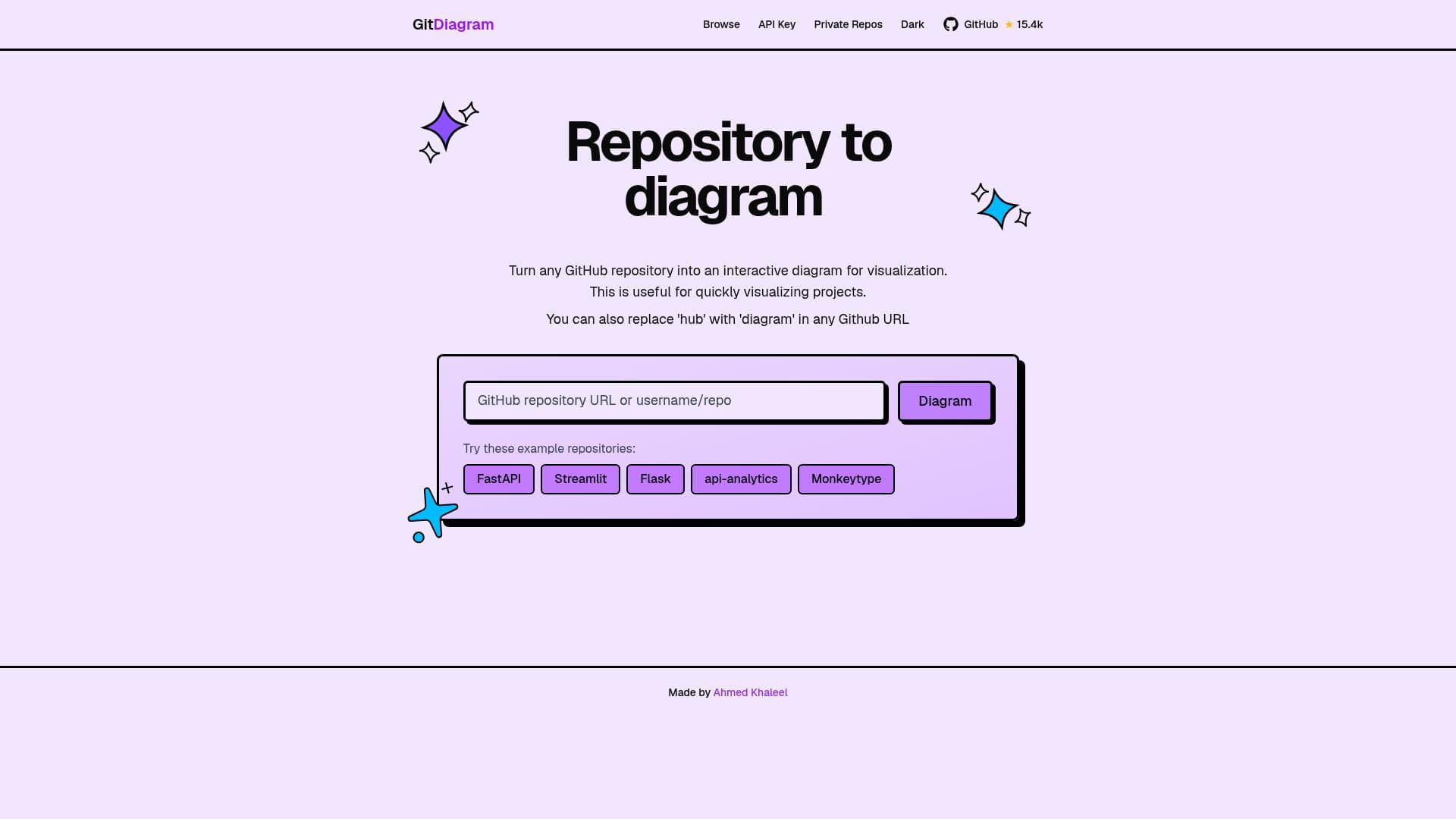
Description
GitDiagram uniquely converts GitHub repositories into interactive, easy-to-understand diagrams that visualize commit histories and branching workflows in seconds. Ideal for developers and teams, it enhances collaboration and comprehension of complex Git projects through clear, dynamic visualizations.
GitDiagram is a powerful AI-driven tool designed to transform any GitHub repository into an interactive, visually engaging diagram within seconds. Its core purpose is to simplify the understanding of complex Git commit histories and branching workflows by providing a clear, graphical representation of repository activity. This visualization capability helps developers, teams, and project managers grasp the structure and evolution of codebases more intuitively than traditional text-based Git logs or command-line outputs. By converting raw Git data into interactive diagrams, GitDiagram bridges the gap between code management and visual comprehension, making it easier to analyze project progress, identify key commits, and understand branching strategies. One of GitDiagram's standout features is its ability to visualize Git commit history and branches with precision and clarity. Users can see the chronological order of commits, branch merges, and divergences in an interactive format that supports zooming, panning, and detailed inspection of individual commits. This interactivity enhances the user experience by allowing exploration of the repository's history at multiple levels of granularity. Additionally, GitDiagram supports complex Git workflows, including feature branching, pull requests, and merge commits, making it suitable for projects of any scale or complexity. The tool also facilitates collaboration by providing a shared visual context that teams can use to discuss code changes, review development progress, and plan future work more effectively. GitDiagram is ideal for software developers, DevOps engineers, project managers, and educators who work with Git repositories regularly. Developers benefit from a clearer understanding of their project's history and structure, which aids in debugging and feature development. Teams can leverage GitDiagram during code reviews and sprint planning to visualize contributions and workflow patterns. Educators and trainers can use the tool to teach Git concepts more effectively by showing real-world examples of branching and merging in an interactive format. Use cases extend from individual developers wanting to track their own work to large teams managing complex projects with multiple contributors and branching strategies. The tool operates on a freemium pricing model, allowing users to access basic visualization features for free, which is sufficient for many individual developers and small teams. Premium plans unlock advanced capabilities such as enhanced collaboration features, support for private repositories, and priority customer support. This tiered approach ensures that GitDiagram remains accessible to a wide audience while providing scalable options for enterprise-level needs. Compared to alternatives, GitDiagram stands out due to its speed and ease of use in generating interactive diagrams directly from GitHub repositories without requiring extensive setup or configuration. While other tools may offer static visualizations or require manual input, GitDiagram automates the process and provides a dynamic interface that encourages exploration. Its focus on collaboration and support for complex workflows also differentiates it from simpler Git visualization tools that may not handle large or intricate repositories as effectively. However, users should consider some limitations. Since GitDiagram relies on GitHub repositories, it may not support private or self-hosted Git servers without additional integration. The freemium model means that some advanced features are gated behind paid plans, which might be a consideration for budget-conscious teams. Additionally, while the tool excels at visualization, it does not replace the need for traditional Git command-line proficiency or other development tools but rather complements them by enhancing understanding and communication. In summary, GitDiagram is a versatile and user-friendly tool that transforms GitHub repositories into interactive diagrams, making complex Git histories accessible and understandable. Its rich feature set, collaborative focus, and freemium pricing make it a valuable asset for developers and teams aiming to improve their workflow transparency and project management.

Description
GitDiagram uniquely converts GitHub repositories into interactive, easy-to-understand diagrams that visualize commit histories and branching workflows in seconds. Ideal for developers and teams, it enhances collaboration and comprehension of complex Git projects through clear, dynamic visualizations.
GitDiagram is a powerful AI-driven tool designed to transform any GitHub repository into an interactive, visually engaging diagram within seconds. Its core purpose is to simplify the understanding of complex Git commit histories and branching workflows by providing a clear, graphical representation of repository activity. This visualization capability helps developers, teams, and project managers grasp the structure and evolution of codebases more intuitively than traditional text-based Git logs or command-line outputs. By converting raw Git data into interactive diagrams, GitDiagram bridges the gap between code management and visual comprehension, making it easier to analyze project progress, identify key commits, and understand branching strategies. One of GitDiagram's standout features is its ability to visualize Git commit history and branches with precision and clarity. Users can see the chronological order of commits, branch merges, and divergences in an interactive format that supports zooming, panning, and detailed inspection of individual commits. This interactivity enhances the user experience by allowing exploration of the repository's history at multiple levels of granularity. Additionally, GitDiagram supports complex Git workflows, including feature branching, pull requests, and merge commits, making it suitable for projects of any scale or complexity. The tool also facilitates collaboration by providing a shared visual context that teams can use to discuss code changes, review development progress, and plan future work more effectively. GitDiagram is ideal for software developers, DevOps engineers, project managers, and educators who work with Git repositories regularly. Developers benefit from a clearer understanding of their project's history and structure, which aids in debugging and feature development. Teams can leverage GitDiagram during code reviews and sprint planning to visualize contributions and workflow patterns. Educators and trainers can use the tool to teach Git concepts more effectively by showing real-world examples of branching and merging in an interactive format. Use cases extend from individual developers wanting to track their own work to large teams managing complex projects with multiple contributors and branching strategies. The tool operates on a freemium pricing model, allowing users to access basic visualization features for free, which is sufficient for many individual developers and small teams. Premium plans unlock advanced capabilities such as enhanced collaboration features, support for private repositories, and priority customer support. This tiered approach ensures that GitDiagram remains accessible to a wide audience while providing scalable options for enterprise-level needs. Compared to alternatives, GitDiagram stands out due to its speed and ease of use in generating interactive diagrams directly from GitHub repositories without requiring extensive setup or configuration. While other tools may offer static visualizations or require manual input, GitDiagram automates the process and provides a dynamic interface that encourages exploration. Its focus on collaboration and support for complex workflows also differentiates it from simpler Git visualization tools that may not handle large or intricate repositories as effectively. However, users should consider some limitations. Since GitDiagram relies on GitHub repositories, it may not support private or self-hosted Git servers without additional integration. The freemium model means that some advanced features are gated behind paid plans, which might be a consideration for budget-conscious teams. Additionally, while the tool excels at visualization, it does not replace the need for traditional Git command-line proficiency or other development tools but rather complements them by enhancing understanding and communication. In summary, GitDiagram is a versatile and user-friendly tool that transforms GitHub repositories into interactive diagrams, making complex Git histories accessible and understandable. Its rich feature set, collaborative focus, and freemium pricing make it a valuable asset for developers and teams aiming to improve their workflow transparency and project management.
Tool Features
- Visualize Git commit history and branches
- Interactive diagrams for better understanding
- Supports complex Git workflows
- Facilitates collaboration through clear visualization
Frequently Asked Questions
What is GitDiagram?
GitDiagram is an AI-powered tool that transforms any GitHub repository into an interactive diagram, allowing users to visualize Git commit histories and branching workflows quickly and intuitively.
How much does GitDiagram cost?
GitDiagram offers a freemium pricing model with basic visualization features available for free. Premium plans provide advanced collaboration tools, support for private repositories, and priority support.
Who is GitDiagram best for?
GitDiagram is best suited for software developers, DevOps engineers, project managers, and educators who need to understand and communicate complex Git workflows and repository histories.
What are the main features of GitDiagram?
Key features include visualization of Git commit history and branches, interactive diagrams for detailed exploration, support for complex Git workflows, and tools that facilitate team collaboration through clear visualizations.
Does GitDiagram offer a free trial?
Yes, GitDiagram provides free access to its basic features under its freemium model, allowing users to try out the tool without any upfront cost.
What integrations does GitDiagram support?
GitDiagram integrates directly with GitHub repositories to generate visualizations. Currently, it primarily supports GitHub and may have limited support for other Git hosting services.
How does GitDiagram work?
GitDiagram analyzes the commit history and branch structure of a GitHub repository and automatically generates an interactive diagram that users can explore to understand the project's development flow and branching.
Socials
Use ToolSponsored Tools













































Reviews
No reviews yet. Be the first to share your experience.










