AI Styling Studio — Infinite avatar looks from just 1 photo.Try it now.
BestAITools

Submit your Tool

8000+ AI tools already listed
8K+Tools
100K+/moViews
25K+/moVisitors

Notion Ai Alternatives

The best AI tools for notion ai alternatives, curated by the community.

RabbitHoles AI

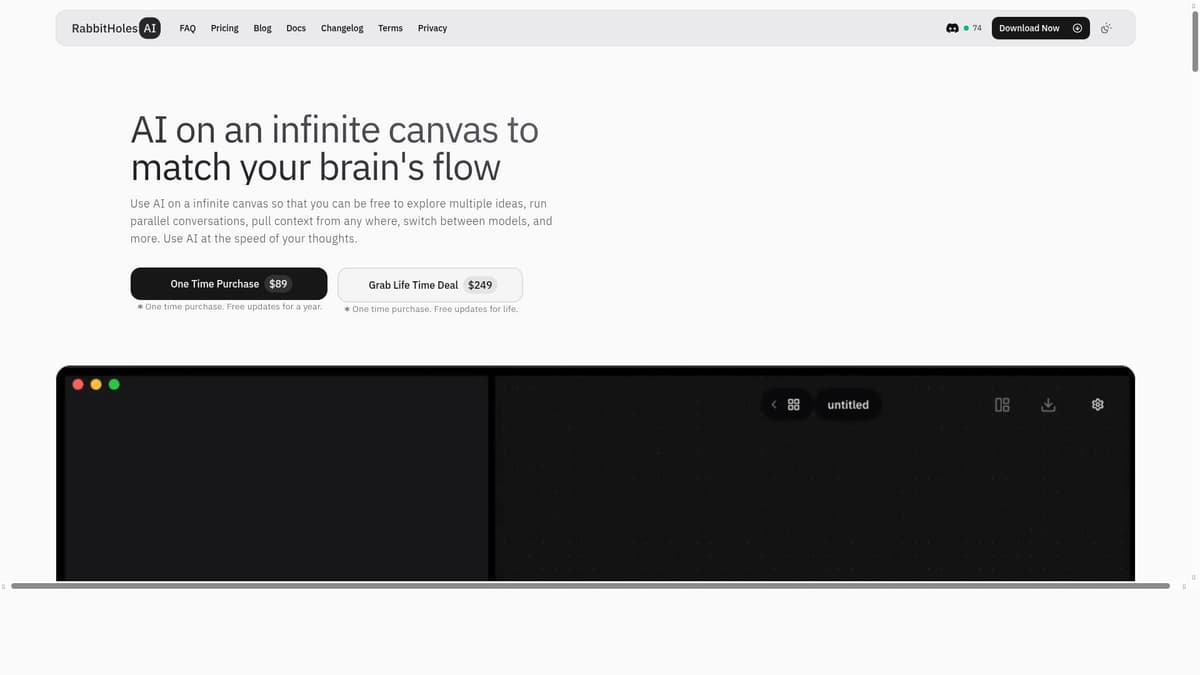
RabbitHoles AI is an app to have AI conversations on an Infinite canvas. Each node on the canvas is a conversation. Multiple conversations can be connected to share context, along with adding other data sources like Pdf files, youtube videos, etc Key Features - Multiple Chats On Canvas: Have multiple connected chats with AI on the same canvas. - Unlimited Canvases: Create unlimited canvases - Latest Pro Models: Chat with all the popular LLM models from ChatGPT, Claude, Perplexity, Gemini, and Grok (xAI) - Bring Your Own Keys: Bring your own keys. Everything is stored locally - One-Time Purchase: Pay only once and use the product forever Benefits - No loss of context: As a side effect of branching chats, you control the length of the conversation; this prevents loss of context - Spatial Conversation: Learn/research faster on a whiteboard like canvas - Non-linear chats: Our brains don't think or learn linearly, so why should our chatbots be linear? - Multiple LLMs: Get different perspectives from multiple LLM models - Single Window: For every rabbit hole you go into, you stick to one infinite whiteboard that allows you to go deep into intellectual exploration Use Case Advanced AI Users can get what they want out of AI by having long explorative conversations with different AI models on an infinite canvas. There'll be less repetition, copy/pasting, and loss of context as you can: 1. Create branches of the conversations 2. Keep multiple conversations on a single canvas 3. Mix and match various chats to share context

  • Infinite canvas for AI research
  • Multiple AI model support
  • Visual knowledge mapping

125

Views

Upvotes

$39

/Mo