Description
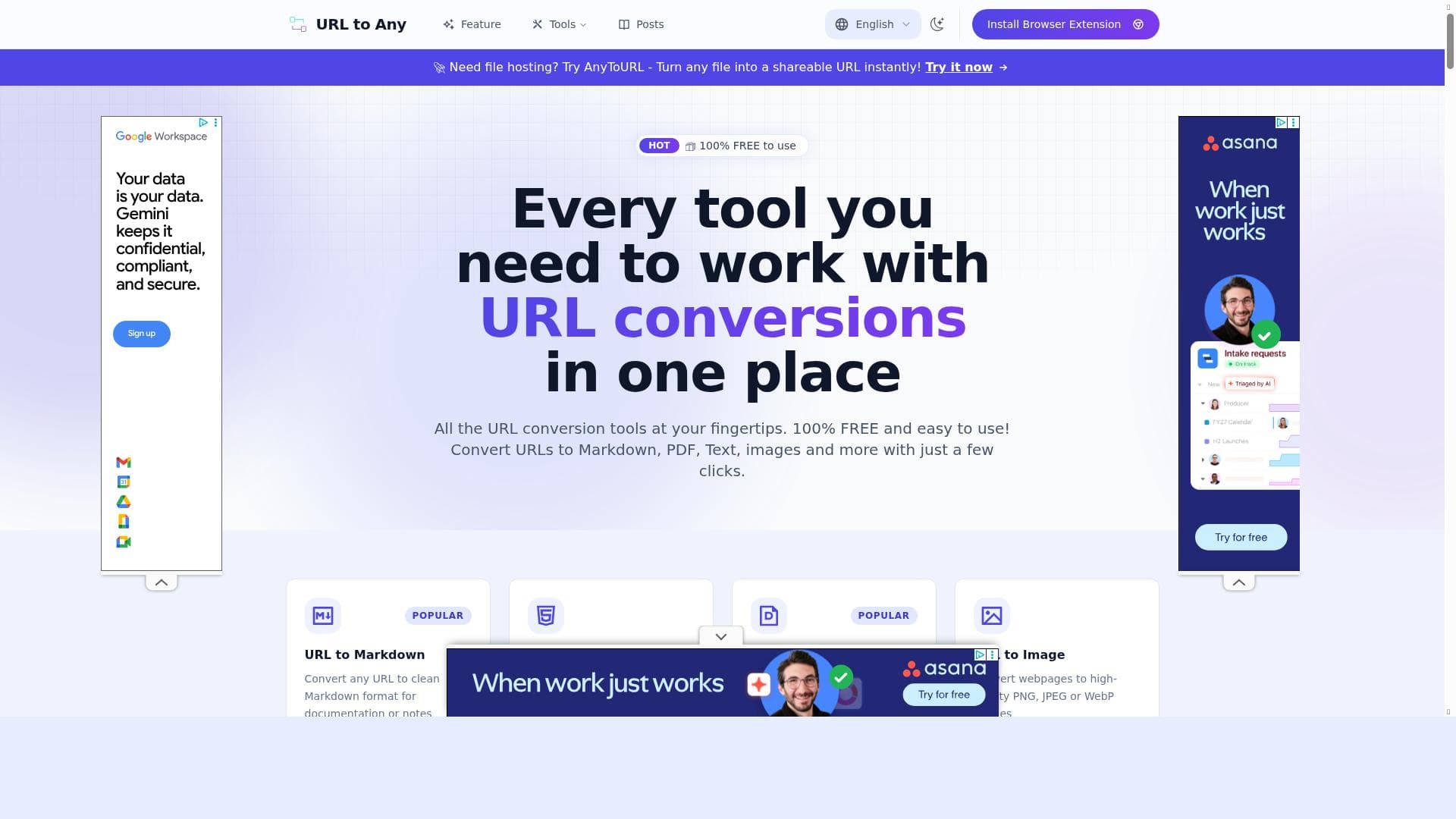
URL to Any is a powerful, free online tool that converts URLs into multiple formats like Markdown, PDF, text, and images with just a few clicks. Ideal for content creators, developers, and researchers, it streamlines web content repurposing by combining multiple conversion tools into one easy-to-use platform.
URL to Any is a versatile online tool designed to simplify the process of converting web content from URLs into various useful formats. Its core purpose is to provide users with a straightforward, efficient way to transform web pages into Markdown, PDF documents, plain text, images, and more. This tool is especially valuable for content creators, developers, researchers, and professionals who frequently need to repurpose or archive web content in different formats without manually copying and pasting or using multiple separate tools. By consolidating multiple URL conversion capabilities into a single platform, URL to Any streamlines workflows and saves time. One of the standout features of URL to Any is its ability to convert web content into Markdown format. Markdown is widely used for documentation, blogging, and note-taking because of its simplicity and readability. This feature allows users to quickly grab clean, structured content from any webpage and integrate it into their projects or content management systems. Additionally, the tool can transform URLs into PDF documents, which is ideal for creating offline, printable versions of web pages for sharing or archiving. The PDF conversion maintains the layout and formatting, ensuring the content remains visually consistent. Beyond Markdown and PDF, URL to Any supports generating images from URLs, which can be useful for capturing snapshots of web pages or specific content sections. This feature is particularly beneficial for designers, marketers, or anyone needing visual references or thumbnails of web content. The tool also supports multiple output formats, making it highly flexible to meet diverse user needs. Whether you require text extraction for data analysis or image generation for presentations, URL to Any covers a broad spectrum of use cases. URL to Any is best suited for a wide range of users including content creators who need to repurpose web content quickly, developers who want to integrate web data into their projects, researchers who require offline access to web pages, and marketers who need to capture visual content from URLs. For example, bloggers can convert articles into Markdown for easy editing, while educators can generate PDFs of online resources for distribution. The tool’s ease of use and free access make it accessible to both individuals and teams. Regarding pricing, URL to Any operates on a freemium model. The core features are available for free, allowing users to convert URLs into various formats without any cost. This makes it an attractive option for casual users and those just getting started. For users requiring higher volume conversions, advanced features, or priority support, premium plans are likely available, although specific details would need to be confirmed on their website. The freemium approach balances accessibility with scalability. When compared to alternatives, URL to Any stands out by combining multiple URL conversion functionalities into one platform. Many other tools specialize in just one format conversion, such as URL to PDF or URL to Markdown, requiring users to switch between different services. URL to Any’s all-in-one approach enhances convenience and efficiency. However, some specialized tools might offer more advanced customization or integration options, so users with very specific needs may want to evaluate those alternatives. One limitation to consider is that as a web-based tool, URL to Any’s performance and output quality can depend on the complexity and structure of the source web pages. Highly dynamic or interactive sites might not convert perfectly into static formats like Markdown or PDF. Additionally, while the free tier is generous, heavy users or enterprises might find the need to upgrade for higher usage limits or additional features. Overall, URL to Any offers a robust, user-friendly solution for URL content conversion that caters well to a broad audience while maintaining simplicity and accessibility.

Description
URL to Any is a powerful, free online tool that converts URLs into multiple formats like Markdown, PDF, text, and images with just a few clicks. Ideal for content creators, developers, and researchers, it streamlines web content repurposing by combining multiple conversion tools into one easy-to-use platform.
URL to Any is a versatile online tool designed to simplify the process of converting web content from URLs into various useful formats. Its core purpose is to provide users with a straightforward, efficient way to transform web pages into Markdown, PDF documents, plain text, images, and more. This tool is especially valuable for content creators, developers, researchers, and professionals who frequently need to repurpose or archive web content in different formats without manually copying and pasting or using multiple separate tools. By consolidating multiple URL conversion capabilities into a single platform, URL to Any streamlines workflows and saves time. One of the standout features of URL to Any is its ability to convert web content into Markdown format. Markdown is widely used for documentation, blogging, and note-taking because of its simplicity and readability. This feature allows users to quickly grab clean, structured content from any webpage and integrate it into their projects or content management systems. Additionally, the tool can transform URLs into PDF documents, which is ideal for creating offline, printable versions of web pages for sharing or archiving. The PDF conversion maintains the layout and formatting, ensuring the content remains visually consistent. Beyond Markdown and PDF, URL to Any supports generating images from URLs, which can be useful for capturing snapshots of web pages or specific content sections. This feature is particularly beneficial for designers, marketers, or anyone needing visual references or thumbnails of web content. The tool also supports multiple output formats, making it highly flexible to meet diverse user needs. Whether you require text extraction for data analysis or image generation for presentations, URL to Any covers a broad spectrum of use cases. URL to Any is best suited for a wide range of users including content creators who need to repurpose web content quickly, developers who want to integrate web data into their projects, researchers who require offline access to web pages, and marketers who need to capture visual content from URLs. For example, bloggers can convert articles into Markdown for easy editing, while educators can generate PDFs of online resources for distribution. The tool’s ease of use and free access make it accessible to both individuals and teams. Regarding pricing, URL to Any operates on a freemium model. The core features are available for free, allowing users to convert URLs into various formats without any cost. This makes it an attractive option for casual users and those just getting started. For users requiring higher volume conversions, advanced features, or priority support, premium plans are likely available, although specific details would need to be confirmed on their website. The freemium approach balances accessibility with scalability. When compared to alternatives, URL to Any stands out by combining multiple URL conversion functionalities into one platform. Many other tools specialize in just one format conversion, such as URL to PDF or URL to Markdown, requiring users to switch between different services. URL to Any’s all-in-one approach enhances convenience and efficiency. However, some specialized tools might offer more advanced customization or integration options, so users with very specific needs may want to evaluate those alternatives. One limitation to consider is that as a web-based tool, URL to Any’s performance and output quality can depend on the complexity and structure of the source web pages. Highly dynamic or interactive sites might not convert perfectly into static formats like Markdown or PDF. Additionally, while the free tier is generous, heavy users or enterprises might find the need to upgrade for higher usage limits or additional features. Overall, URL to Any offers a robust, user-friendly solution for URL content conversion that caters well to a broad audience while maintaining simplicity and accessibility.
Tool Features
- Convert web content from URLs into Markdown format
- Transform URLs into PDF documents
- Generate images from URLs
- Supports multiple output formats for URL content conversion
Frequently Asked Questions
What is URL to Any?
URL to Any is an online tool that allows users to convert web content from URLs into various formats such as Markdown, PDF, text, and images, simplifying the process of repurposing and archiving web pages.
How much does URL to Any cost?
URL to Any offers a freemium pricing model, providing core conversion features for free, with premium plans likely available for advanced features or higher usage limits.
Who is URL to Any best for?
It is best suited for content creators, developers, researchers, marketers, and anyone who needs to convert web content into different formats quickly and easily.
What are the main features of URL to Any?
Key features include converting URLs to Markdown, transforming URLs into PDF documents, generating images from URLs, and supporting multiple output formats for versatile content conversion.
Does URL to Any offer a free trial?
Yes, the core features of URL to Any are available for free without a trial period, allowing users to access many conversion tools at no cost.
What integrations does URL to Any support?
Currently, URL to Any primarily functions as a standalone web tool; specific third-party integrations are not detailed and would need to be confirmed on their website.
How does URL to Any work?
Users simply input a URL into the platform, select the desired output format such as Markdown, PDF, text, or image, and the tool processes the web content to generate the converted file quickly and easily.
Sponsored Tools













































Reviews
No reviews yet. Be the first to share your experience.
















