Description
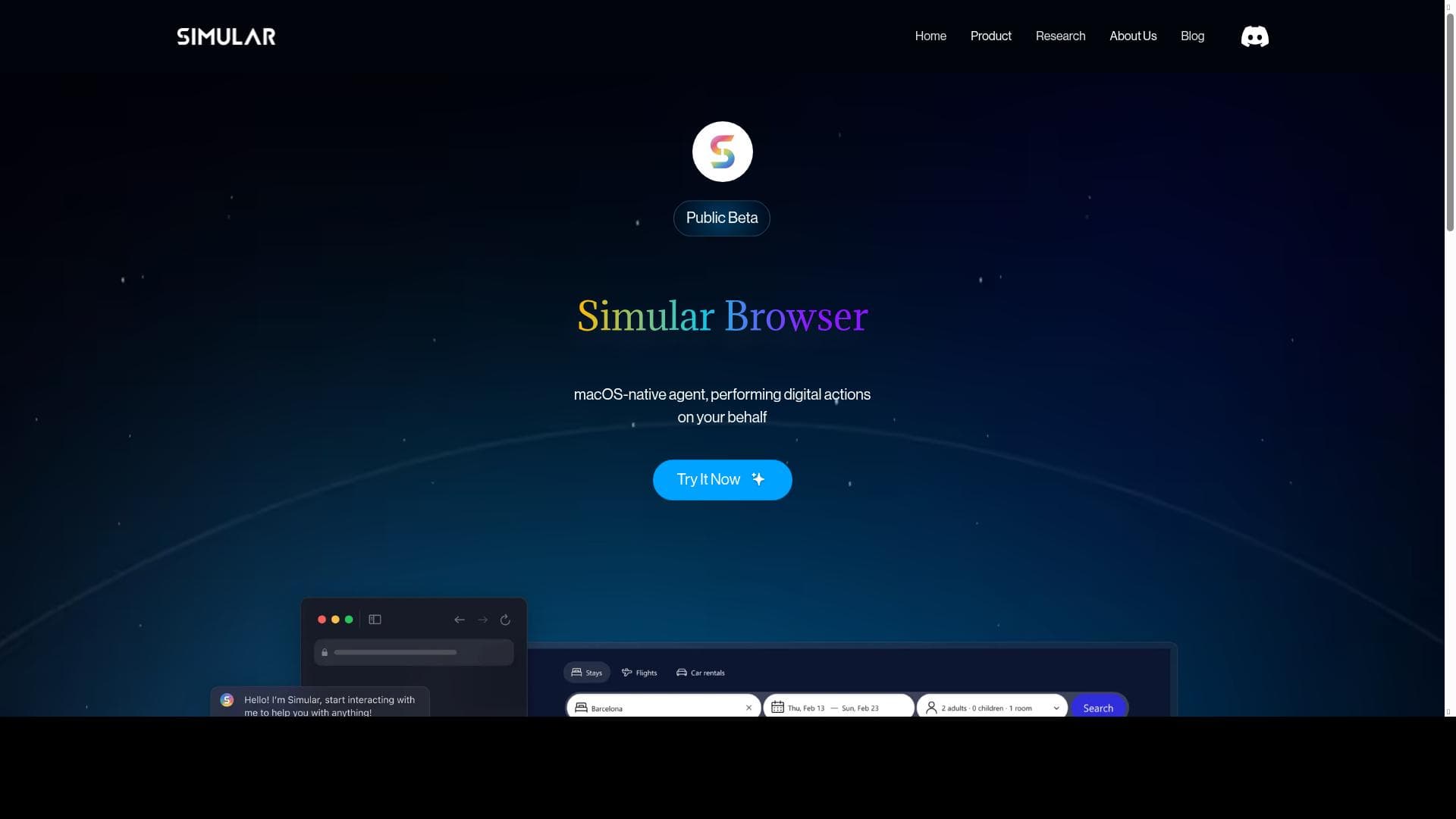
Simular is the first AI agent that browses the internet alongside you on your Mac, acting locally to provide real-time collaboration and seamless integration with macOS apps. Ideal for professionals and creatives, it accelerates productivity by combining voice commands, powerful plugins, and secure automation directly on your device.
Simular is a groundbreaking AI agent designed specifically for Mac users that redefines how you interact with the internet and your digital workspace. Unlike traditional AI assistants that operate remotely or in the cloud, Simular runs locally on your Mac, allowing it to work alongside you in real time. Its core purpose is to enhance your everyday digital life by making browsing, multitasking, and productivity faster, easier, and smarter. By acting as a collaborative partner rather than a passive tool, Simular enables users to take control whenever they want or seamlessly team up with the AI agent to accomplish tasks more efficiently. This unique approach ensures a more intuitive and interactive experience, blending AI capabilities directly into your workflow without interrupting it. Simular boasts an impressive array of features tailored to leverage the macOS ecosystem and boost productivity. It integrates smoothly with built-in macOS and iPad apps, ensuring that your existing tools work harmoniously with the AI agent. Quick access is facilitated through the menu bar, allowing you to summon Simular instantly without disrupting your current activity. Voice command support, including compatibility with Siri, adds a hands-free dimension to your interactions, making it easier to execute commands or ask questions on the fly. Beyond basic assistance, Simular includes plugins that extend its functionality, enabling it to perform complex tasks such as calculations, drawing diagrams, and more. The AI agent leverages powerful technologies like OpenAI and Hugging Face, combining state-of-the-art natural language processing and machine learning models to deliver accurate, context-aware responses. Security and privacy are paramount with Simular, as it automates tasks locally without sending sensitive data to external servers. This local operation model not only enhances speed but also ensures that your data remains private and secure. Additionally, Simular supports integrations with popular productivity and communication apps like Slack and LinkedIn, allowing you to streamline workflows that involve messaging, networking, and collaboration. Whether you need to draft messages, schedule meetings, analyze data, or brainstorm ideas, Simular acts as a versatile assistant that adapts to your needs. Simular is ideal for professionals, creatives, and anyone deeply embedded in the Apple ecosystem who wants to optimize their digital workflow. It is particularly beneficial for users who juggle multiple tasks and applications simultaneously and seek an AI partner that can keep up in real time. For example, marketers can use Simular to draft content and manage social media interactions, developers can automate routine coding tasks or generate diagrams, and executives can streamline communication and scheduling. Its voice command capabilities also make it accessible for users who prefer hands-free operation or have accessibility needs. The pricing model for Simular follows a freemium approach, allowing users to access core features at no cost while offering premium plugins and advanced capabilities through paid plans. This structure makes it easy for new users to try the tool and evaluate its benefits before committing financially. Compared to other AI assistants that rely heavily on cloud processing or are limited to specific platforms, Simular’s local operation and deep macOS integration set it apart. It offers a more private, responsive, and seamless experience tailored to Mac users, unlike generic AI tools that may not fully leverage Apple’s ecosystem. However, there are some considerations to keep in mind. Since Simular operates locally, its performance depends on your Mac’s hardware capabilities, which might limit its speed or multitasking ability on older machines. Additionally, while it supports many popular apps, users relying on non-Apple platforms or less common software may find fewer integrations available. The freemium model means some advanced features require payment, which may not suit all budgets. Lastly, as a relatively new tool, Simular’s ecosystem of plugins and third-party integrations is still growing, so users looking for extensive customization might need to wait for further development. Overall, Simular represents a significant step forward in AI-assisted productivity for Mac users, combining local intelligence, real-time collaboration, and deep system integration to create a uniquely powerful digital assistant. Its thoughtful design and robust feature set make it an excellent choice for anyone looking to enhance their Mac experience with AI.

Description
Simular is the first AI agent that browses the internet alongside you on your Mac, acting locally to provide real-time collaboration and seamless integration with macOS apps. Ideal for professionals and creatives, it accelerates productivity by combining voice commands, powerful plugins, and secure automation directly on your device.
Simular is a groundbreaking AI agent designed specifically for Mac users that redefines how you interact with the internet and your digital workspace. Unlike traditional AI assistants that operate remotely or in the cloud, Simular runs locally on your Mac, allowing it to work alongside you in real time. Its core purpose is to enhance your everyday digital life by making browsing, multitasking, and productivity faster, easier, and smarter. By acting as a collaborative partner rather than a passive tool, Simular enables users to take control whenever they want or seamlessly team up with the AI agent to accomplish tasks more efficiently. This unique approach ensures a more intuitive and interactive experience, blending AI capabilities directly into your workflow without interrupting it. Simular boasts an impressive array of features tailored to leverage the macOS ecosystem and boost productivity. It integrates smoothly with built-in macOS and iPad apps, ensuring that your existing tools work harmoniously with the AI agent. Quick access is facilitated through the menu bar, allowing you to summon Simular instantly without disrupting your current activity. Voice command support, including compatibility with Siri, adds a hands-free dimension to your interactions, making it easier to execute commands or ask questions on the fly. Beyond basic assistance, Simular includes plugins that extend its functionality, enabling it to perform complex tasks such as calculations, drawing diagrams, and more. The AI agent leverages powerful technologies like OpenAI and Hugging Face, combining state-of-the-art natural language processing and machine learning models to deliver accurate, context-aware responses. Security and privacy are paramount with Simular, as it automates tasks locally without sending sensitive data to external servers. This local operation model not only enhances speed but also ensures that your data remains private and secure. Additionally, Simular supports integrations with popular productivity and communication apps like Slack and LinkedIn, allowing you to streamline workflows that involve messaging, networking, and collaboration. Whether you need to draft messages, schedule meetings, analyze data, or brainstorm ideas, Simular acts as a versatile assistant that adapts to your needs. Simular is ideal for professionals, creatives, and anyone deeply embedded in the Apple ecosystem who wants to optimize their digital workflow. It is particularly beneficial for users who juggle multiple tasks and applications simultaneously and seek an AI partner that can keep up in real time. For example, marketers can use Simular to draft content and manage social media interactions, developers can automate routine coding tasks or generate diagrams, and executives can streamline communication and scheduling. Its voice command capabilities also make it accessible for users who prefer hands-free operation or have accessibility needs. The pricing model for Simular follows a freemium approach, allowing users to access core features at no cost while offering premium plugins and advanced capabilities through paid plans. This structure makes it easy for new users to try the tool and evaluate its benefits before committing financially. Compared to other AI assistants that rely heavily on cloud processing or are limited to specific platforms, Simular’s local operation and deep macOS integration set it apart. It offers a more private, responsive, and seamless experience tailored to Mac users, unlike generic AI tools that may not fully leverage Apple’s ecosystem. However, there are some considerations to keep in mind. Since Simular operates locally, its performance depends on your Mac’s hardware capabilities, which might limit its speed or multitasking ability on older machines. Additionally, while it supports many popular apps, users relying on non-Apple platforms or less common software may find fewer integrations available. The freemium model means some advanced features require payment, which may not suit all budgets. Lastly, as a relatively new tool, Simular’s ecosystem of plugins and third-party integrations is still growing, so users looking for extensive customization might need to wait for further development. Overall, Simular represents a significant step forward in AI-assisted productivity for Mac users, combining local intelligence, real-time collaboration, and deep system integration to create a uniquely powerful digital assistant. Its thoughtful design and robust feature set make it an excellent choice for anyone looking to enhance their Mac experience with AI.
Tool Features
- Works well with built-in macOS and iPad apps
- Quick access through the menu bar
- Supports voice commands like Siri
- Includes plugins for extra features
- Performs tasks like calculations and drawing diagrams
- Uses tools like OpenAI and Hugging Face
- Automates tasks while keeping data safe
- Integrates with apps like Slack and LinkedIn
Frequently Asked Questions
What is Simular?
Simular is an AI agent designed for Mac that works locally on your device to assist you in browsing the internet and managing digital tasks in real time, acting as a collaborative partner rather than a passive tool.
How much does Simular cost?
Simular offers a freemium pricing model, allowing users to access basic features for free, with premium plugins and advanced capabilities available through paid plans.
Who is Simular best for?
Simular is best suited for Mac users who want to enhance their productivity, including professionals, creatives, marketers, developers, and anyone who frequently multitasks or relies on macOS and iPad apps.
What are the main features of Simular?
Key features include local operation on Mac, integration with built-in macOS and iPad apps, quick menu bar access, voice command support including Siri, plugins for tasks like calculations and diagram drawing, and integrations with apps like Slack and LinkedIn.
Does Simular offer a free trial?
Simular provides free access to its core features under a freemium model, allowing users to try the tool without a time-limited trial before deciding to upgrade for premium features.
What integrations does Simular support?
Simular integrates with popular apps such as Slack and LinkedIn, as well as built-in macOS and iPad applications, enhancing workflow and communication within the Apple ecosystem.
How does Simular work?
Simular runs locally on your Mac, using AI technologies like OpenAI and Hugging Face to process commands and assist you in real time. It works alongside you, allowing you to take control or collaborate with the AI agent seamlessly.
Socials
Use ToolSponsored Tools













































Reviews
No reviews yet. Be the first to share your experience.
















