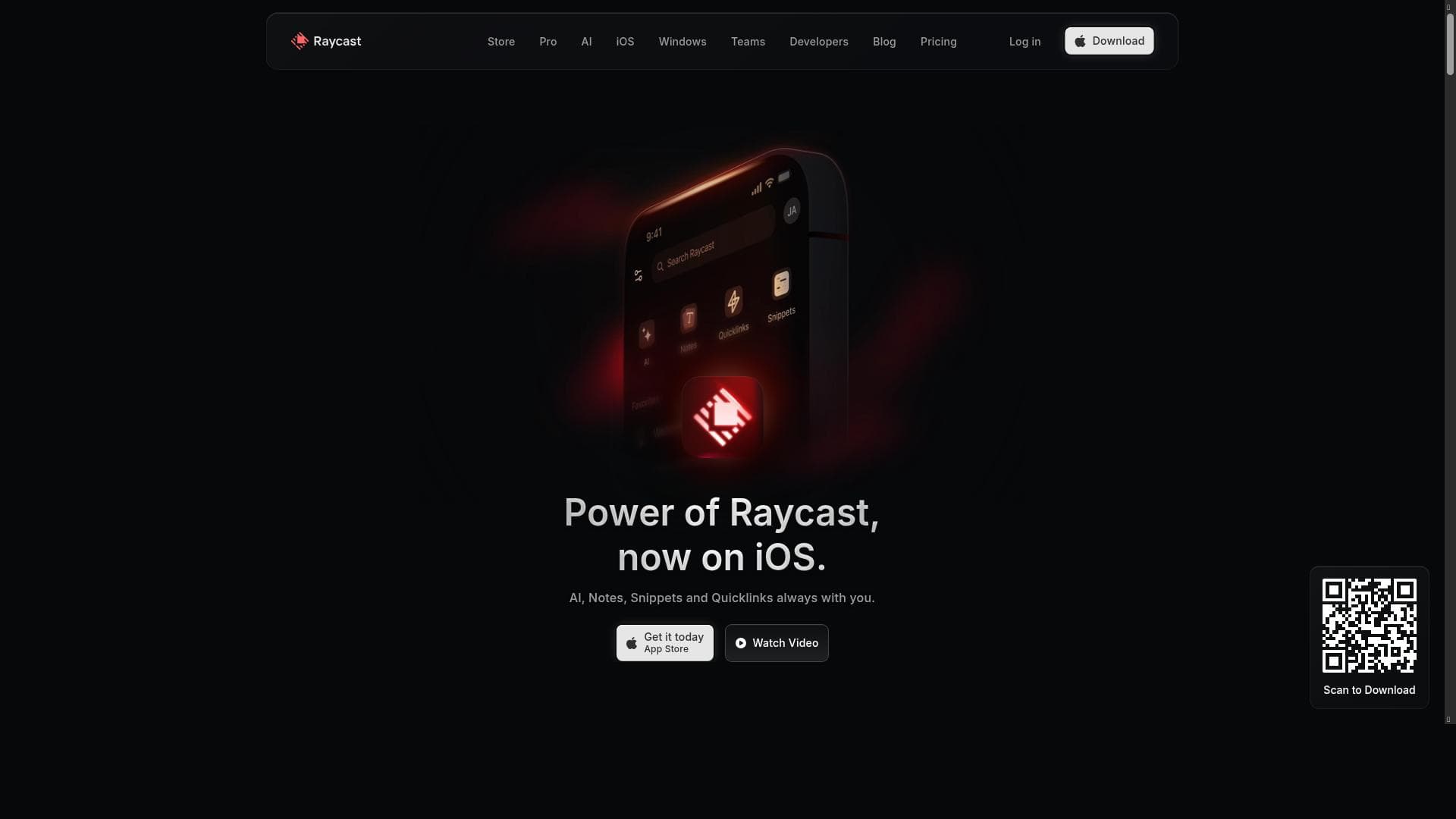
Description
Raycast for iOS uniquely extends the powerful Raycast macOS productivity app into a seamless mobile experience, combining AI assistance, note-taking, snippets, and quicklinks to keep users productive anywhere. It's perfect for professionals who want to maintain their desktop workflow on the go with intelligent tools and fast access to essential resources.
Raycast for iOS is a powerful mobile extension of the popular Raycast macOS productivity app, designed to bring seamless workflow continuity from desktop to mobile. Its core purpose is to serve as an all-in-one productivity toolkit that integrates AI-powered assistance, note-taking, snippets management, and quick access links, enabling users to stay efficient and organized no matter where they are. By mirroring and complementing the desktop experience, Raycast for iOS ensures that users can maintain their momentum and access critical tools on the go without disruption. At the heart of Raycast for iOS is its AI integration, which enhances productivity by offering intelligent suggestions, automations, and contextual assistance tailored to the user’s workflow. This AI assistant helps streamline tasks, reduces repetitive work, and accelerates decision-making. The note-taking feature is robust, allowing users to quickly capture ideas, to-dos, and important information directly from their mobile device. Notes are easily organized and synced with the desktop app, ensuring consistency across platforms. Additionally, snippets management lets users store and retrieve frequently used text blocks or code snippets, saving time and minimizing errors when working remotely or in transit. Quicklinks provide fast access to favorite apps, websites, or workflows, enabling users to jump directly into their most-used resources without navigating through multiple steps. This feature is particularly useful for professionals who rely on a curated set of tools and need instant access to them from their phone. Together, these capabilities make Raycast for iOS a comprehensive productivity companion that extends the power and flexibility of the desktop app into a mobile context. Raycast for iOS is best suited for knowledge workers, developers, project managers, and anyone who values a streamlined, efficient workflow that bridges desktop and mobile environments. It is ideal for users who already rely on Raycast on macOS and want to maintain their productivity while away from their computer. Specific use cases include managing tasks and notes during meetings, accessing code snippets while on the go, and quickly launching workflows or apps needed throughout the day. The app follows a freemium pricing model, allowing users to access core features for free while offering premium upgrades for advanced capabilities or additional customization. This approach makes it accessible to casual users and professionals alike, providing flexibility to scale usage according to individual needs. Compared to alternatives, Raycast for iOS stands out by tightly integrating with its desktop counterpart, offering a unified experience that many standalone mobile productivity apps lack. Its AI-powered features and snippets management are more advanced than typical note-taking or launcher apps, providing a richer, more intelligent toolkit. However, unlike some mobile-only productivity apps, Raycast’s strength lies in complementing a desktop workflow rather than replacing it entirely. Notable limitations include the dependency on the macOS Raycast app for full functionality and synchronization, which means users without a Mac or the desktop app may not benefit fully. Additionally, while the AI features enhance productivity, they may require some learning curve to optimize effectively. Users should also consider that the freemium model may restrict access to certain advanced features unless they opt for paid plans. Overall, Raycast for iOS is a thoughtfully designed mobile extension for users seeking to maintain a high level of productivity across devices. Its combination of AI assistance, note-taking, snippets, and quicklinks makes it a versatile tool for professionals who need to stay organized and efficient whether at their desk or on the move.

Description
Raycast for iOS uniquely extends the powerful Raycast macOS productivity app into a seamless mobile experience, combining AI assistance, note-taking, snippets, and quicklinks to keep users productive anywhere. It's perfect for professionals who want to maintain their desktop workflow on the go with intelligent tools and fast access to essential resources.
Raycast for iOS is a powerful mobile extension of the popular Raycast macOS productivity app, designed to bring seamless workflow continuity from desktop to mobile. Its core purpose is to serve as an all-in-one productivity toolkit that integrates AI-powered assistance, note-taking, snippets management, and quick access links, enabling users to stay efficient and organized no matter where they are. By mirroring and complementing the desktop experience, Raycast for iOS ensures that users can maintain their momentum and access critical tools on the go without disruption. At the heart of Raycast for iOS is its AI integration, which enhances productivity by offering intelligent suggestions, automations, and contextual assistance tailored to the user’s workflow. This AI assistant helps streamline tasks, reduces repetitive work, and accelerates decision-making. The note-taking feature is robust, allowing users to quickly capture ideas, to-dos, and important information directly from their mobile device. Notes are easily organized and synced with the desktop app, ensuring consistency across platforms. Additionally, snippets management lets users store and retrieve frequently used text blocks or code snippets, saving time and minimizing errors when working remotely or in transit. Quicklinks provide fast access to favorite apps, websites, or workflows, enabling users to jump directly into their most-used resources without navigating through multiple steps. This feature is particularly useful for professionals who rely on a curated set of tools and need instant access to them from their phone. Together, these capabilities make Raycast for iOS a comprehensive productivity companion that extends the power and flexibility of the desktop app into a mobile context. Raycast for iOS is best suited for knowledge workers, developers, project managers, and anyone who values a streamlined, efficient workflow that bridges desktop and mobile environments. It is ideal for users who already rely on Raycast on macOS and want to maintain their productivity while away from their computer. Specific use cases include managing tasks and notes during meetings, accessing code snippets while on the go, and quickly launching workflows or apps needed throughout the day. The app follows a freemium pricing model, allowing users to access core features for free while offering premium upgrades for advanced capabilities or additional customization. This approach makes it accessible to casual users and professionals alike, providing flexibility to scale usage according to individual needs. Compared to alternatives, Raycast for iOS stands out by tightly integrating with its desktop counterpart, offering a unified experience that many standalone mobile productivity apps lack. Its AI-powered features and snippets management are more advanced than typical note-taking or launcher apps, providing a richer, more intelligent toolkit. However, unlike some mobile-only productivity apps, Raycast’s strength lies in complementing a desktop workflow rather than replacing it entirely. Notable limitations include the dependency on the macOS Raycast app for full functionality and synchronization, which means users without a Mac or the desktop app may not benefit fully. Additionally, while the AI features enhance productivity, they may require some learning curve to optimize effectively. Users should also consider that the freemium model may restrict access to certain advanced features unless they opt for paid plans. Overall, Raycast for iOS is a thoughtfully designed mobile extension for users seeking to maintain a high level of productivity across devices. Its combination of AI assistance, note-taking, snippets, and quicklinks makes it a versatile tool for professionals who need to stay organized and efficient whether at their desk or on the move.
Tool Features
- AI integration for enhanced productivity
- Note-taking capabilities
- Snippets management
- Quicklinks for fast access
Frequently Asked Questions
What is Raycast for iOS?
Raycast for iOS is a mobile productivity app that complements the Raycast macOS desktop application by providing AI-powered assistance, note-taking, snippets management, and quicklinks to help users stay productive on the go.
How much does Raycast for iOS cost?
Raycast for iOS operates on a freemium model, offering core features for free with optional premium plans that unlock advanced functionalities and customization options.
Who is Raycast for iOS best for?
It is best suited for knowledge workers, developers, project managers, and anyone who uses Raycast on macOS and wants to extend their productivity toolkit to mobile devices for seamless workflow continuity.
What are the main features of Raycast for iOS?
The main features include AI integration for enhanced productivity, note-taking capabilities, snippets management for storing reusable text or code, and quicklinks for fast access to frequently used apps and workflows.
Does Raycast for iOS offer a free trial?
While Raycast for iOS offers a free tier with essential features, premium features may require a subscription; specific free trial details for premium plans can be found on their website.
What integrations does Raycast for iOS support?
Raycast for iOS integrates tightly with the Raycast macOS app, syncing notes, snippets, and workflows. It also supports quicklinks to various apps and websites, enhancing cross-platform productivity.
How does Raycast for iOS work?
Raycast for iOS works by extending the desktop Raycast experience to mobile, syncing data such as notes and snippets, and leveraging AI to assist users with tasks and workflows directly from their iPhone or iPad.
Socials
Use ToolSponsored Tools













































Reviews
No reviews yet. Be the first to share your experience.
















