Description
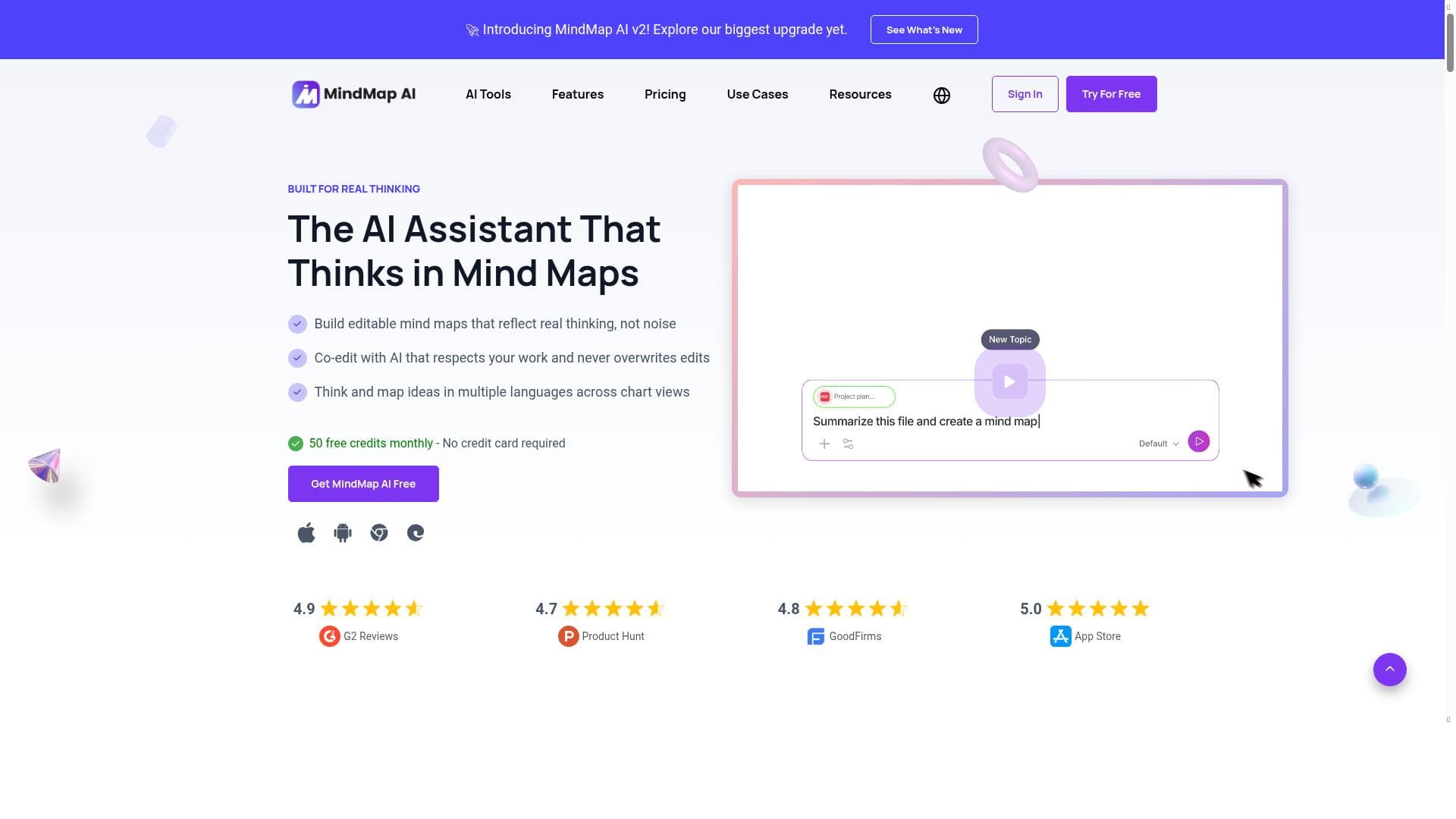
MindMap AI harnesses artificial intelligence to instantly transform diverse content types into structured mind maps, offering real-time AI guidance and seamless multi-format support. Ideal for students, professionals, and creatives alike, it simplifies brainstorming and organization with powerful features like AI co-editing and multiple visualization modes—all available for free.
MindMap AI is an advanced platform designed to revolutionize the way users create and organize mind maps by leveraging the power of artificial intelligence. At its core, the tool serves as an intelligent assistant that transforms diverse input formats—ranging from plain text and PDFs to images, audio, and video files—into structured, visually engaging mind maps instantly. This capability allows users to capture ideas, brainstorm, and organize complex information effortlessly, making it an invaluable resource for individuals and teams seeking clarity and creativity in their workflows. One of MindMap AI's standout features is its AI Thinking Mode, which ensures the generated mind maps are not only accurate but also logically coherent, reflecting the true relationships between concepts. The platform supports file-to-map conversion from a wide array of formats including Markdown and CSV, enabling users to import existing data and documents seamlessly. Multi-language support broadens its accessibility, allowing users worldwide to create mind maps in their preferred languages. The AI co-editing feature is particularly noteworthy; it allows users to collaborate in real-time with the AI while preserving any manual layouts or edits, ensuring that the creative input of the user is respected and enhanced rather than overwritten. MindMap AI also excels in handling large documents without compromising performance, making it suitable for extensive projects and research. Users can switch between multiple views such as Mind Map, Org Chart, and Logic Chart, providing versatile perspectives on their data. Customization is another key strength, with a variety of themes and full style editing options available to tailor the visual presentation to specific needs or branding guidelines. Furthermore, the platform supports import, sharing, and export across devices, facilitating smooth collaboration and workflow continuity. This tool is ideal for a broad spectrum of users including students, educators, project managers, business strategists, and creative professionals. For students and educators, MindMap AI simplifies note-taking, lesson planning, and knowledge organization. Project managers and business strategists can use it to visualize project plans, organizational structures, and strategic roadmaps. Creative professionals benefit from the brainstorming assistance and flexible editing capabilities that help translate abstract ideas into concrete visual maps. MindMap AI is currently available for free, making it accessible to individuals and organizations without upfront costs. This pricing model encourages exploration and adoption, especially for users new to AI-powered mind mapping. Compared to traditional mind mapping tools that require manual input and lack intelligent assistance, MindMap AI stands out by automating the creation process and offering real-time AI guidance. While some competitors may offer similar features, MindMap AI's combination of multi-format input, AI co-editing, and multi-view options provides a comprehensive and user-friendly experience. However, users should consider that as a relatively new AI-driven platform, some advanced customization or integration features found in more mature tools might be limited. Additionally, the quality of AI-generated maps can depend on the complexity and clarity of the input data. Despite these considerations, MindMap AI represents a significant advancement in mind mapping technology, offering a powerful, flexible, and accessible solution for organizing thoughts and information effectively.

Description
MindMap AI harnesses artificial intelligence to instantly transform diverse content types into structured mind maps, offering real-time AI guidance and seamless multi-format support. Ideal for students, professionals, and creatives alike, it simplifies brainstorming and organization with powerful features like AI co-editing and multiple visualization modes—all available for free.
MindMap AI is an advanced platform designed to revolutionize the way users create and organize mind maps by leveraging the power of artificial intelligence. At its core, the tool serves as an intelligent assistant that transforms diverse input formats—ranging from plain text and PDFs to images, audio, and video files—into structured, visually engaging mind maps instantly. This capability allows users to capture ideas, brainstorm, and organize complex information effortlessly, making it an invaluable resource for individuals and teams seeking clarity and creativity in their workflows. One of MindMap AI's standout features is its AI Thinking Mode, which ensures the generated mind maps are not only accurate but also logically coherent, reflecting the true relationships between concepts. The platform supports file-to-map conversion from a wide array of formats including Markdown and CSV, enabling users to import existing data and documents seamlessly. Multi-language support broadens its accessibility, allowing users worldwide to create mind maps in their preferred languages. The AI co-editing feature is particularly noteworthy; it allows users to collaborate in real-time with the AI while preserving any manual layouts or edits, ensuring that the creative input of the user is respected and enhanced rather than overwritten. MindMap AI also excels in handling large documents without compromising performance, making it suitable for extensive projects and research. Users can switch between multiple views such as Mind Map, Org Chart, and Logic Chart, providing versatile perspectives on their data. Customization is another key strength, with a variety of themes and full style editing options available to tailor the visual presentation to specific needs or branding guidelines. Furthermore, the platform supports import, sharing, and export across devices, facilitating smooth collaboration and workflow continuity. This tool is ideal for a broad spectrum of users including students, educators, project managers, business strategists, and creative professionals. For students and educators, MindMap AI simplifies note-taking, lesson planning, and knowledge organization. Project managers and business strategists can use it to visualize project plans, organizational structures, and strategic roadmaps. Creative professionals benefit from the brainstorming assistance and flexible editing capabilities that help translate abstract ideas into concrete visual maps. MindMap AI is currently available for free, making it accessible to individuals and organizations without upfront costs. This pricing model encourages exploration and adoption, especially for users new to AI-powered mind mapping. Compared to traditional mind mapping tools that require manual input and lack intelligent assistance, MindMap AI stands out by automating the creation process and offering real-time AI guidance. While some competitors may offer similar features, MindMap AI's combination of multi-format input, AI co-editing, and multi-view options provides a comprehensive and user-friendly experience. However, users should consider that as a relatively new AI-driven platform, some advanced customization or integration features found in more mature tools might be limited. Additionally, the quality of AI-generated maps can depend on the complexity and clarity of the input data. Despite these considerations, MindMap AI represents a significant advancement in mind mapping technology, offering a powerful, flexible, and accessible solution for organizing thoughts and information effectively.
Tool Features
- AI Thinking Mode for accurate mind maps
- File-to-map conversion from PDFs, images, audio, video, Markdown, and CSV
- Multi-language mind mapping support
- AI co-editing that preserves manual layout and edits
- Large document processing with stable performance
- Multiple views: Mind Map, Org Chart, Logic Chart
- Themes and full style customization
- Import, share, and export across devices
Frequently Asked Questions
What is MindMap AI?
MindMap AI is an AI-powered platform that helps users create and organize mind maps by converting various types of content such as text, PDFs, images, audio, and video files into structured visual maps. It offers real-time AI assistance to enhance brainstorming and editing.
How much does MindMap AI cost?
MindMap AI is currently available for free, allowing users to access its full range of features without any subscription or payment.
Who is MindMap AI best for?
MindMap AI is ideal for students, educators, project managers, business strategists, and creative professionals who need to organize complex information, brainstorm ideas, or visualize projects efficiently.
What are the main features of MindMap AI?
Key features include AI Thinking Mode for accurate mind maps, file-to-map conversion from multiple formats (PDF, images, audio, video, Markdown, CSV), multi-language support, AI co-editing that preserves manual edits, large document processing, multiple views (Mind Map, Org Chart, Logic Chart), customizable themes and styles, and cross-device import, sharing, and export.
Does MindMap AI offer a free trial?
MindMap AI is offered for free, so there is no need for a separate trial period; users can access the platform and its features without cost.
What integrations does MindMap AI support?
MindMap AI supports importing files in various formats including PDFs, images, audio, video, Markdown, and CSV, enabling integration with many common document and data sources. Specific third-party app integrations are not detailed.
How does MindMap AI work?
Users upload or input content in various formats, and MindMap AI's artificial intelligence processes the data to generate structured mind maps instantly. The AI Copilot Chat provides real-time suggestions and guidance, while users can edit and customize the maps with multiple views and styles.
Socials
Use ToolSponsored Tools













































Reviews
No reviews yet. Be the first to share your experience.
















