
Description
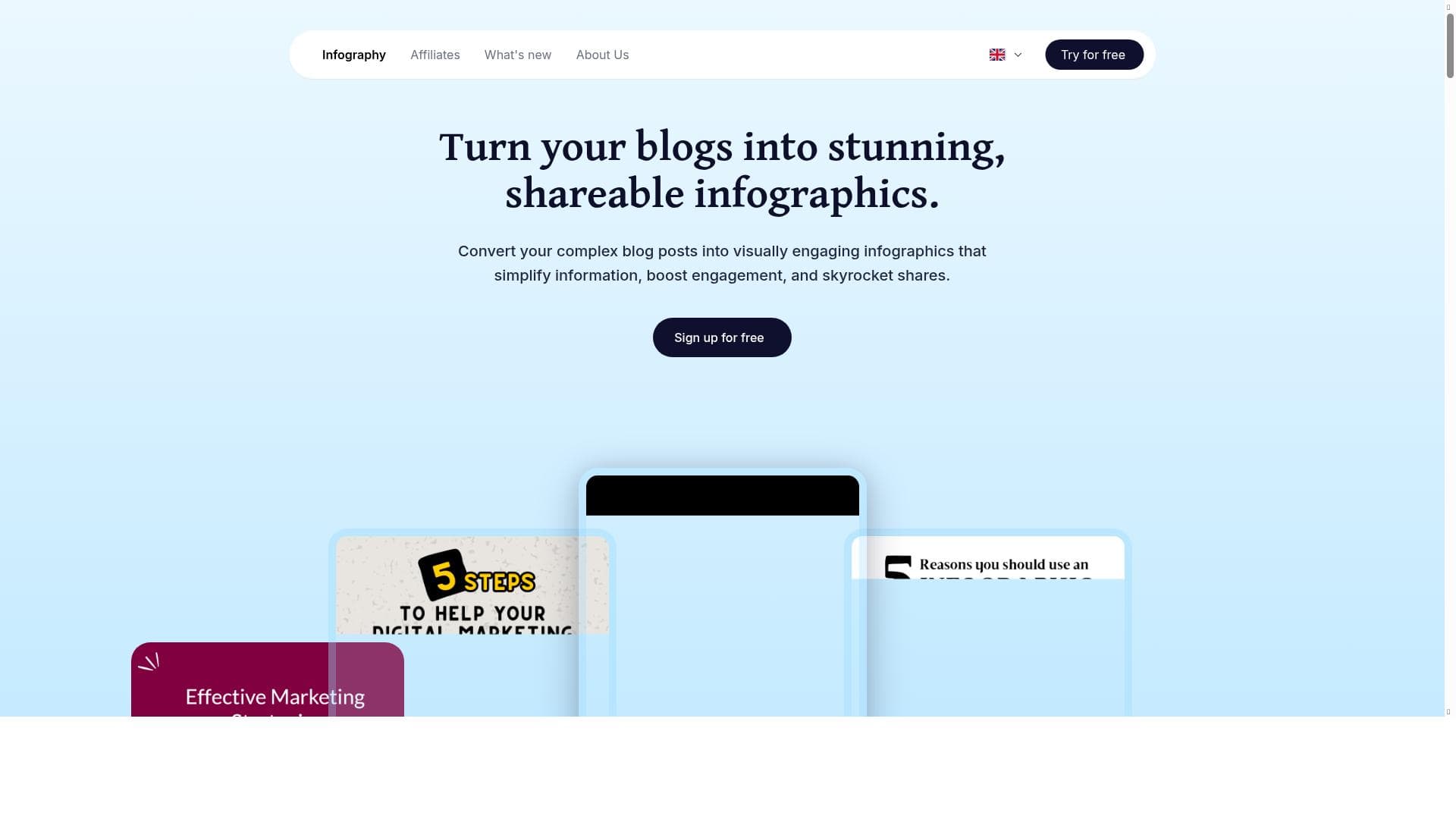
Infography is a cutting-edge AI design tool that instantly transforms complex text and PDFs into professional infographics in over 150 languages. Perfect for marketers, educators, and content creators, it automates design tasks to produce high-quality visuals without any design skills, boosting engagement and simplifying information sharing.
Infography is an innovative AI-powered design tool specifically engineered to transform complex textual content such as blogs, articles, and PDFs into visually compelling infographics within seconds. Its core purpose is to simplify the process of creating professional-grade visual content, making it accessible to users without any prior design experience. By leveraging advanced AI algorithms, Infography automates critical design elements including layout arrangement, icon selection, and data visualization, enabling users to generate high-quality infographics quickly and efficiently. Supporting over 150 languages, it caters to a global audience, breaking down language barriers and enhancing content accessibility worldwide. One of the standout features of Infography is its ability to convert dense and complex blog posts or textual documents into clear, engaging infographics. This feature is particularly valuable for marketers, educators, and content creators who need to distill large volumes of information into digestible visual summaries that capture attention and improve comprehension. The tool’s automation of layout and iconography selection removes the need for manual design decisions, saving users significant time and effort. Additionally, Infography’s data visualization capabilities allow users to represent statistics and key data points in a visually appealing manner, which can boost audience engagement and retention. Infography is ideally suited for a variety of users including digital marketers aiming to enhance social media content, educators seeking to create informative teaching materials, bloggers wanting to increase readership through shareable visuals, and business professionals preparing presentations or reports. Its multilingual support makes it an excellent choice for international teams and content creators targeting diverse markets. Use cases range from simplifying complex research findings into infographic summaries, creating marketing collateral that stands out, to developing educational resources that facilitate better understanding. The platform operates on a freemium pricing model, allowing users to access basic features at no cost while offering premium plans for advanced functionalities and higher usage limits. This approach makes it accessible to individuals and small teams who want to experiment with infographic creation without upfront investment, while also catering to larger organizations requiring more robust capabilities. Detailed pricing tiers and feature breakdowns are available on their website, which helps users select plans tailored to their specific needs. Compared to traditional graphic design software and other infographic tools, Infography’s AI-driven automation significantly reduces the learning curve and time investment. While many design platforms require manual layout adjustments and graphic selection, Infography’s AI handles these tasks intelligently, making it faster and more user-friendly. However, unlike some highly customizable design tools, Infography may offer less granular control over design elements, which could be a limitation for professional designers seeking complete creative freedom. Nonetheless, its speed and ease of use make it a compelling option for non-designers and those prioritizing efficiency. Potential users should consider that while Infography excels at automating infographic creation, the quality of output depends on the clarity and structure of the input text. Extremely unstructured or ambiguous content may require some manual editing post-conversion. Additionally, integration options with other platforms and export formats may be limited compared to some competitors, which could impact workflow integration for advanced users. Overall, Infography stands out as a powerful, accessible tool for anyone looking to enhance their content with professional infographics quickly and effortlessly.

Description
Infography is a cutting-edge AI design tool that instantly transforms complex text and PDFs into professional infographics in over 150 languages. Perfect for marketers, educators, and content creators, it automates design tasks to produce high-quality visuals without any design skills, boosting engagement and simplifying information sharing.
Infography is an innovative AI-powered design tool specifically engineered to transform complex textual content such as blogs, articles, and PDFs into visually compelling infographics within seconds. Its core purpose is to simplify the process of creating professional-grade visual content, making it accessible to users without any prior design experience. By leveraging advanced AI algorithms, Infography automates critical design elements including layout arrangement, icon selection, and data visualization, enabling users to generate high-quality infographics quickly and efficiently. Supporting over 150 languages, it caters to a global audience, breaking down language barriers and enhancing content accessibility worldwide. One of the standout features of Infography is its ability to convert dense and complex blog posts or textual documents into clear, engaging infographics. This feature is particularly valuable for marketers, educators, and content creators who need to distill large volumes of information into digestible visual summaries that capture attention and improve comprehension. The tool’s automation of layout and iconography selection removes the need for manual design decisions, saving users significant time and effort. Additionally, Infography’s data visualization capabilities allow users to represent statistics and key data points in a visually appealing manner, which can boost audience engagement and retention. Infography is ideally suited for a variety of users including digital marketers aiming to enhance social media content, educators seeking to create informative teaching materials, bloggers wanting to increase readership through shareable visuals, and business professionals preparing presentations or reports. Its multilingual support makes it an excellent choice for international teams and content creators targeting diverse markets. Use cases range from simplifying complex research findings into infographic summaries, creating marketing collateral that stands out, to developing educational resources that facilitate better understanding. The platform operates on a freemium pricing model, allowing users to access basic features at no cost while offering premium plans for advanced functionalities and higher usage limits. This approach makes it accessible to individuals and small teams who want to experiment with infographic creation without upfront investment, while also catering to larger organizations requiring more robust capabilities. Detailed pricing tiers and feature breakdowns are available on their website, which helps users select plans tailored to their specific needs. Compared to traditional graphic design software and other infographic tools, Infography’s AI-driven automation significantly reduces the learning curve and time investment. While many design platforms require manual layout adjustments and graphic selection, Infography’s AI handles these tasks intelligently, making it faster and more user-friendly. However, unlike some highly customizable design tools, Infography may offer less granular control over design elements, which could be a limitation for professional designers seeking complete creative freedom. Nonetheless, its speed and ease of use make it a compelling option for non-designers and those prioritizing efficiency. Potential users should consider that while Infography excels at automating infographic creation, the quality of output depends on the clarity and structure of the input text. Extremely unstructured or ambiguous content may require some manual editing post-conversion. Additionally, integration options with other platforms and export formats may be limited compared to some competitors, which could impact workflow integration for advanced users. Overall, Infography stands out as a powerful, accessible tool for anyone looking to enhance their content with professional infographics quickly and effortlessly.
Tool Features
- Convert complex blog posts into infographics
- Create visually engaging and shareable content
- Simplify information for better understanding
- Boost engagement through visual content
Frequently Asked Questions
What is Infography?
Infography is an AI-powered design tool that converts complex text, blogs, and PDFs into professional infographics within 30 seconds, automating layout, icon selection, and data visualization to simplify visual content creation.
How much does Infography cost?
Infography offers a freemium pricing model, providing free access to basic features with premium plans available for advanced functionalities and higher usage limits. Detailed pricing information is available on their website.
Who is Infography best for?
Infography is ideal for marketers, educators, bloggers, and business professionals who want to create engaging, shareable infographics quickly without needing design experience, especially those working with multilingual content.
What are the main features of Infography?
Key features include converting complex blog posts and PDFs into infographics, automating layout and icon selection, supporting over 150 languages, simplifying information for better understanding, and enhancing engagement through visual content.
Does Infography offer a free trial?
Yes, Infography provides free access to its basic features under a freemium model, allowing users to try the tool without any upfront cost.
What integrations does Infography support?
Currently, Infography focuses on standalone infographic creation and does not prominently advertise integrations with other platforms, so users may need to export visuals manually for use elsewhere.
How does Infography work?
Users input complex text, blogs, or PDFs into Infography, which then uses AI to analyze the content and automatically generate professional infographics by selecting layouts, icons, and data visualizations, all within 30 seconds.
Socials
Use ToolSponsored Tools













































Reviews
No reviews yet. Be the first to share your experience.















