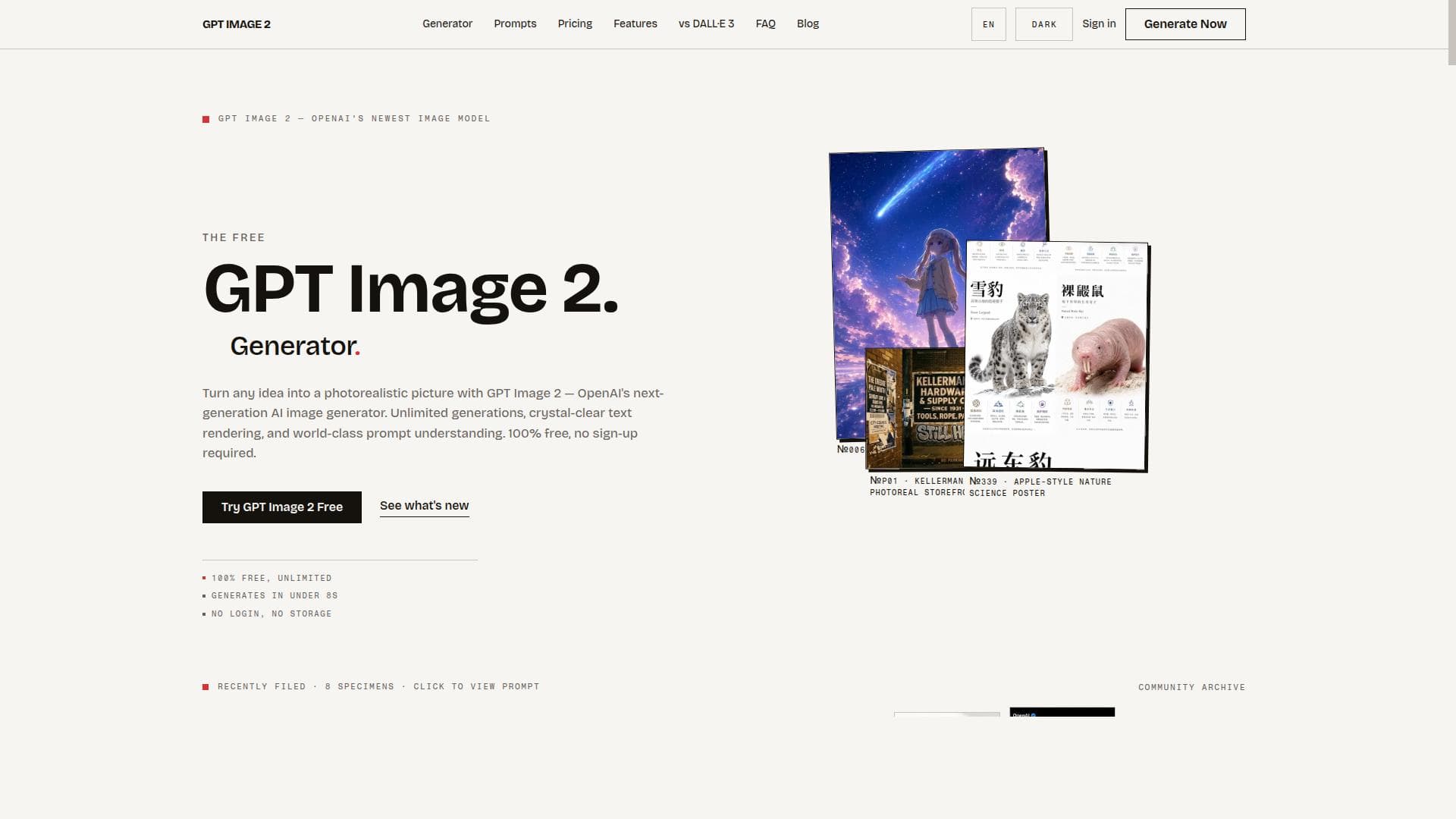
Description
GPT Image 2 is a free, browser-based AI image generator and editor that creates stunning 2K visuals from text prompts with no login, watermarks, or usage limits. Ideal for creatives and marketers seeking fast, high-quality images and seamless editing directly in the browser, it offers unlimited access and upscaling features for professional-grade results.
GPT Image 2 is a cutting-edge AI-powered image generation and editing tool designed to transform user ideas into high-quality 2K visuals quickly and effortlessly. Its core purpose is to provide a seamless, browser-based platform where users can generate, edit, and upscale AI-created images without the typical barriers such as account creation, watermarks, or usage restrictions. By leveraging advanced AI models, GPT Image 2 empowers creatives, marketers, designers, and hobbyists to bring their imaginative concepts to life with remarkable detail and resolution within seconds. At the heart of GPT Image 2 lies its ability to generate stunning 2K images from simple text prompts. Users simply describe the scene or concept they envision, and the AI interprets and renders it into a vivid, high-resolution image. Beyond generation, the tool offers robust in-browser editing capabilities, allowing users to refine and modify AI-generated visuals directly without needing external software. Additionally, GPT Image 2 includes an upscaling feature that enhances image resolution further, making it ideal for professional use cases where clarity and detail are paramount. One of the standout features of GPT Image 2 is its accessibility. It requires no login or account setup, removing friction and enabling instant use. Users also benefit from unlimited usage without any hidden caps or paywalls, and the images produced are free from watermarks, ensuring clean, professional outputs suitable for any project. This combination of features makes GPT Image 2 a highly versatile tool for a wide range of users, from individual creators seeking quick concept visuals to businesses needing scalable image generation for marketing, advertising, or content creation. GPT Image 2 is particularly well-suited for graphic designers, digital artists, content creators, social media managers, and marketers who require fast, high-quality visuals without the complexity of traditional design tools. It also appeals to educators and students exploring AI creativity, as well as developers and startups looking to prototype visual ideas rapidly. Use cases include creating concept art, social media graphics, promotional materials, storyboarding, and even enhancing existing images through upscaling and editing. Regarding pricing, GPT Image 2 stands out by offering its full suite of features completely free of charge, with no login or subscription required. This model contrasts with many competitors that impose usage limits, require sign-ups, or add watermarks unless users upgrade to paid plans. By removing these barriers, GPT Image 2 democratizes access to advanced AI image generation technology. When compared to alternatives, GPT Image 2 excels in ease of use, speed, and unrestricted access. Many AI image generators require account creation, limit daily generation counts, or apply watermarks to free images, which can hinder workflow and professional use. GPT Image 2’s browser-based interface and lack of restrictions provide a more streamlined and user-friendly experience. However, while it offers powerful features, it may not yet match the extensive customization or style-specific controls found in some specialized paid platforms. Potential limitations include the absence of advanced style presets or integration with external design software, which some professional users might find limiting. Additionally, as a browser-based tool, performance can depend on internet speed and browser capabilities. Users seeking highly specialized or niche artistic styles might need to complement GPT Image 2 with other tools. Nonetheless, its no-login, no-watermark, unlimited usage model makes it an exceptional choice for rapid, high-quality AI image generation and editing. In summary, GPT Image 2 is a versatile, accessible, and powerful AI image generation and editing platform that stands out by offering high-resolution 2K images, in-browser editing, and upscaling without any barriers. Its user-friendly approach and unlimited free access make it an invaluable resource for a broad spectrum of users looking to harness AI creativity quickly and professionally.
Description
GPT Image 2 is a free, browser-based AI image generator and editor that creates stunning 2K visuals from text prompts with no login, watermarks, or usage limits. Ideal for creatives and marketers seeking fast, high-quality images and seamless editing directly in the browser, it offers unlimited access and upscaling features for professional-grade results.
GPT Image 2 is a cutting-edge AI-powered image generation and editing tool designed to transform user ideas into high-quality 2K visuals quickly and effortlessly. Its core purpose is to provide a seamless, browser-based platform where users can generate, edit, and upscale AI-created images without the typical barriers such as account creation, watermarks, or usage restrictions. By leveraging advanced AI models, GPT Image 2 empowers creatives, marketers, designers, and hobbyists to bring their imaginative concepts to life with remarkable detail and resolution within seconds. At the heart of GPT Image 2 lies its ability to generate stunning 2K images from simple text prompts. Users simply describe the scene or concept they envision, and the AI interprets and renders it into a vivid, high-resolution image. Beyond generation, the tool offers robust in-browser editing capabilities, allowing users to refine and modify AI-generated visuals directly without needing external software. Additionally, GPT Image 2 includes an upscaling feature that enhances image resolution further, making it ideal for professional use cases where clarity and detail are paramount. One of the standout features of GPT Image 2 is its accessibility. It requires no login or account setup, removing friction and enabling instant use. Users also benefit from unlimited usage without any hidden caps or paywalls, and the images produced are free from watermarks, ensuring clean, professional outputs suitable for any project. This combination of features makes GPT Image 2 a highly versatile tool for a wide range of users, from individual creators seeking quick concept visuals to businesses needing scalable image generation for marketing, advertising, or content creation. GPT Image 2 is particularly well-suited for graphic designers, digital artists, content creators, social media managers, and marketers who require fast, high-quality visuals without the complexity of traditional design tools. It also appeals to educators and students exploring AI creativity, as well as developers and startups looking to prototype visual ideas rapidly. Use cases include creating concept art, social media graphics, promotional materials, storyboarding, and even enhancing existing images through upscaling and editing. Regarding pricing, GPT Image 2 stands out by offering its full suite of features completely free of charge, with no login or subscription required. This model contrasts with many competitors that impose usage limits, require sign-ups, or add watermarks unless users upgrade to paid plans. By removing these barriers, GPT Image 2 democratizes access to advanced AI image generation technology. When compared to alternatives, GPT Image 2 excels in ease of use, speed, and unrestricted access. Many AI image generators require account creation, limit daily generation counts, or apply watermarks to free images, which can hinder workflow and professional use. GPT Image 2’s browser-based interface and lack of restrictions provide a more streamlined and user-friendly experience. However, while it offers powerful features, it may not yet match the extensive customization or style-specific controls found in some specialized paid platforms. Potential limitations include the absence of advanced style presets or integration with external design software, which some professional users might find limiting. Additionally, as a browser-based tool, performance can depend on internet speed and browser capabilities. Users seeking highly specialized or niche artistic styles might need to complement GPT Image 2 with other tools. Nonetheless, its no-login, no-watermark, unlimited usage model makes it an exceptional choice for rapid, high-quality AI image generation and editing. In summary, GPT Image 2 is a versatile, accessible, and powerful AI image generation and editing platform that stands out by offering high-resolution 2K images, in-browser editing, and upscaling without any barriers. Its user-friendly approach and unlimited free access make it an invaluable resource for a broad spectrum of users looking to harness AI creativity quickly and professionally.
Tool Features
- Generate 2K AI images from text prompts
- Edit AI-generated images in the browser
- Upscale images to higher resolution
- No login required
- No watermarks on images
- Unlimited usage without limits
Frequently Asked Questions
What is GPT Image 2?
GPT Image 2 is an AI-powered image generation and editing tool that allows users to create, edit, and upscale high-resolution 2K images from text prompts directly in their browser without requiring login or imposing usage limits.
How much does GPT Image 2 cost?
GPT Image 2 is completely free to use with no subscription fees, no login requirements, and no restrictions on the number of images you can generate or edit.
Who is GPT Image 2 best for?
GPT Image 2 is ideal for digital artists, graphic designers, content creators, marketers, educators, and anyone looking to quickly generate and edit high-quality AI images without technical barriers or costs.
What are the main features of GPT Image 2?
Key features include generating 2K AI images from text prompts, in-browser image editing, upscaling images to higher resolutions, no login or account needed, watermark-free images, and unlimited usage without limits.
Does GPT Image 2 offer a free trial?
There is no need for a free trial as GPT Image 2 offers unlimited free access to all its features without requiring any signup or payment.
What integrations does GPT Image 2 support?
Currently, GPT Image 2 operates as a standalone browser-based tool and does not offer direct integrations with other software or platforms.
How does GPT Image 2 work?
Users input descriptive text prompts into the GPT Image 2 interface, and the AI model generates a corresponding 2K image. Users can then edit or upscale the image directly in the browser, all without needing to create an account or deal with watermarks.
Sponsored Tools













































Reviews
No reviews yet. Be the first to share your experience.