Description
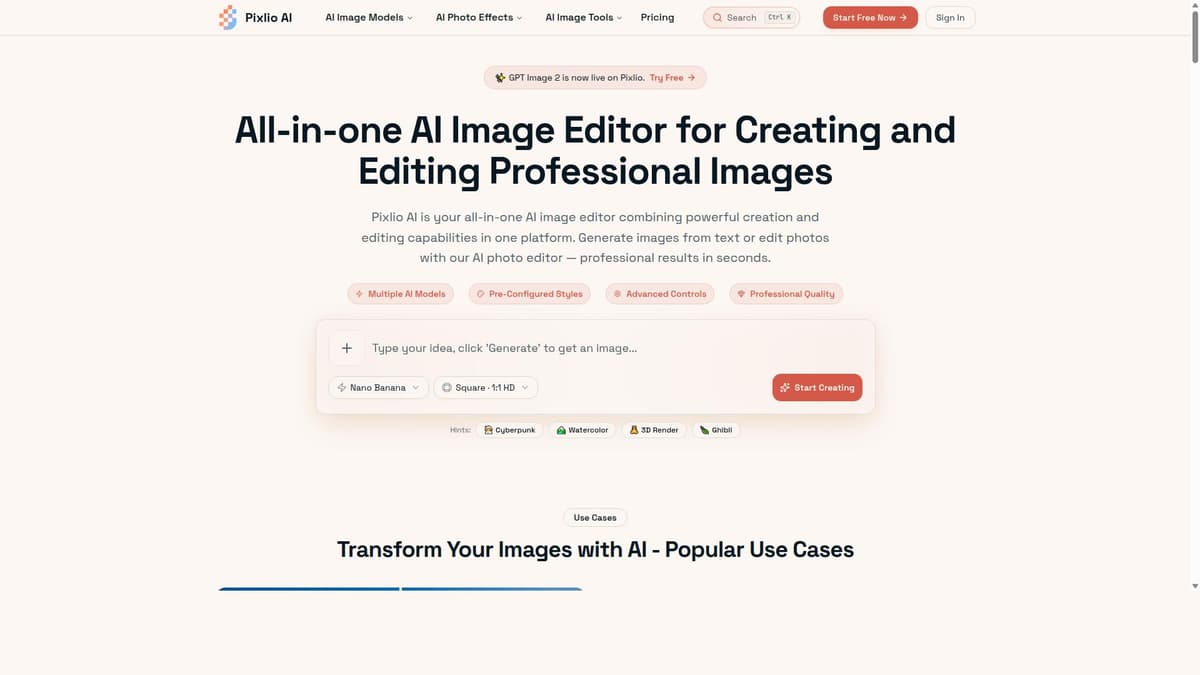
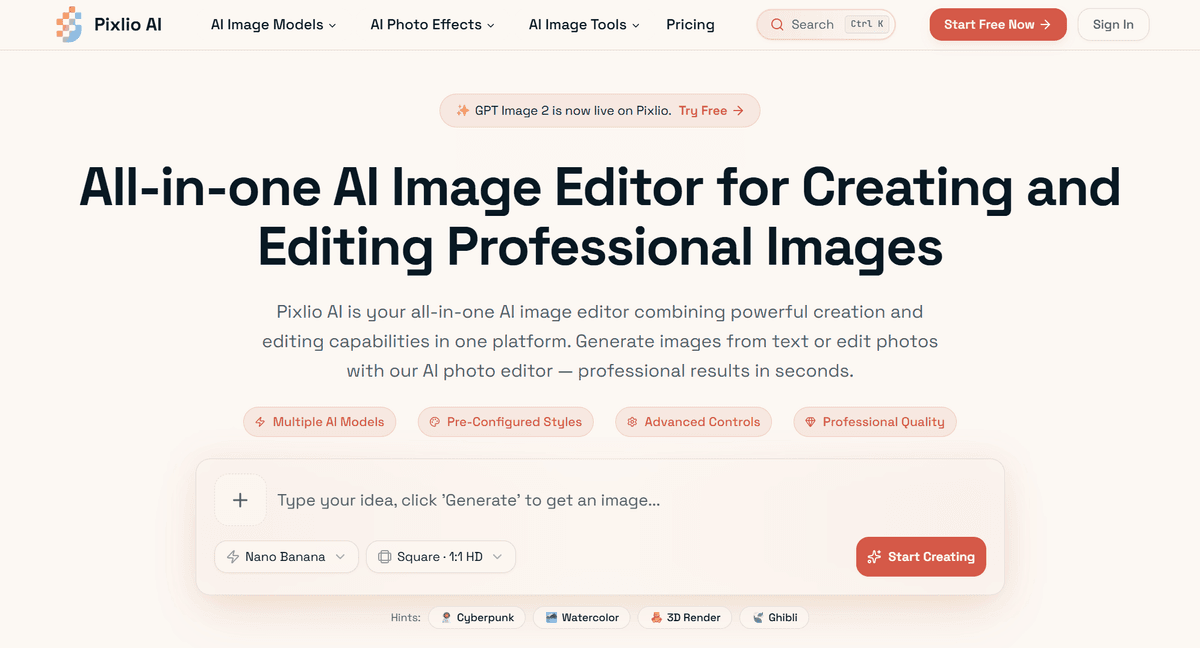
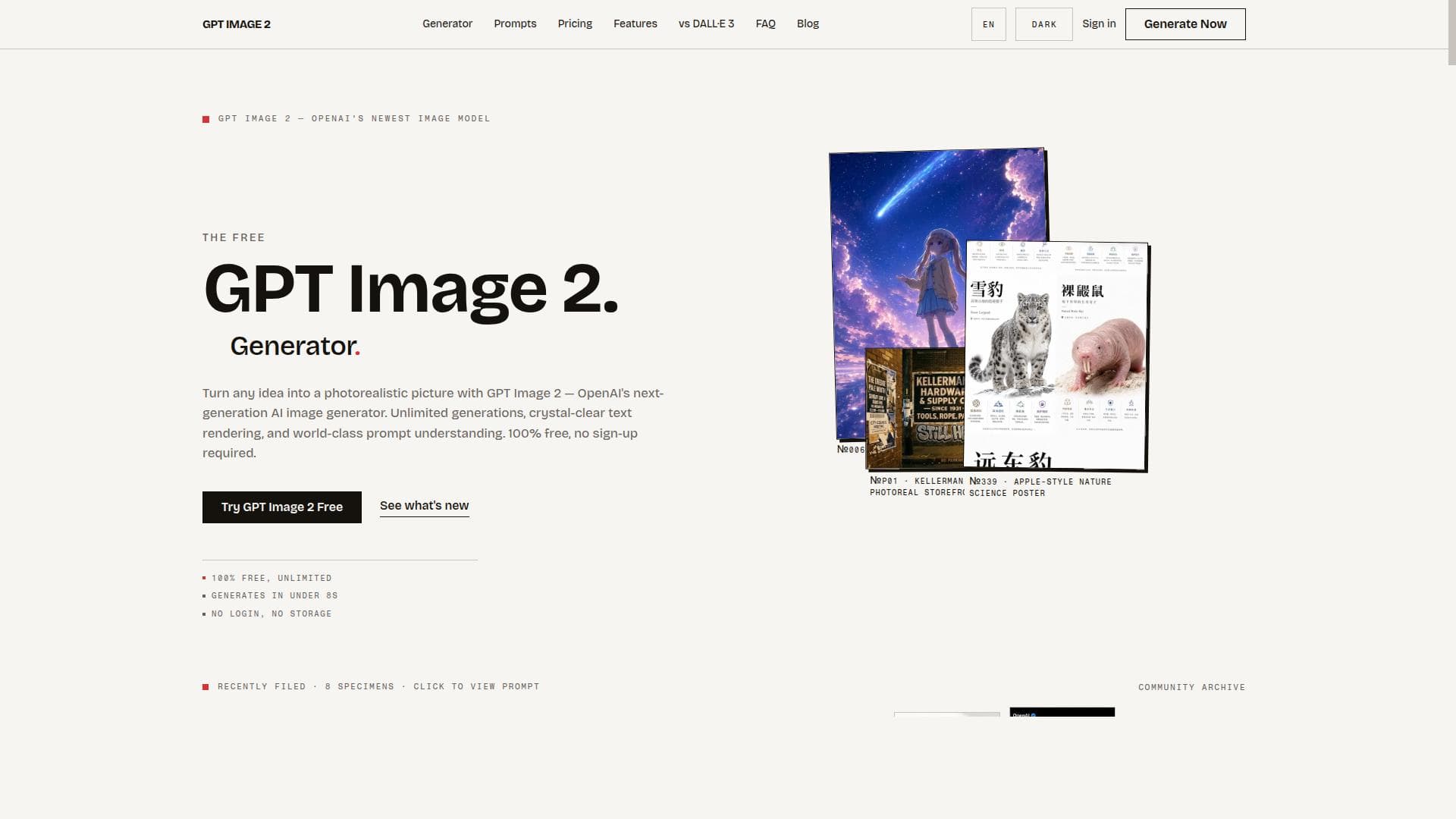
GPT Image 2 is a free, monochrome-focused AI image generator that excels in prompt-based creation and reference-based editing within a fast, unified workspace. It’s perfect for designers, artists, and developers seeking quick, high-contrast black-and-white visuals with seamless iteration and editing capabilities.
GPT Image 2 is a specialized AI tool designed to generate and edit monochrome images efficiently within a single, streamlined workspace. Its core purpose is to provide users with an intuitive platform that combines prompt-based image creation, reference-based editing, and rapid testing capabilities, all focused on monochrome visuals. This makes it ideal for artists, designers, and developers who require quick iteration and precise control over black-and-white imagery, whether for creative projects, prototyping, or conceptual work. At its heart, GPT Image 2 leverages advanced AI algorithms to interpret textual prompts and generate corresponding monochrome images. Unlike many AI image generators that focus on colorful or photorealistic outputs, GPT Image 2 specializes in monochrome generation, which can be particularly useful for stylistic design, print media, or minimalist art. Users can input detailed textual prompts to guide the AI in creating images that match their vision. Additionally, the tool supports reference-based editing, allowing users to upload an existing image and make AI-driven modifications based on new prompts or adjustments. This hybrid approach of creation and editing within one environment accelerates workflows by eliminating the need to switch between multiple tools. The workspace itself is optimized for fast testing and iteration. Users can quickly generate multiple variations of an image, tweak prompts, and apply edits without delays or cumbersome interface changes. This focus on speed and efficiency makes GPT Image 2 particularly valuable for professionals who need to explore many creative options rapidly or test visual concepts before committing to final designs. GPT Image 2 is best suited for graphic designers, illustrators, content creators, and developers working on projects that benefit from monochrome imagery. For example, comic artists or storyboard creators can use it to draft black-and-white panels quickly. Marketing teams might generate simple, high-contrast visuals for print ads or social media. Developers working on UI/UX prototypes can test iconography and interface elements in monochrome to focus on form and contrast. Its ease of use and free access also make it accessible to hobbyists and students exploring AI-assisted image creation. Regarding pricing, GPT Image 2 is offered as a free tool, making it highly accessible without subscription fees or usage costs. This free model encourages experimentation and lowers the barrier to entry for users who want to explore monochrome AI image generation without financial commitment. However, as a free service, users should consider potential limitations in terms of usage volume, resolution, or advanced features compared to paid alternatives. When compared to other AI image generators, GPT Image 2 stands out by focusing exclusively on monochrome images and combining prompt-based generation with reference-based editing in a single workspace. Many competitors offer full-color generation but lack specialized monochrome options or integrated editing capabilities. This makes GPT Image 2 uniquely suited for users who prioritize black-and-white aesthetics and need a fast, iterative environment. However, it may not be the best choice for those requiring full-color, photorealistic, or highly detailed images. Notable limitations include its monochrome-only output, which restricts use cases where color is essential. Additionally, as a free tool, it may have constraints on image resolution, export options, or API integrations. Users should also be aware that AI-generated images might require manual refinement for professional use, especially in complex or nuanced visual contexts. Despite these considerations, GPT Image 2 offers a focused, efficient solution for monochrome AI image generation and editing, filling a niche that many broader AI image tools do not address.

Description
GPT Image 2 is a free, monochrome-focused AI image generator that excels in prompt-based creation and reference-based editing within a fast, unified workspace. It’s perfect for designers, artists, and developers seeking quick, high-contrast black-and-white visuals with seamless iteration and editing capabilities.
GPT Image 2 is a specialized AI tool designed to generate and edit monochrome images efficiently within a single, streamlined workspace. Its core purpose is to provide users with an intuitive platform that combines prompt-based image creation, reference-based editing, and rapid testing capabilities, all focused on monochrome visuals. This makes it ideal for artists, designers, and developers who require quick iteration and precise control over black-and-white imagery, whether for creative projects, prototyping, or conceptual work. At its heart, GPT Image 2 leverages advanced AI algorithms to interpret textual prompts and generate corresponding monochrome images. Unlike many AI image generators that focus on colorful or photorealistic outputs, GPT Image 2 specializes in monochrome generation, which can be particularly useful for stylistic design, print media, or minimalist art. Users can input detailed textual prompts to guide the AI in creating images that match their vision. Additionally, the tool supports reference-based editing, allowing users to upload an existing image and make AI-driven modifications based on new prompts or adjustments. This hybrid approach of creation and editing within one environment accelerates workflows by eliminating the need to switch between multiple tools. The workspace itself is optimized for fast testing and iteration. Users can quickly generate multiple variations of an image, tweak prompts, and apply edits without delays or cumbersome interface changes. This focus on speed and efficiency makes GPT Image 2 particularly valuable for professionals who need to explore many creative options rapidly or test visual concepts before committing to final designs. GPT Image 2 is best suited for graphic designers, illustrators, content creators, and developers working on projects that benefit from monochrome imagery. For example, comic artists or storyboard creators can use it to draft black-and-white panels quickly. Marketing teams might generate simple, high-contrast visuals for print ads or social media. Developers working on UI/UX prototypes can test iconography and interface elements in monochrome to focus on form and contrast. Its ease of use and free access also make it accessible to hobbyists and students exploring AI-assisted image creation. Regarding pricing, GPT Image 2 is offered as a free tool, making it highly accessible without subscription fees or usage costs. This free model encourages experimentation and lowers the barrier to entry for users who want to explore monochrome AI image generation without financial commitment. However, as a free service, users should consider potential limitations in terms of usage volume, resolution, or advanced features compared to paid alternatives. When compared to other AI image generators, GPT Image 2 stands out by focusing exclusively on monochrome images and combining prompt-based generation with reference-based editing in a single workspace. Many competitors offer full-color generation but lack specialized monochrome options or integrated editing capabilities. This makes GPT Image 2 uniquely suited for users who prioritize black-and-white aesthetics and need a fast, iterative environment. However, it may not be the best choice for those requiring full-color, photorealistic, or highly detailed images. Notable limitations include its monochrome-only output, which restricts use cases where color is essential. Additionally, as a free tool, it may have constraints on image resolution, export options, or API integrations. Users should also be aware that AI-generated images might require manual refinement for professional use, especially in complex or nuanced visual contexts. Despite these considerations, GPT Image 2 offers a focused, efficient solution for monochrome AI image generation and editing, filling a niche that many broader AI image tools do not address.
Tool Features
- Monochrome AI image generation
- Prompt-based image creation
- Reference-based image editing
- Fast testing within a single workspace
Frequently Asked Questions
What is GPT Image 2?
GPT Image 2 is a free AI-powered tool designed to generate and edit monochrome images using prompt-based creation and reference-based editing within a single, efficient workspace.
How much does GPT Image 2 cost?
GPT Image 2 is completely free to use, with no subscription fees or charges for accessing its core features.
Who is GPT Image 2 best for?
It is ideal for graphic designers, illustrators, content creators, developers, and anyone needing fast, high-contrast monochrome images for creative projects, prototyping, or testing.
What are the main features of GPT Image 2?
Key features include monochrome AI image generation, prompt-based image creation, reference-based image editing, and fast testing all within one focused workspace.
Does GPT Image 2 offer a free trial?
Yes, GPT Image 2 is free to use from the start, so no separate trial is necessary.
What integrations does GPT Image 2 support?
Currently, GPT Image 2 operates as a standalone web-based tool and does not list specific third-party integrations.
How does GPT Image 2 work?
Users input textual prompts to generate monochrome images or upload reference images to edit. The AI processes these inputs to create or modify images quickly within a single workspace designed for fast iteration.
Sponsored Tools













































Reviews
No reviews yet. Be the first to share your experience.