Description
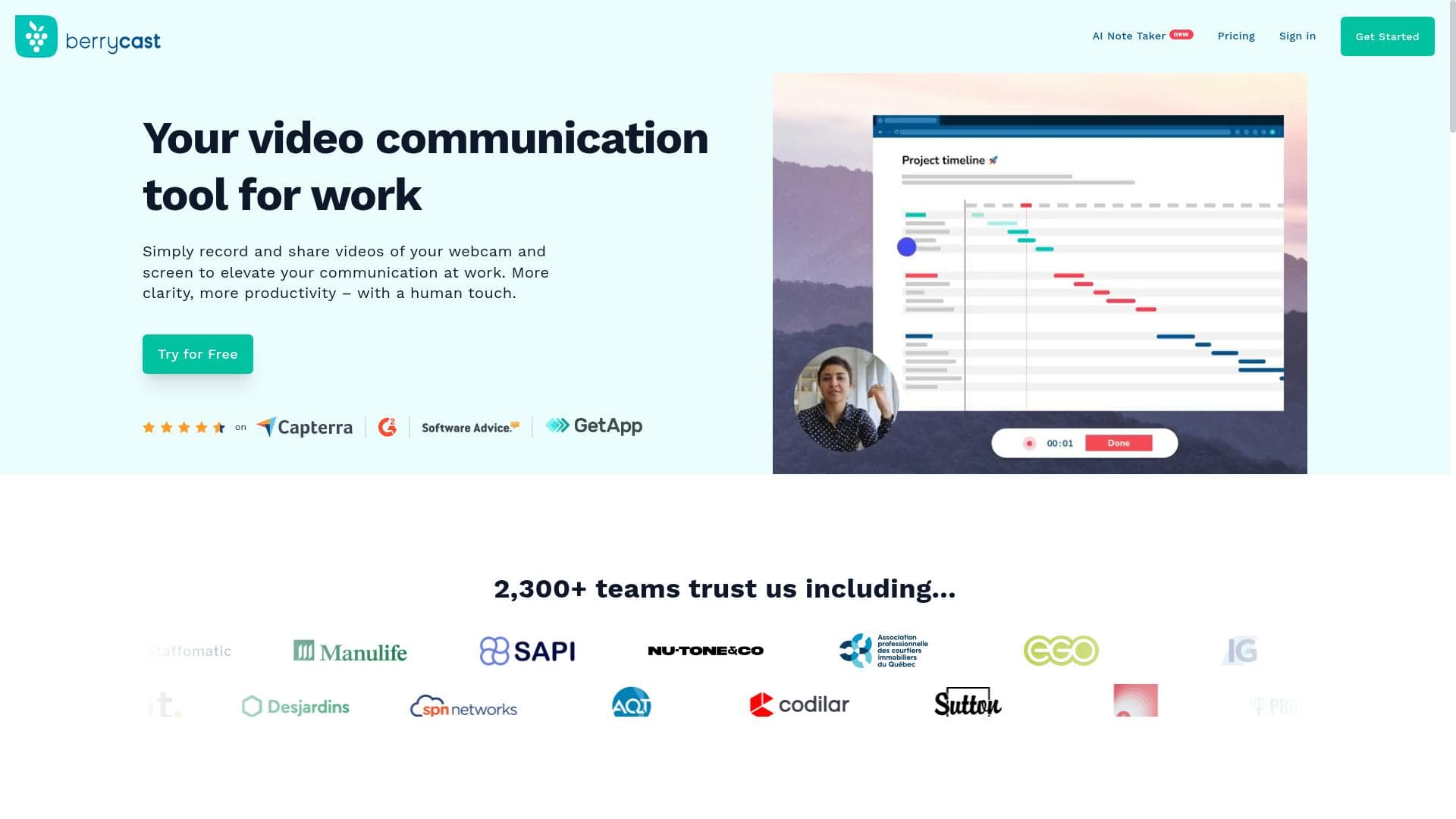
Berrycast is a dynamic screen recording and video messaging tool that combines one-click recording with AI-powered note taking and transcript summarization to boost communication efficiency. Ideal for educators, remote teams, and sales professionals, it transforms how users share information and collaborate asynchronously.
Berrycast is an advanced screen recording and video messaging tool designed to streamline communication and collaboration across teams and individuals. Its core purpose is to simplify the process of capturing, annotating, and sharing video content, making it easier to convey ideas, provide feedback, and document meetings without the need for lengthy emails or text-based explanations. By combining video recording with AI-powered features such as note taking and transcript summarization, Berrycast enhances productivity and clarity in both remote and in-person work environments. At the heart of Berrycast’s functionality is its one-click screen video recording capability, which allows users to quickly capture their screen along with webcam footage and audio. This makes it ideal for creating tutorials, walkthroughs, or personalized messages. Users can add annotations directly onto their recordings to highlight important points or clarify complex information. Beyond simple recording, Berrycast offers video messaging that enables asynchronous communication, allowing recipients to watch and respond at their convenience, thus reducing the need for real-time meetings. One of Berrycast’s standout features is its AI note taking and meeting recorder, which automatically captures key points during meetings and generates concise notes. This is complemented by transcript summarization, where the tool processes recorded conversations to produce clear, digestible summaries, saving users significant time in reviewing lengthy discussions. These AI-driven capabilities make Berrycast not just a recording tool but a comprehensive communication assistant that supports knowledge retention and decision-making. Berrycast is particularly well-suited for professionals who rely heavily on visual communication, such as educators, sales teams, customer support agents, and remote workers. For educators, it facilitates the creation of engaging instructional videos and feedback sessions. Sales and support teams benefit from personalized video messaging to enhance client interactions. Remote teams can use Berrycast to reduce meeting overload by sharing recorded updates and summaries, thus improving asynchronous collaboration. Regarding pricing, Berrycast operates on a freemium model. The free plan provides access to essential recording and sharing features, making it accessible for individual users or small teams. Paid plans unlock advanced functionalities such as longer recording times, enhanced AI features, and integrations with popular productivity tools, catering to the needs of larger organizations or power users. This tiered approach allows users to scale their usage based on requirements and budget. Compared to alternatives like Loom or Vidyard, Berrycast distinguishes itself with its integrated AI capabilities, particularly in note taking and transcript summarization, which add significant value beyond basic video recording. While Loom focuses primarily on ease of use and quick sharing, and Vidyard emphasizes marketing and sales video analytics, Berrycast offers a balanced suite of tools aimed at improving overall communication efficiency and collaboration. However, users should consider that while Berrycast’s AI features are powerful, they may occasionally require manual review for accuracy, especially in noisy environments or with complex jargon. Additionally, some advanced features are gated behind paid plans, which might limit access for budget-conscious users. Integration options, while robust, may not cover every niche productivity tool, so users should verify compatibility with their existing workflows. In summary, Berrycast is a versatile and intelligent screen recording and video messaging platform that enhances communication through easy recording, AI-driven note taking, and transcript summarization. Its combination of user-friendly design and powerful features makes it an excellent choice for professionals seeking to improve collaboration and reduce communication friction in diverse work settings.

Description
Berrycast is a dynamic screen recording and video messaging tool that combines one-click recording with AI-powered note taking and transcript summarization to boost communication efficiency. Ideal for educators, remote teams, and sales professionals, it transforms how users share information and collaborate asynchronously.
Berrycast is an advanced screen recording and video messaging tool designed to streamline communication and collaboration across teams and individuals. Its core purpose is to simplify the process of capturing, annotating, and sharing video content, making it easier to convey ideas, provide feedback, and document meetings without the need for lengthy emails or text-based explanations. By combining video recording with AI-powered features such as note taking and transcript summarization, Berrycast enhances productivity and clarity in both remote and in-person work environments. At the heart of Berrycast’s functionality is its one-click screen video recording capability, which allows users to quickly capture their screen along with webcam footage and audio. This makes it ideal for creating tutorials, walkthroughs, or personalized messages. Users can add annotations directly onto their recordings to highlight important points or clarify complex information. Beyond simple recording, Berrycast offers video messaging that enables asynchronous communication, allowing recipients to watch and respond at their convenience, thus reducing the need for real-time meetings. One of Berrycast’s standout features is its AI note taking and meeting recorder, which automatically captures key points during meetings and generates concise notes. This is complemented by transcript summarization, where the tool processes recorded conversations to produce clear, digestible summaries, saving users significant time in reviewing lengthy discussions. These AI-driven capabilities make Berrycast not just a recording tool but a comprehensive communication assistant that supports knowledge retention and decision-making. Berrycast is particularly well-suited for professionals who rely heavily on visual communication, such as educators, sales teams, customer support agents, and remote workers. For educators, it facilitates the creation of engaging instructional videos and feedback sessions. Sales and support teams benefit from personalized video messaging to enhance client interactions. Remote teams can use Berrycast to reduce meeting overload by sharing recorded updates and summaries, thus improving asynchronous collaboration. Regarding pricing, Berrycast operates on a freemium model. The free plan provides access to essential recording and sharing features, making it accessible for individual users or small teams. Paid plans unlock advanced functionalities such as longer recording times, enhanced AI features, and integrations with popular productivity tools, catering to the needs of larger organizations or power users. This tiered approach allows users to scale their usage based on requirements and budget. Compared to alternatives like Loom or Vidyard, Berrycast distinguishes itself with its integrated AI capabilities, particularly in note taking and transcript summarization, which add significant value beyond basic video recording. While Loom focuses primarily on ease of use and quick sharing, and Vidyard emphasizes marketing and sales video analytics, Berrycast offers a balanced suite of tools aimed at improving overall communication efficiency and collaboration. However, users should consider that while Berrycast’s AI features are powerful, they may occasionally require manual review for accuracy, especially in noisy environments or with complex jargon. Additionally, some advanced features are gated behind paid plans, which might limit access for budget-conscious users. Integration options, while robust, may not cover every niche productivity tool, so users should verify compatibility with their existing workflows. In summary, Berrycast is a versatile and intelligent screen recording and video messaging platform that enhances communication through easy recording, AI-driven note taking, and transcript summarization. Its combination of user-friendly design and powerful features makes it an excellent choice for professionals seeking to improve collaboration and reduce communication friction in diverse work settings.
Tool Features
- Screen video recording
- Video messaging
- AI note taking
- Meeting recorder
- Transcript summarization
Frequently Asked Questions
What is Berrycast?
Berrycast is a screen recording and sharing tool that enables users to capture video messages, annotate recordings, and leverage AI features like note taking and transcript summarization to enhance communication and collaboration.
How much does Berrycast cost?
Berrycast offers a freemium pricing model with a free plan that includes basic recording and sharing features. Paid plans provide access to advanced functionalities such as longer recording durations, enhanced AI tools, and integrations with popular productivity platforms.
Who is Berrycast best for?
Berrycast is ideal for educators, remote teams, sales and customer support professionals, and anyone who benefits from visual communication and asynchronous collaboration to improve productivity and clarity.
What are the main features of Berrycast?
Key features include one-click screen video recording, video messaging, AI-powered note taking, meeting recording, and transcript summarization, along with annotation tools and integrations with popular software.
Does Berrycast offer a free trial?
Yes, Berrycast provides a free plan that allows users to try out essential features without time limitations, making it easy to evaluate the tool before upgrading to a paid plan.
What integrations does Berrycast support?
Berrycast integrates with a variety of popular productivity and communication tools, enabling seamless workflows. Specific integrations may include platforms like Slack, Microsoft Teams, and others, though users should check the website for the latest supported services.
How does Berrycast work?
Users simply click to start recording their screen, webcam, and audio, then add annotations if needed. The AI features automatically generate notes and summarize transcripts from recorded meetings, which can then be shared easily with team members or clients.
Sponsored Tools













































Reviews
No reviews yet. Be the first to share your experience.
















