Description
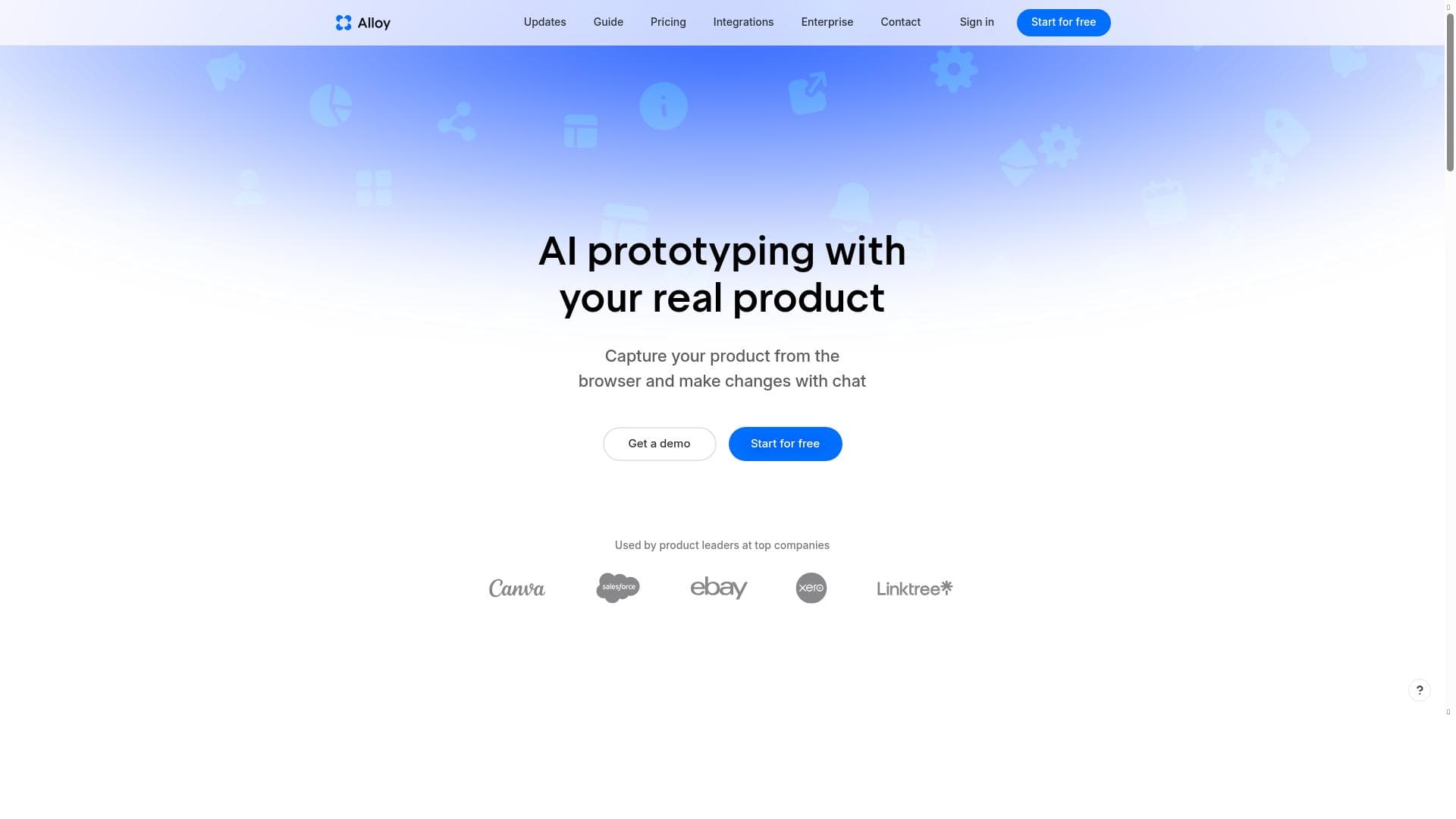
Alloy is a lifelike prototyping platform that transforms your existing product pages into high-fidelity, interactive prototypes using AI, enabling product teams to iterate faster and with greater precision. Ideal for product managers and designers who want to bridge the gap between idea and execution while maintaining brand consistency and engineering alignment.
Alloy is a cutting-edge lifelike prototyping platform designed specifically for product managers and product teams who need to accelerate the journey from concept to execution. Unlike traditional prototyping tools that rely heavily on wireframes or static mockups, Alloy takes a revolutionary approach by starting with the actual product you already ship. By importing your existing product pages directly into the platform, Alloy recreates them in high fidelity, providing a realistic and interactive foundation for building new user flows, features, and enhancements. This approach allows teams to prototype with a level of detail and accuracy that closely mirrors the final product experience, significantly improving the quality and relevance of early-stage designs. One of Alloy's standout capabilities is its deep integration with your existing design systems and component libraries. This connection ensures that every prototype remains aligned with your brand guidelines and engineering standards, maintaining consistency across all iterations. Updates and modifications can be made using plain-language prompts, such as "add a step," "adjust the layout," or "show an error state," which Alloy interprets and implements. Users can then refine these changes further through an intuitive visual editor, combining the speed of AI-powered generation with the precision of hands-on editing. This hybrid workflow enables rapid iteration cycles without sacrificing control or detail. Alloy also excels in helping teams explore critical product details early in the design process, including edge cases, empty states, responsive breakpoints, and micro-interactions. Because prototypes behave like the real product, they are ideal for user testing, stakeholder presentations, and seamless handoffs to engineering teams. This fidelity reduces misunderstandings and rework, allowing product teams to validate ideas faster and ship higher-quality products with greater confidence. The platform offers several key features to support these capabilities: instant product capture from the browser to quickly import live product pages; AI-driven prototype generation that accelerates design workflows; comprehensive design system understanding to ensure brand and technical consistency; robust team collaboration tools to facilitate communication and feedback; and over 20 integrations with popular tools to fit into existing workflows seamlessly. Alloy is best suited for product managers, UX/UI designers, and cross-functional product teams who need to move quickly and efficiently from ideation to execution without losing fidelity or alignment with their existing product ecosystem. Use cases include rapid prototyping of new features, exploring alternative user flows, testing edge cases, and preparing detailed handoffs for engineering teams. Its ability to mirror the real product experience makes it especially valuable for customer testing and stakeholder buy-in. The platform offers a freemium pricing model, allowing users to get started with core features at no cost and upgrade for access to advanced capabilities and integrations. This flexible pricing approach makes Alloy accessible to teams of all sizes, from startups to large enterprises. Compared to traditional prototyping tools like Figma or InVision, which often require building designs from scratch or rely on static mockups, Alloy’s approach of importing and recreating existing product pages provides a more realistic and efficient starting point. Its AI-powered editing and design system integration further differentiate it by enabling faster, more consistent iteration cycles. However, users should consider that Alloy’s reliance on existing product pages means it is most effective for teams with a live product to import, which might limit its use for very early-stage projects without a shipped product. In summary, Alloy bridges the gap between vision and execution by combining AI-driven prototyping with deep design system integration and collaborative features. It empowers product teams to validate ideas faster, reduce costly rework, and ultimately ship better products that align closely with their brand and engineering standards.

Description
Alloy is a lifelike prototyping platform that transforms your existing product pages into high-fidelity, interactive prototypes using AI, enabling product teams to iterate faster and with greater precision. Ideal for product managers and designers who want to bridge the gap between idea and execution while maintaining brand consistency and engineering alignment.
Alloy is a cutting-edge lifelike prototyping platform designed specifically for product managers and product teams who need to accelerate the journey from concept to execution. Unlike traditional prototyping tools that rely heavily on wireframes or static mockups, Alloy takes a revolutionary approach by starting with the actual product you already ship. By importing your existing product pages directly into the platform, Alloy recreates them in high fidelity, providing a realistic and interactive foundation for building new user flows, features, and enhancements. This approach allows teams to prototype with a level of detail and accuracy that closely mirrors the final product experience, significantly improving the quality and relevance of early-stage designs. One of Alloy's standout capabilities is its deep integration with your existing design systems and component libraries. This connection ensures that every prototype remains aligned with your brand guidelines and engineering standards, maintaining consistency across all iterations. Updates and modifications can be made using plain-language prompts, such as "add a step," "adjust the layout," or "show an error state," which Alloy interprets and implements. Users can then refine these changes further through an intuitive visual editor, combining the speed of AI-powered generation with the precision of hands-on editing. This hybrid workflow enables rapid iteration cycles without sacrificing control or detail. Alloy also excels in helping teams explore critical product details early in the design process, including edge cases, empty states, responsive breakpoints, and micro-interactions. Because prototypes behave like the real product, they are ideal for user testing, stakeholder presentations, and seamless handoffs to engineering teams. This fidelity reduces misunderstandings and rework, allowing product teams to validate ideas faster and ship higher-quality products with greater confidence. The platform offers several key features to support these capabilities: instant product capture from the browser to quickly import live product pages; AI-driven prototype generation that accelerates design workflows; comprehensive design system understanding to ensure brand and technical consistency; robust team collaboration tools to facilitate communication and feedback; and over 20 integrations with popular tools to fit into existing workflows seamlessly. Alloy is best suited for product managers, UX/UI designers, and cross-functional product teams who need to move quickly and efficiently from ideation to execution without losing fidelity or alignment with their existing product ecosystem. Use cases include rapid prototyping of new features, exploring alternative user flows, testing edge cases, and preparing detailed handoffs for engineering teams. Its ability to mirror the real product experience makes it especially valuable for customer testing and stakeholder buy-in. The platform offers a freemium pricing model, allowing users to get started with core features at no cost and upgrade for access to advanced capabilities and integrations. This flexible pricing approach makes Alloy accessible to teams of all sizes, from startups to large enterprises. Compared to traditional prototyping tools like Figma or InVision, which often require building designs from scratch or rely on static mockups, Alloy’s approach of importing and recreating existing product pages provides a more realistic and efficient starting point. Its AI-powered editing and design system integration further differentiate it by enabling faster, more consistent iteration cycles. However, users should consider that Alloy’s reliance on existing product pages means it is most effective for teams with a live product to import, which might limit its use for very early-stage projects without a shipped product. In summary, Alloy bridges the gap between vision and execution by combining AI-driven prototyping with deep design system integration and collaborative features. It empowers product teams to validate ideas faster, reduce costly rework, and ultimately ship better products that align closely with their brand and engineering standards.
Tool Features
- Instant product capture from browser
- AI prototype generation
- Design system understanding
- Team collaboration
- 20+ integrations
Frequently Asked Questions
What is Alloy?
Alloy is a lifelike prototyping platform designed for product managers and teams to quickly move from idea to execution by importing existing product pages and recreating them in high fidelity for realistic prototyping.
How much does Alloy cost?
Alloy offers a freemium pricing model, allowing users to access core features for free with options to upgrade for advanced capabilities and integrations.
Who is Alloy best for?
Alloy is best suited for product managers, UX/UI designers, and product teams who want to rapidly prototype using their existing products, ensuring brand and engineering consistency.
What are the main features of Alloy?
Key features include instant product capture from the browser, AI prototype generation, deep design system integration, team collaboration tools, and over 20 integrations with popular platforms.
Does Alloy offer a free trial?
Yes, Alloy provides a freemium plan that allows users to try core functionalities at no cost before deciding to upgrade.
What integrations does Alloy support?
Alloy supports more than 20 integrations, enabling seamless connection with popular design, development, and collaboration tools to fit into existing workflows.
How does Alloy work?
Alloy works by importing your live product pages into the platform, recreating them in high fidelity, and allowing you to make updates via plain-language prompts and a visual editor, all while staying aligned with your design systems.
Sponsored Tools













































Reviews
No reviews yet. Be the first to share your experience.
















