Description
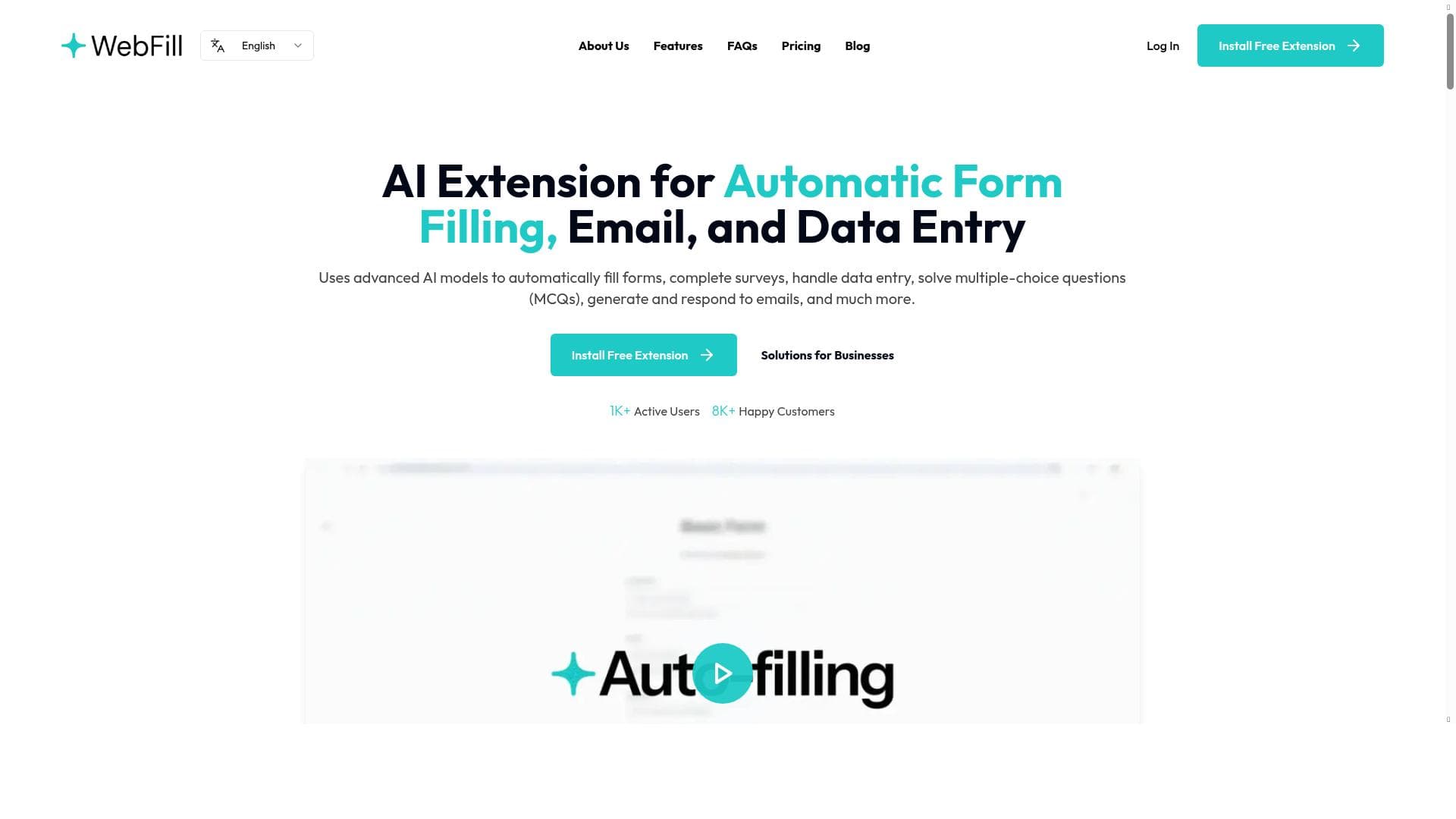
WebFill is a versatile AI-powered assistant that automates form filling, survey completion, email drafting, and more, delivering fast and accurate results to boost productivity. Ideal for professionals and businesses seeking to reduce repetitive tasks, WebFill combines multiple AI capabilities into one secure, easy-to-use platform with a freemium pricing model.
WebFill is an advanced AI-powered assistant designed to streamline and automate a variety of repetitive digital tasks, primarily focusing on form filling, survey completion, multiple-choice question (MCQ) solving, email drafting, and data entry. Its core purpose is to enhance productivity by reducing the time and effort users spend on mundane and time-consuming activities, leveraging artificial intelligence to deliver fast, accurate, and secure solutions. By automating these routine processes, WebFill enables individuals and businesses to focus on higher-value work, improving overall efficiency and reducing human error. At the heart of WebFill’s capabilities is its AI Form Filling feature, which intelligently populates online forms with relevant data, saving users from manual input. This is particularly useful for repetitive forms such as job applications, registrations, and surveys. Complementing this is the AI Automation functionality, which allows users to create workflows that automate sequences of tasks, further enhancing operational efficiency. WebFill’s AI Email Generation feature assists users in drafting professional and contextually appropriate emails quickly, ideal for customer support, sales outreach, or internal communications. Additionally, the AI Chat Bot provides interactive assistance, answering queries and guiding users through processes in real time. Another standout feature is AI Screenshot Analysis, which can interpret and extract information from screenshots, enabling users to automate data extraction from visual content. WebFill is best suited for professionals, businesses, and organizations that handle large volumes of data entry, form submissions, or customer interactions. For example, HR departments can use it to expedite candidate application processing, marketing teams can automate survey responses and lead generation forms, and customer service teams can benefit from rapid email drafting and chatbot support. Educational institutions and students can leverage the MCQ solving feature to assist with test preparation or grading automation. Essentially, any user or team looking to reduce manual data entry and improve workflow automation will find WebFill highly beneficial. The pricing model for WebFill follows a freemium approach, allowing users to try the core functionalities at no cost with basic limits. This makes it accessible for individuals or small teams to evaluate its effectiveness before committing to paid plans. Premium tiers unlock advanced features, higher usage limits, priority support, and enhanced customization options, catering to larger organizations or users with more demanding automation needs. Compared to alternatives, WebFill stands out due to its comprehensive suite of AI-driven features bundled into a single platform. While many tools specialize solely in form filling or email automation, WebFill integrates multiple capabilities such as screenshot analysis and chatbot interaction, providing a more holistic productivity solution. Its emphasis on security and accuracy also differentiates it, ensuring sensitive data is handled responsibly. However, some competing tools may offer deeper integrations with specific enterprise software or more extensive customization for niche workflows, which could be a consideration for highly specialized use cases. Notable limitations include the reliance on internet connectivity and the inherent constraints of AI accuracy in complex or highly specialized forms. Users should verify automated entries to avoid errors, especially in critical applications. Additionally, while the freemium plan is useful for initial trials, power users may find the need to upgrade to access the full potential of the platform. Integration options, while growing, may not yet cover every third-party service out of the box, potentially requiring manual workarounds or API usage. Overall, WebFill offers a robust, versatile AI assistant that significantly reduces manual workload across multiple domains. Its combination of form filling, automation, email generation, chatbot support, and screenshot analysis makes it a valuable tool for boosting productivity in both personal and professional contexts.

Description
WebFill is a versatile AI-powered assistant that automates form filling, survey completion, email drafting, and more, delivering fast and accurate results to boost productivity. Ideal for professionals and businesses seeking to reduce repetitive tasks, WebFill combines multiple AI capabilities into one secure, easy-to-use platform with a freemium pricing model.
WebFill is an advanced AI-powered assistant designed to streamline and automate a variety of repetitive digital tasks, primarily focusing on form filling, survey completion, multiple-choice question (MCQ) solving, email drafting, and data entry. Its core purpose is to enhance productivity by reducing the time and effort users spend on mundane and time-consuming activities, leveraging artificial intelligence to deliver fast, accurate, and secure solutions. By automating these routine processes, WebFill enables individuals and businesses to focus on higher-value work, improving overall efficiency and reducing human error. At the heart of WebFill’s capabilities is its AI Form Filling feature, which intelligently populates online forms with relevant data, saving users from manual input. This is particularly useful for repetitive forms such as job applications, registrations, and surveys. Complementing this is the AI Automation functionality, which allows users to create workflows that automate sequences of tasks, further enhancing operational efficiency. WebFill’s AI Email Generation feature assists users in drafting professional and contextually appropriate emails quickly, ideal for customer support, sales outreach, or internal communications. Additionally, the AI Chat Bot provides interactive assistance, answering queries and guiding users through processes in real time. Another standout feature is AI Screenshot Analysis, which can interpret and extract information from screenshots, enabling users to automate data extraction from visual content. WebFill is best suited for professionals, businesses, and organizations that handle large volumes of data entry, form submissions, or customer interactions. For example, HR departments can use it to expedite candidate application processing, marketing teams can automate survey responses and lead generation forms, and customer service teams can benefit from rapid email drafting and chatbot support. Educational institutions and students can leverage the MCQ solving feature to assist with test preparation or grading automation. Essentially, any user or team looking to reduce manual data entry and improve workflow automation will find WebFill highly beneficial. The pricing model for WebFill follows a freemium approach, allowing users to try the core functionalities at no cost with basic limits. This makes it accessible for individuals or small teams to evaluate its effectiveness before committing to paid plans. Premium tiers unlock advanced features, higher usage limits, priority support, and enhanced customization options, catering to larger organizations or users with more demanding automation needs. Compared to alternatives, WebFill stands out due to its comprehensive suite of AI-driven features bundled into a single platform. While many tools specialize solely in form filling or email automation, WebFill integrates multiple capabilities such as screenshot analysis and chatbot interaction, providing a more holistic productivity solution. Its emphasis on security and accuracy also differentiates it, ensuring sensitive data is handled responsibly. However, some competing tools may offer deeper integrations with specific enterprise software or more extensive customization for niche workflows, which could be a consideration for highly specialized use cases. Notable limitations include the reliance on internet connectivity and the inherent constraints of AI accuracy in complex or highly specialized forms. Users should verify automated entries to avoid errors, especially in critical applications. Additionally, while the freemium plan is useful for initial trials, power users may find the need to upgrade to access the full potential of the platform. Integration options, while growing, may not yet cover every third-party service out of the box, potentially requiring manual workarounds or API usage. Overall, WebFill offers a robust, versatile AI assistant that significantly reduces manual workload across multiple domains. Its combination of form filling, automation, email generation, chatbot support, and screenshot analysis makes it a valuable tool for boosting productivity in both personal and professional contexts.
Tool Features
- AI Form Filling
- AI Automation
- AI Email Generation
- AI Chat Bot
- AI Screenshot Analysis
Frequently Asked Questions
What is WebFill?
WebFill is an AI-powered assistant designed to automate tasks such as form filling, survey completion, MCQ solving, email drafting, and data entry, helping users save time and increase productivity.
How much does WebFill cost?
WebFill offers a freemium pricing model, allowing users to access basic features for free with usage limits. Paid plans provide access to advanced features, higher limits, and priority support.
Who is WebFill best for?
WebFill is ideal for professionals, businesses, and organizations that handle repetitive data entry, form submissions, customer communications, or require workflow automation, including HR teams, marketers, customer service, and educators.
What are the main features of WebFill?
Key features include AI Form Filling, AI Automation for task workflows, AI Email Generation for drafting emails, AI Chat Bot for interactive assistance, and AI Screenshot Analysis for extracting data from images.
Does WebFill offer a free trial?
Yes, WebFill’s freemium plan allows users to try the platform for free with access to core features and limited usage, enabling evaluation before upgrading to paid plans.
What integrations does WebFill support?
While WebFill supports various integrations to enhance automation workflows, specific third-party service compatibility may vary. Users can also utilize APIs or manual setups depending on their needs.
How does WebFill work?
WebFill uses artificial intelligence to analyze input data and automate tasks such as filling forms, generating emails, solving MCQs, and extracting information from screenshots, streamlining repetitive digital workflows.
Socials
Use ToolSponsored Tools













































Reviews
No reviews yet. Be the first to share your experience.
















