Description
Webdraw Beta is a no-code AI platform that lets users explore, customize, and build AI apps using over 50 integrated models in one place. Perfect for creators and businesses alike, it combines powerful context management and visual content tools with a vibrant community, making AI experimentation and app development accessible and fast.
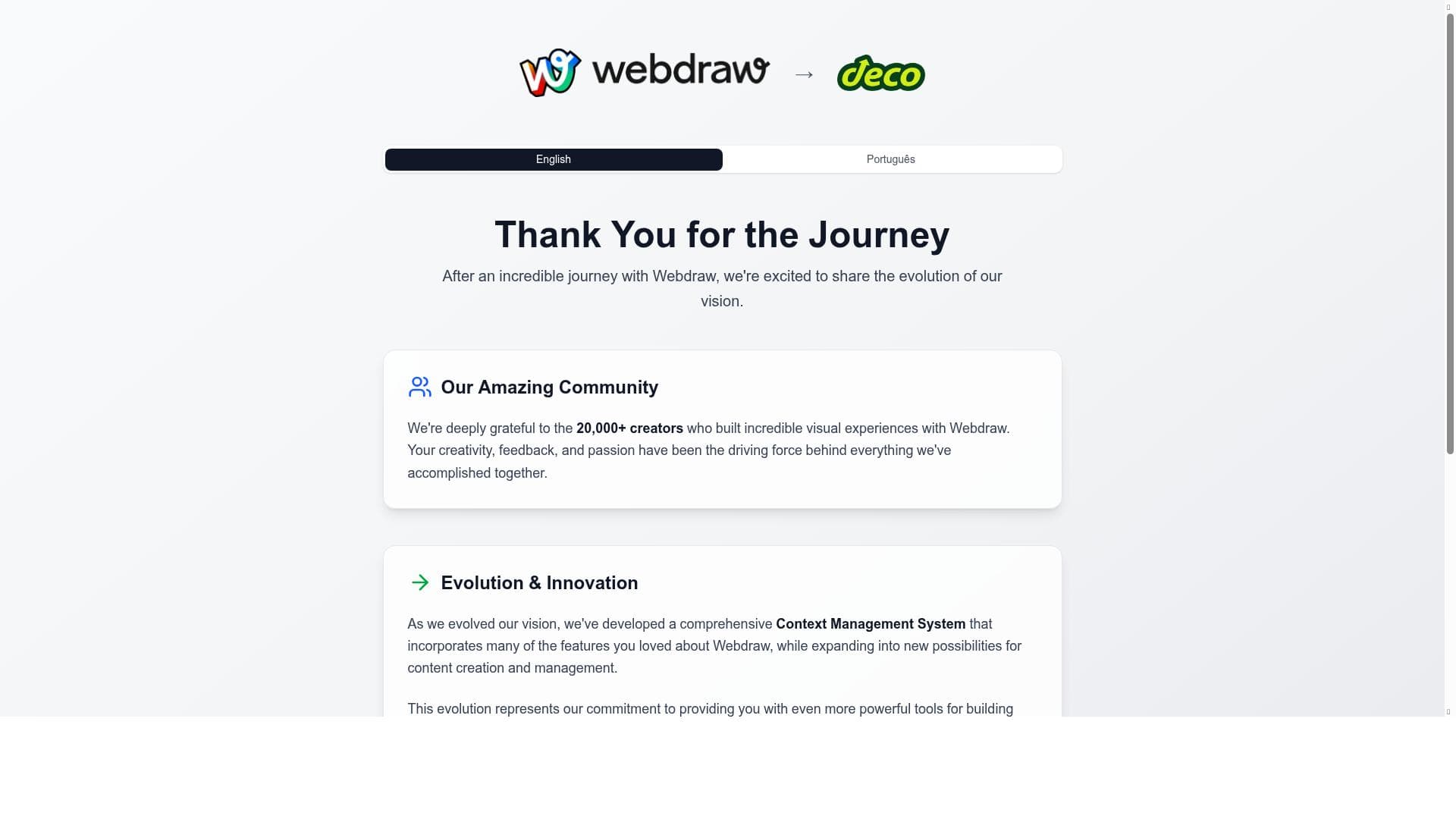
Webdraw Beta is an innovative AI-powered platform designed to empower users to explore, remix, and build AI applications without requiring any coding skills. Its core purpose is to democratize AI app development by providing an accessible environment where users can browse thousands of existing AI tools, customize them according to their unique needs, and rapidly bring their ideas to life. By integrating over 50 AI models within a single interface, Webdraw Beta enables users to experiment with a wide range of AI capabilities, from natural language processing to image generation and beyond, all in one place. This makes it an ideal solution for creators, developers, marketers, and businesses looking to leverage AI technology without the steep learning curve traditionally associated with AI development. One of the standout features of Webdraw Beta is its Comprehensive Context Management System, which allows users to maintain and manage complex workflows and data inputs seamlessly. This system enhances the user experience by ensuring that AI models can operate with relevant context, improving the accuracy and relevance of outputs. Additionally, Webdraw Beta offers powerful tools for building rich digital experiences, including the ability to create and manage visual content directly within the platform. This visual content support is particularly valuable for designers and content creators who want to integrate AI-generated assets into their projects effortlessly. Webdraw Beta has evolved from its original incarnation as Webdraw into the more advanced deco CMS platform, reflecting its growth and expanded capabilities. This evolution has been driven by a vibrant community of over 20,000 creators who contribute to the platform’s continuous improvement and expansion. The community-driven development model ensures that Webdraw Beta stays at the cutting edge of AI technology and user needs, fostering a collaborative environment where users can share templates, tools, and ideas. The platform is best suited for a diverse range of users, including entrepreneurs, digital marketers, educators, designers, and developers who want to quickly prototype or deploy AI-powered applications without deep technical expertise. Use cases span from creating AI chatbots and content generators to designing interactive digital experiences and automating complex workflows. Because it supports customization and remixing of existing tools, users can tailor AI applications to specific industries or personal projects, making it highly versatile. Webdraw Beta operates on a freemium pricing model, allowing users to access a broad set of features for free with options to upgrade for enhanced capabilities and increased usage limits. This pricing approach makes it accessible to individuals and small teams while providing scalable options for larger organizations or power users who require more extensive resources and support. Compared to alternative AI development platforms, Webdraw Beta stands out for its no-code approach combined with a vast library of AI models and tools in one unified environment. While many platforms focus on either AI model deployment or visual content creation separately, Webdraw Beta integrates these aspects seamlessly, providing a more holistic solution. However, users seeking highly specialized or proprietary AI models may find limitations in the available model selection, and those requiring advanced programming customization might prefer traditional coding-based platforms. Notable considerations include the platform’s reliance on community contributions for ongoing development, which means feature availability and support can vary. Additionally, while the no-code interface is user-friendly, users new to AI concepts may face a learning curve in understanding how to best combine models and tools for optimal results. Despite these considerations, Webdraw Beta offers an accessible, powerful, and community-backed platform for anyone interested in harnessing AI to create innovative digital experiences quickly and effectively.

Description
Webdraw Beta is a no-code AI platform that lets users explore, customize, and build AI apps using over 50 integrated models in one place. Perfect for creators and businesses alike, it combines powerful context management and visual content tools with a vibrant community, making AI experimentation and app development accessible and fast.
Webdraw Beta is an innovative AI-powered platform designed to empower users to explore, remix, and build AI applications without requiring any coding skills. Its core purpose is to democratize AI app development by providing an accessible environment where users can browse thousands of existing AI tools, customize them according to their unique needs, and rapidly bring their ideas to life. By integrating over 50 AI models within a single interface, Webdraw Beta enables users to experiment with a wide range of AI capabilities, from natural language processing to image generation and beyond, all in one place. This makes it an ideal solution for creators, developers, marketers, and businesses looking to leverage AI technology without the steep learning curve traditionally associated with AI development. One of the standout features of Webdraw Beta is its Comprehensive Context Management System, which allows users to maintain and manage complex workflows and data inputs seamlessly. This system enhances the user experience by ensuring that AI models can operate with relevant context, improving the accuracy and relevance of outputs. Additionally, Webdraw Beta offers powerful tools for building rich digital experiences, including the ability to create and manage visual content directly within the platform. This visual content support is particularly valuable for designers and content creators who want to integrate AI-generated assets into their projects effortlessly. Webdraw Beta has evolved from its original incarnation as Webdraw into the more advanced deco CMS platform, reflecting its growth and expanded capabilities. This evolution has been driven by a vibrant community of over 20,000 creators who contribute to the platform’s continuous improvement and expansion. The community-driven development model ensures that Webdraw Beta stays at the cutting edge of AI technology and user needs, fostering a collaborative environment where users can share templates, tools, and ideas. The platform is best suited for a diverse range of users, including entrepreneurs, digital marketers, educators, designers, and developers who want to quickly prototype or deploy AI-powered applications without deep technical expertise. Use cases span from creating AI chatbots and content generators to designing interactive digital experiences and automating complex workflows. Because it supports customization and remixing of existing tools, users can tailor AI applications to specific industries or personal projects, making it highly versatile. Webdraw Beta operates on a freemium pricing model, allowing users to access a broad set of features for free with options to upgrade for enhanced capabilities and increased usage limits. This pricing approach makes it accessible to individuals and small teams while providing scalable options for larger organizations or power users who require more extensive resources and support. Compared to alternative AI development platforms, Webdraw Beta stands out for its no-code approach combined with a vast library of AI models and tools in one unified environment. While many platforms focus on either AI model deployment or visual content creation separately, Webdraw Beta integrates these aspects seamlessly, providing a more holistic solution. However, users seeking highly specialized or proprietary AI models may find limitations in the available model selection, and those requiring advanced programming customization might prefer traditional coding-based platforms. Notable considerations include the platform’s reliance on community contributions for ongoing development, which means feature availability and support can vary. Additionally, while the no-code interface is user-friendly, users new to AI concepts may face a learning curve in understanding how to best combine models and tools for optimal results. Despite these considerations, Webdraw Beta offers an accessible, powerful, and community-backed platform for anyone interested in harnessing AI to create innovative digital experiences quickly and effectively.
Tool Features
- Comprehensive Context Management System
- Powerful tools for building digital experiences
- Supports creation and management of visual content
- Evolved platform from Webdraw to deco CMS
- Community-driven development with 20,000+ creators
Frequently Asked Questions
What is Webdraw Beta?
Webdraw Beta is a no-code AI platform that enables users to explore, remix, and build AI-powered applications by accessing and customizing thousands of AI tools and over 50 models within a single environment.
How much does Webdraw Beta cost?
Webdraw Beta operates on a freemium model, offering free access to core features with options to upgrade for enhanced capabilities, higher usage limits, and additional support.
Who is Webdraw Beta best for?
It is ideal for entrepreneurs, digital marketers, designers, educators, developers, and anyone looking to build AI applications or digital experiences quickly without coding expertise.
What are the main features of Webdraw Beta?
Key features include a Comprehensive Context Management System, tools for building digital experiences, support for creating and managing visual content, an evolved platform architecture, and a community-driven development model with over 20,000 creators.
Does Webdraw Beta offer a free trial?
Yes, Webdraw Beta offers a freemium plan that allows users to try many features for free without a time-limited trial period.
What integrations does Webdraw Beta support?
Webdraw Beta supports integration with a wide range of AI models and tools within its platform, enabling users to combine multiple AI capabilities; specific third-party integrations depend on community contributions and platform updates.
How does Webdraw Beta work?
Users browse and select from thousands of AI tools and models, customize them to their needs using a no-code interface, and build AI-powered applications or digital experiences quickly, leveraging the platform’s context management and visual content creation features.
Sponsored Tools













































Reviews
No reviews yet. Be the first to share your experience.















