Description
Unoscribe is a fast, secure AI transcription tool that converts audio and video into text with speaker identification and support for over 100 languages. Ideal for professionals needing quick, accurate transcriptions and seamless multimedia content editing, Unoscribe combines powerful transcription with innovative image editing features.
Unoscribe is an advanced AI-powered transcription tool designed to convert audio and video files into accurate, editable text within seconds. Its core purpose is to streamline the transcription process by leveraging cutting-edge artificial intelligence to deliver fast, reliable, and secure transcriptions. Unoscribe supports over 100 languages, making it a versatile solution for global users needing multilingual transcription capabilities. The tool also incorporates speaker identification, allowing users to distinguish between different voices in recordings, which is particularly useful for interviews, meetings, and multi-speaker content. Beyond transcription, Unoscribe offers multiple export options including TXT, PDF, DOCX, SRT, and MD formats, enabling seamless integration with various workflows and content management systems. One of Unoscribe’s standout features is its ability to maintain data privacy and security, ensuring that users’ files and sensitive information remain protected throughout the transcription process. This makes it an ideal choice for professionals handling confidential or proprietary content. Additionally, Unoscribe includes innovative image transformation and editing capabilities, allowing users to modify images simply by typing descriptive commands. This feature produces flawless, consistent image edits, enhancing content creation workflows that require both text and visual assets. Unoscribe is best suited for a wide range of users including journalists, content creators, educators, researchers, and business professionals who regularly work with audio and video content. For example, journalists can quickly transcribe interviews and focus on storytelling, while educators can convert lectures into text for accessibility and study materials. Businesses can use Unoscribe to transcribe meetings and calls for accurate record-keeping and follow-up. The multilingual support also makes it invaluable for international teams and global content producers. Regarding pricing, Unoscribe operates on a freemium model, allowing users to access basic transcription features at no cost while offering premium plans for advanced capabilities and higher usage limits. This approach provides flexibility for casual users and enterprises alike, enabling them to scale their usage based on needs and budget. Compared to alternatives, Unoscribe distinguishes itself with its combination of speed, accuracy, and security. While many transcription tools offer basic conversion, Unoscribe’s speaker identification and extensive language support provide enhanced usability. Its additional image editing features further differentiate it by catering to users who require integrated multimedia content creation. However, users should be aware that while Unoscribe excels in transcription and image editing, it may not offer as many integrations or specialized features as some niche transcription platforms focused solely on enterprise environments. In summary, Unoscribe is a comprehensive AI transcription and content creation tool that balances speed, accuracy, and privacy. Its broad language support, speaker identification, and versatile export options make it a powerful asset for professionals across industries. The added image editing functionality expands its utility beyond transcription, making it a unique all-in-one solution. Users considering Unoscribe should evaluate their specific transcription volume and multimedia needs to determine if the freemium or premium plans best suit their workflow.

Description
Unoscribe is a fast, secure AI transcription tool that converts audio and video into text with speaker identification and support for over 100 languages. Ideal for professionals needing quick, accurate transcriptions and seamless multimedia content editing, Unoscribe combines powerful transcription with innovative image editing features.
Unoscribe is an advanced AI-powered transcription tool designed to convert audio and video files into accurate, editable text within seconds. Its core purpose is to streamline the transcription process by leveraging cutting-edge artificial intelligence to deliver fast, reliable, and secure transcriptions. Unoscribe supports over 100 languages, making it a versatile solution for global users needing multilingual transcription capabilities. The tool also incorporates speaker identification, allowing users to distinguish between different voices in recordings, which is particularly useful for interviews, meetings, and multi-speaker content. Beyond transcription, Unoscribe offers multiple export options including TXT, PDF, DOCX, SRT, and MD formats, enabling seamless integration with various workflows and content management systems. One of Unoscribe’s standout features is its ability to maintain data privacy and security, ensuring that users’ files and sensitive information remain protected throughout the transcription process. This makes it an ideal choice for professionals handling confidential or proprietary content. Additionally, Unoscribe includes innovative image transformation and editing capabilities, allowing users to modify images simply by typing descriptive commands. This feature produces flawless, consistent image edits, enhancing content creation workflows that require both text and visual assets. Unoscribe is best suited for a wide range of users including journalists, content creators, educators, researchers, and business professionals who regularly work with audio and video content. For example, journalists can quickly transcribe interviews and focus on storytelling, while educators can convert lectures into text for accessibility and study materials. Businesses can use Unoscribe to transcribe meetings and calls for accurate record-keeping and follow-up. The multilingual support also makes it invaluable for international teams and global content producers. Regarding pricing, Unoscribe operates on a freemium model, allowing users to access basic transcription features at no cost while offering premium plans for advanced capabilities and higher usage limits. This approach provides flexibility for casual users and enterprises alike, enabling them to scale their usage based on needs and budget. Compared to alternatives, Unoscribe distinguishes itself with its combination of speed, accuracy, and security. While many transcription tools offer basic conversion, Unoscribe’s speaker identification and extensive language support provide enhanced usability. Its additional image editing features further differentiate it by catering to users who require integrated multimedia content creation. However, users should be aware that while Unoscribe excels in transcription and image editing, it may not offer as many integrations or specialized features as some niche transcription platforms focused solely on enterprise environments. In summary, Unoscribe is a comprehensive AI transcription and content creation tool that balances speed, accuracy, and privacy. Its broad language support, speaker identification, and versatile export options make it a powerful asset for professionals across industries. The added image editing functionality expands its utility beyond transcription, making it a unique all-in-one solution. Users considering Unoscribe should evaluate their specific transcription volume and multimedia needs to determine if the freemium or premium plans best suit their workflow.
Tool Features
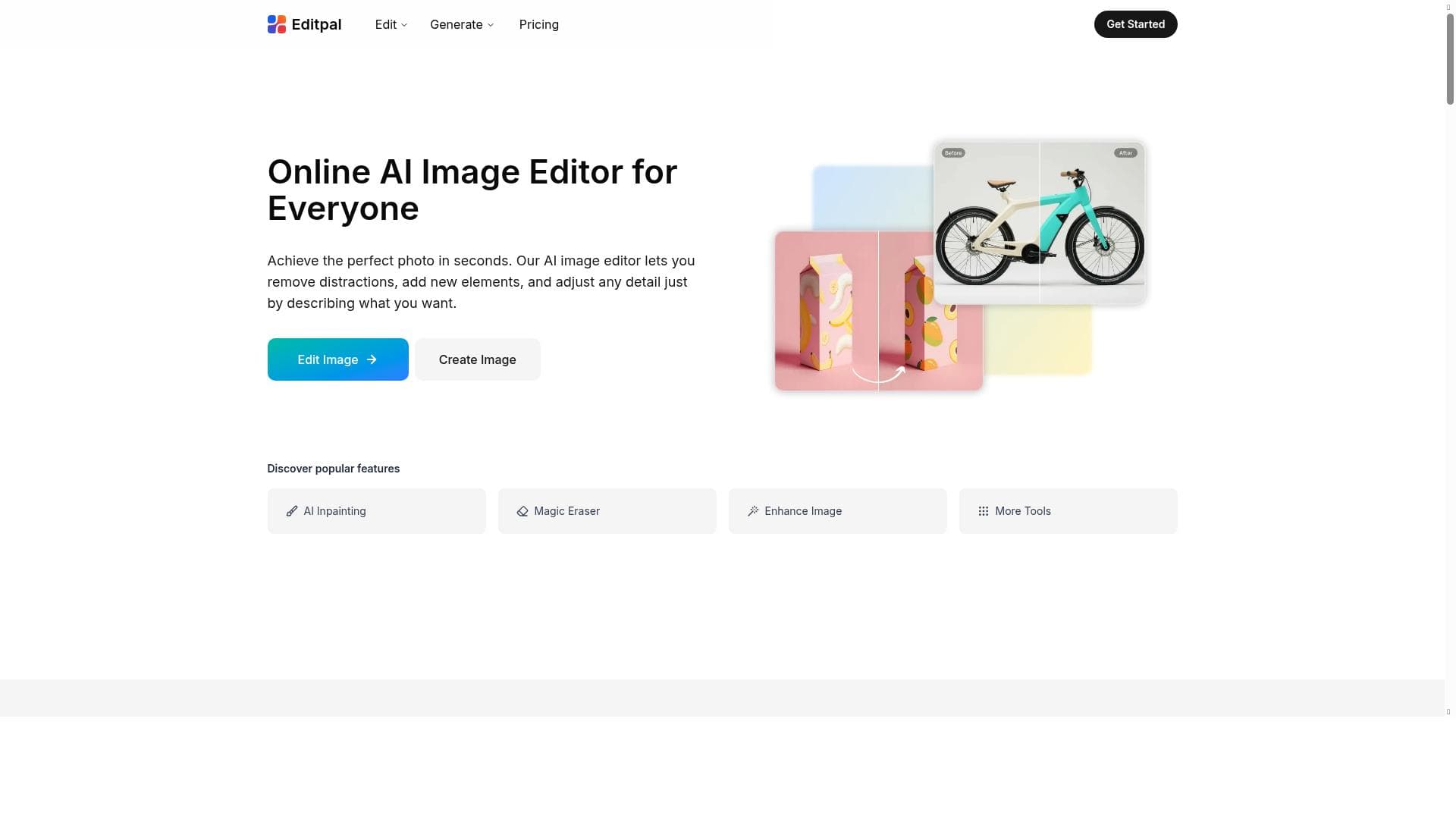
- Transform and edit images by typing descriptions
- Creates flawless image editing results
- Maintains perfect consistency for any subject
Frequently Asked Questions
What is Unoscribe?
Unoscribe is an AI-powered transcription tool that quickly and accurately converts audio and video files into text. It supports over 100 languages, includes speaker identification, and offers multiple export formats while ensuring data privacy.
How much does Unoscribe cost?
Unoscribe offers a freemium pricing model, providing free access to basic transcription features with options to upgrade to premium plans for advanced capabilities and higher usage limits.
Who is Unoscribe best for?
Unoscribe is ideal for journalists, educators, content creators, researchers, and business professionals who need fast, accurate transcriptions and support for multiple languages, as well as integrated image editing.
What are the main features of Unoscribe?
Key features include fast and accurate transcription, speaker identification, support for 100+ languages, export options in TXT, PDF, DOCX, SRT, and MD formats, secure data handling, and AI-powered image transformation and editing.
Does Unoscribe offer a free trial?
Yes, Unoscribe’s freemium model allows users to try basic transcription features for free, with the option to upgrade to premium plans for additional functionality.
What integrations does Unoscribe support?
While specific integrations are not detailed, Unoscribe supports exporting transcriptions in multiple common formats, enabling easy integration with various content management and editing platforms.
How does Unoscribe work?
Users upload audio or video files to Unoscribe, which uses AI to transcribe the content quickly and accurately. The tool identifies different speakers and allows exporting the transcription in various formats. Additionally, users can transform and edit images by typing descriptive commands.
Sponsored Tools













































Reviews
No reviews yet. Be the first to share your experience.















