SAM TTS - Microsoft SAM Text to Speech
Description
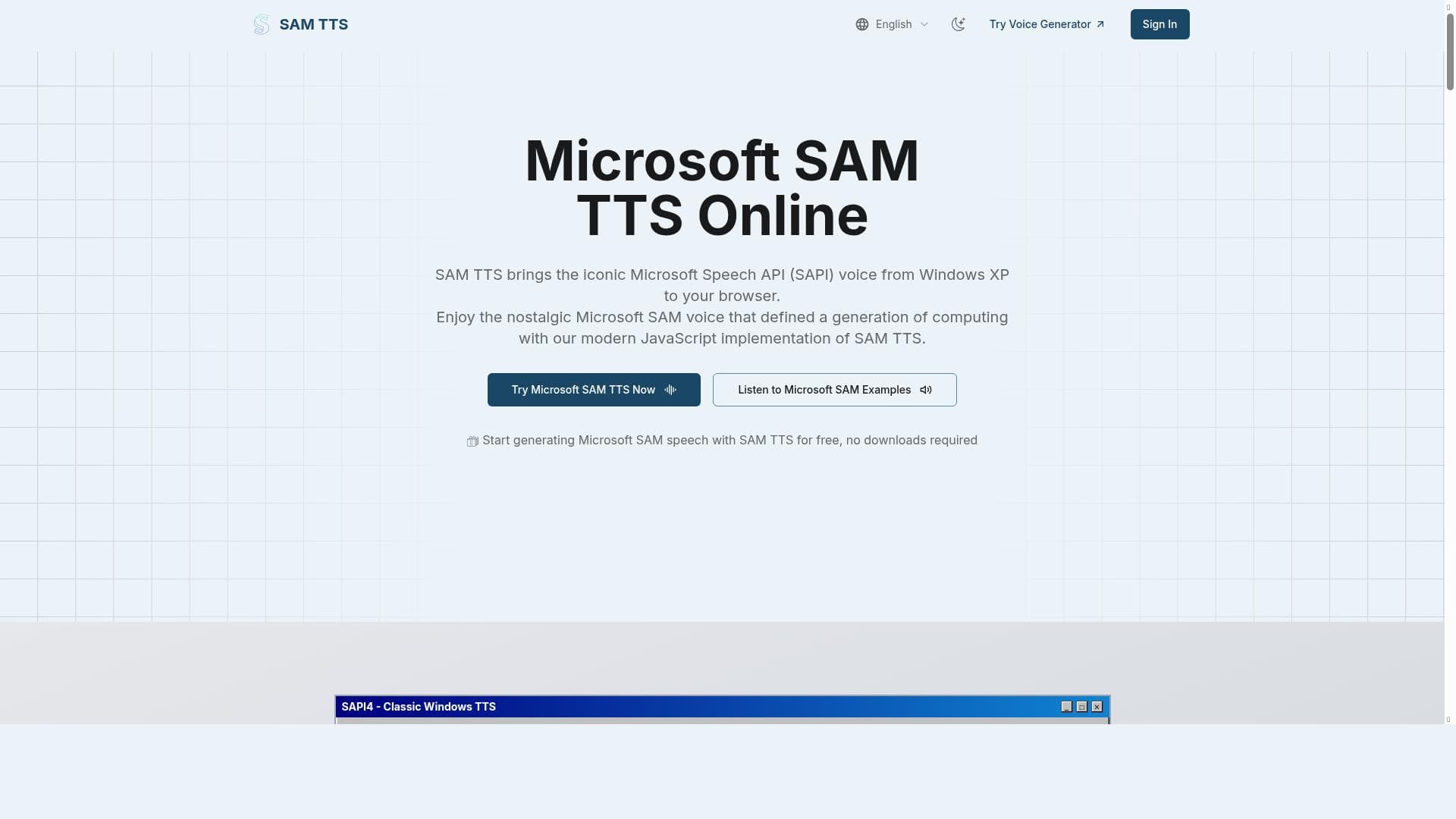
SAM TTS - Microsoft SAM Text to Speech revives the iconic Windows XP voice in a free, browser-based tool that lets users instantly generate and customize classic SAM audio. Perfect for content creators, meme makers, and retro enthusiasts, it offers nostalgic charm with modern convenience—no downloads or fees required.
SAM TTS - Microsoft SAM Text to Speech is a unique online tool designed to bring back the iconic voice of Microsoft SAM, the classic text-to-speech (TTS) engine popularized during the Windows XP era. This tool allows users to instantly generate the nostalgic SAM voice directly in their web browser without the need for any software downloads or installations. Its core purpose is to provide an easy, accessible way to create audio files using the distinctive SAM voice, enabling users to add a retro, recognizable touch to their multimedia projects, memes, videos, and creative content. By combining the vintage charm of Microsoft SAM with modern web technology, SAM TTS offers a fun and functional experience for anyone looking to leverage this classic voice in contemporary digital formats. Key features of SAM TTS include its completely free access, allowing users to generate Microsoft SAM voice audio online without any cost or subscription. The tool supports instant voice generation, meaning users can type or paste text and immediately hear it spoken in the SAM voice. Customization options such as pitch and speed adjustments enable users to tailor the voice output to better fit their specific needs, whether they want a slower, clearer narration or a faster, more humorous delivery. Additionally, the tool provides an easy download option for the generated audio files, making it simple to integrate the SAM voice into videos, podcasts, presentations, or meme content. Since it operates fully in the browser, there is no requirement to download software or plugins, ensuring a seamless and hassle-free user experience. SAM TTS is ideal for a variety of users including content creators, meme makers, educators, and developers who want to incorporate a recognizable and nostalgic voice into their projects. Video producers can use the tool to add humorous or retro narration, while educators might find it useful for engaging students with a familiar voice. Meme creators benefit from the tool’s ability to quickly generate audio clips that enhance comedic timing and impact. Furthermore, hobbyists and fans of vintage computing culture will appreciate the authenticity and ease of access to the classic Microsoft SAM voice. Its simplicity and free availability make it accessible to users of all skill levels, from beginners to professionals. One of the most attractive aspects of SAM TTS is its pricing model: it is completely free to use. There are no premium tiers, subscriptions, or hidden fees, making it an excellent choice for users who want to experiment with or utilize the Microsoft SAM voice without financial commitment. This contrasts with many modern TTS services that often require payment for higher-quality voices or additional features. Compared to alternative text-to-speech tools, SAM TTS stands out by focusing exclusively on the Microsoft SAM voice, which is not commonly available in other TTS platforms. While many services offer natural-sounding, AI-generated voices, SAM TTS caters to a niche audience seeking the specific retro sound of the Windows XP era. This specialization makes it unique but also means it lacks the broader voice variety or advanced AI capabilities found in some competitors. However, its ease of use, instant generation, and free access provide a compelling value proposition for users specifically interested in the SAM voice. Notable limitations of SAM TTS include its focus on a single voice, which may not suit users looking for diverse or highly naturalistic speech options. The voice quality, while nostalgic, is intentionally synthetic and robotic, reflecting the original Microsoft SAM character rather than modern TTS realism. Additionally, since it is a browser-based tool, performance may depend on internet connectivity and browser compatibility. There are no advanced features such as multi-language support, voice cloning, or API integrations, which might limit its use in professional or large-scale applications. Nevertheless, for its intended purpose of delivering the classic SAM voice quickly and freely, it remains an excellent resource.

Description
SAM TTS - Microsoft SAM Text to Speech revives the iconic Windows XP voice in a free, browser-based tool that lets users instantly generate and customize classic SAM audio. Perfect for content creators, meme makers, and retro enthusiasts, it offers nostalgic charm with modern convenience—no downloads or fees required.
SAM TTS - Microsoft SAM Text to Speech is a unique online tool designed to bring back the iconic voice of Microsoft SAM, the classic text-to-speech (TTS) engine popularized during the Windows XP era. This tool allows users to instantly generate the nostalgic SAM voice directly in their web browser without the need for any software downloads or installations. Its core purpose is to provide an easy, accessible way to create audio files using the distinctive SAM voice, enabling users to add a retro, recognizable touch to their multimedia projects, memes, videos, and creative content. By combining the vintage charm of Microsoft SAM with modern web technology, SAM TTS offers a fun and functional experience for anyone looking to leverage this classic voice in contemporary digital formats. Key features of SAM TTS include its completely free access, allowing users to generate Microsoft SAM voice audio online without any cost or subscription. The tool supports instant voice generation, meaning users can type or paste text and immediately hear it spoken in the SAM voice. Customization options such as pitch and speed adjustments enable users to tailor the voice output to better fit their specific needs, whether they want a slower, clearer narration or a faster, more humorous delivery. Additionally, the tool provides an easy download option for the generated audio files, making it simple to integrate the SAM voice into videos, podcasts, presentations, or meme content. Since it operates fully in the browser, there is no requirement to download software or plugins, ensuring a seamless and hassle-free user experience. SAM TTS is ideal for a variety of users including content creators, meme makers, educators, and developers who want to incorporate a recognizable and nostalgic voice into their projects. Video producers can use the tool to add humorous or retro narration, while educators might find it useful for engaging students with a familiar voice. Meme creators benefit from the tool’s ability to quickly generate audio clips that enhance comedic timing and impact. Furthermore, hobbyists and fans of vintage computing culture will appreciate the authenticity and ease of access to the classic Microsoft SAM voice. Its simplicity and free availability make it accessible to users of all skill levels, from beginners to professionals. One of the most attractive aspects of SAM TTS is its pricing model: it is completely free to use. There are no premium tiers, subscriptions, or hidden fees, making it an excellent choice for users who want to experiment with or utilize the Microsoft SAM voice without financial commitment. This contrasts with many modern TTS services that often require payment for higher-quality voices or additional features. Compared to alternative text-to-speech tools, SAM TTS stands out by focusing exclusively on the Microsoft SAM voice, which is not commonly available in other TTS platforms. While many services offer natural-sounding, AI-generated voices, SAM TTS caters to a niche audience seeking the specific retro sound of the Windows XP era. This specialization makes it unique but also means it lacks the broader voice variety or advanced AI capabilities found in some competitors. However, its ease of use, instant generation, and free access provide a compelling value proposition for users specifically interested in the SAM voice. Notable limitations of SAM TTS include its focus on a single voice, which may not suit users looking for diverse or highly naturalistic speech options. The voice quality, while nostalgic, is intentionally synthetic and robotic, reflecting the original Microsoft SAM character rather than modern TTS realism. Additionally, since it is a browser-based tool, performance may depend on internet connectivity and browser compatibility. There are no advanced features such as multi-language support, voice cloning, or API integrations, which might limit its use in professional or large-scale applications. Nevertheless, for its intended purpose of delivering the classic SAM voice quickly and freely, it remains an excellent resource.
Tool Features
- Free Microsoft SAM text to speech online
- Instant generation of classic SAM TTS voice
- No download needed
- Create SAM voice audio for memes
- Suitable for videos and creative projects
Frequently Asked Questions
What is SAM TTS - Microsoft SAM Text to Speech?
SAM TTS is an online text-to-speech tool that allows users to generate audio using the classic Microsoft SAM voice, famous from Windows XP. It runs entirely in the browser and provides instant speech synthesis with customizable pitch and speed.
How much does SAM TTS - Microsoft SAM Text to Speech cost?
SAM TTS is completely free to use with no subscription or payment required.
Who is SAM TTS - Microsoft SAM Text to Speech best for?
It is ideal for content creators, meme makers, educators, and anyone looking to add the nostalgic Microsoft SAM voice to their projects, especially for videos, memes, and creative audio content.
What are the main features of SAM TTS - Microsoft SAM Text to Speech?
Key features include free online access, instant generation of the classic SAM voice, pitch and speed customization, no software downloads needed, and the ability to download generated audio files.
Does SAM TTS - Microsoft SAM Text to Speech offer a free trial?
Since SAM TTS is entirely free, there is no need for a trial; all features are accessible without cost.
What integrations does SAM TTS - Microsoft SAM Text to Speech support?
SAM TTS operates as a standalone browser-based tool and does not currently offer integrations or API access.
How does SAM TTS - Microsoft SAM Text to Speech work?
Users input text into the web interface, adjust pitch and speed if desired, and the tool instantly generates speech in the Microsoft SAM voice, which can then be played back or downloaded as an audio file.
Sponsored Tools













































Reviews
No reviews yet. Be the first to share your experience.