Description
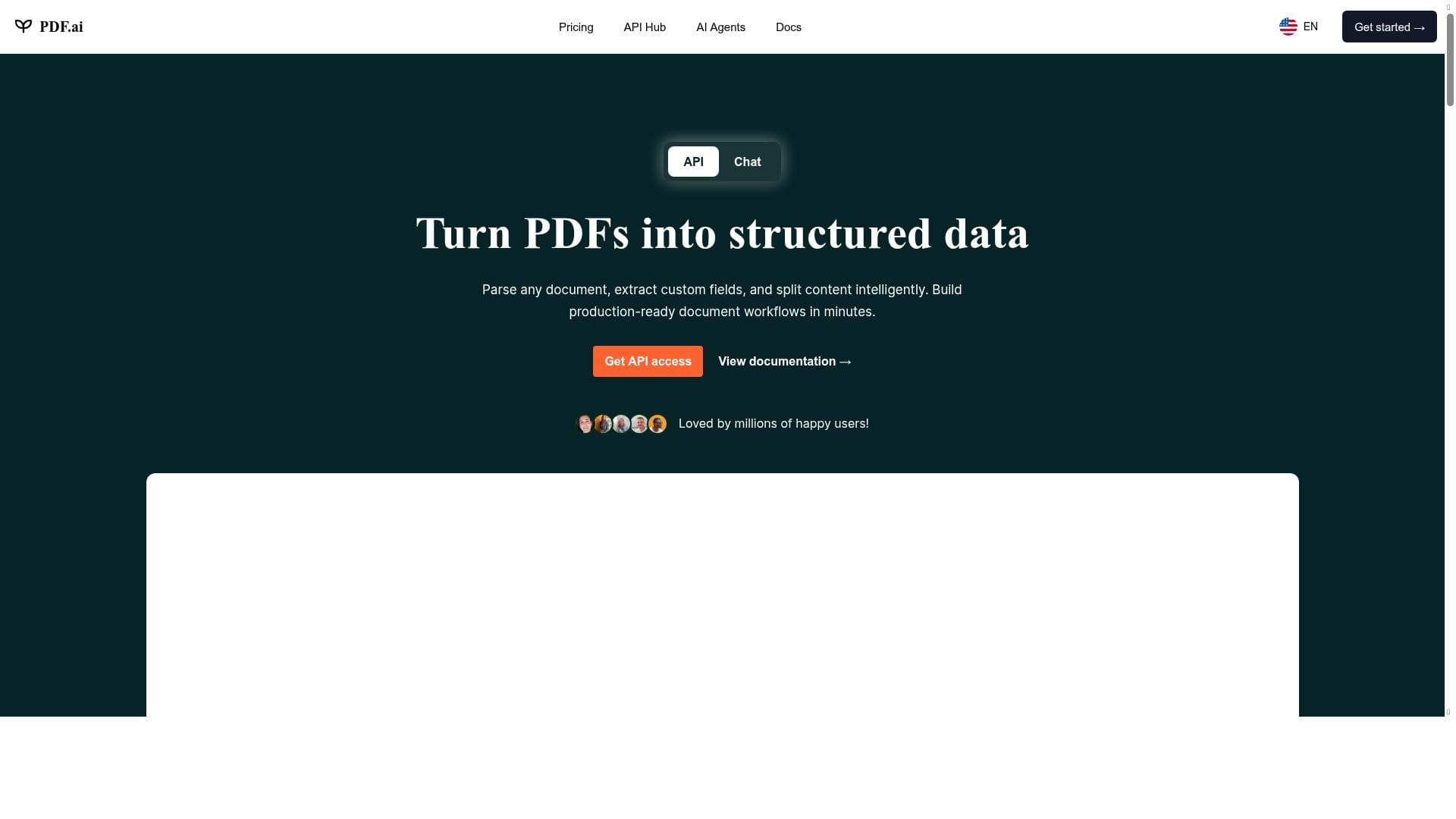
PDF AI revolutionizes document interaction by enabling users to chat directly with any PDF, extracting insights, summaries, and specific data effortlessly. Ideal for legal, financial, and research professionals, it transforms static PDFs into dynamic, conversational experiences that save time and boost productivity.
PDF AI is an innovative AI-powered tool designed to transform the way users interact with PDF documents. Its core purpose is to enable seamless, conversational engagement with any PDF file, whether it be complex legal agreements, detailed financial reports, academic papers, or other document types. By leveraging advanced natural language processing and machine learning technologies, PDF AI allows users to ask questions, extract specific information, and receive concise summaries, effectively bringing static documents to life and making information retrieval faster and more intuitive. At the heart of PDF AI are several key features that set it apart. Users can chat directly with any PDF document, enabling a dynamic dialogue where the AI understands and responds to queries about the document’s content. This conversational interface eliminates the need for manual searching or scrolling through pages. Additionally, PDF AI can generate comprehensive summaries of entire documents or selected sections, helping users grasp the main points quickly without reading through lengthy text. Another standout capability is its ability to pinpoint specific information within PDFs, such as clauses in contracts or data points in reports, which is invaluable for professionals who need precise details on demand. These features collectively enhance productivity by reducing the time and effort required to analyze and comprehend complex documents. PDF AI is particularly well-suited for professionals across various industries who regularly work with dense or voluminous PDF files. Legal practitioners can use it to quickly interpret contracts and agreements, ensuring they understand critical terms without exhaustive review. Financial analysts and accountants benefit from its ability to summarize reports and extract key figures efficiently. Researchers and students can leverage the tool to digest academic papers and gather relevant information swiftly. Moreover, business professionals who deal with policy documents, technical manuals, or regulatory filings will find PDF AI invaluable for streamlining document management and decision-making processes. Regarding pricing, PDF AI operates on a freemium model, making it accessible to a broad audience. The free tier offers essential features that allow users to experience the core functionalities such as chatting with PDFs and obtaining summaries. For users requiring more extensive usage, advanced features, or higher limits, premium plans are available, providing enhanced capabilities and priority support. This flexible pricing approach ensures that both casual users and professionals with demanding needs can benefit from the tool. When compared to alternative document AI tools, PDF AI stands out due to its focus on PDF files specifically and its conversational interface. While some competitors offer document summarization or search features, PDF AI’s chat-based interaction provides a more natural and user-friendly experience. Its ability to handle a wide range of document types and extract detailed information makes it more versatile than many generic AI assistants. However, unlike some enterprise-grade solutions, PDF AI may have limitations in handling extremely large datasets or integrating deeply with complex workflows, which could be a consideration for large organizations. Notable limitations include potential challenges with highly specialized or poorly scanned PDFs where text recognition might be less accurate. Additionally, while the freemium plan is generous, users with very high-volume needs may find the premium pricing necessary. Users should also be aware of privacy considerations when uploading sensitive documents, although reputable security measures are typically in place. Overall, PDF AI offers a powerful, accessible solution for enhancing PDF document interaction, with a balance of ease-of-use and advanced functionality that caters to a wide spectrum of users.

Description
PDF AI revolutionizes document interaction by enabling users to chat directly with any PDF, extracting insights, summaries, and specific data effortlessly. Ideal for legal, financial, and research professionals, it transforms static PDFs into dynamic, conversational experiences that save time and boost productivity.
PDF AI is an innovative AI-powered tool designed to transform the way users interact with PDF documents. Its core purpose is to enable seamless, conversational engagement with any PDF file, whether it be complex legal agreements, detailed financial reports, academic papers, or other document types. By leveraging advanced natural language processing and machine learning technologies, PDF AI allows users to ask questions, extract specific information, and receive concise summaries, effectively bringing static documents to life and making information retrieval faster and more intuitive. At the heart of PDF AI are several key features that set it apart. Users can chat directly with any PDF document, enabling a dynamic dialogue where the AI understands and responds to queries about the document’s content. This conversational interface eliminates the need for manual searching or scrolling through pages. Additionally, PDF AI can generate comprehensive summaries of entire documents or selected sections, helping users grasp the main points quickly without reading through lengthy text. Another standout capability is its ability to pinpoint specific information within PDFs, such as clauses in contracts or data points in reports, which is invaluable for professionals who need precise details on demand. These features collectively enhance productivity by reducing the time and effort required to analyze and comprehend complex documents. PDF AI is particularly well-suited for professionals across various industries who regularly work with dense or voluminous PDF files. Legal practitioners can use it to quickly interpret contracts and agreements, ensuring they understand critical terms without exhaustive review. Financial analysts and accountants benefit from its ability to summarize reports and extract key figures efficiently. Researchers and students can leverage the tool to digest academic papers and gather relevant information swiftly. Moreover, business professionals who deal with policy documents, technical manuals, or regulatory filings will find PDF AI invaluable for streamlining document management and decision-making processes. Regarding pricing, PDF AI operates on a freemium model, making it accessible to a broad audience. The free tier offers essential features that allow users to experience the core functionalities such as chatting with PDFs and obtaining summaries. For users requiring more extensive usage, advanced features, or higher limits, premium plans are available, providing enhanced capabilities and priority support. This flexible pricing approach ensures that both casual users and professionals with demanding needs can benefit from the tool. When compared to alternative document AI tools, PDF AI stands out due to its focus on PDF files specifically and its conversational interface. While some competitors offer document summarization or search features, PDF AI’s chat-based interaction provides a more natural and user-friendly experience. Its ability to handle a wide range of document types and extract detailed information makes it more versatile than many generic AI assistants. However, unlike some enterprise-grade solutions, PDF AI may have limitations in handling extremely large datasets or integrating deeply with complex workflows, which could be a consideration for large organizations. Notable limitations include potential challenges with highly specialized or poorly scanned PDFs where text recognition might be less accurate. Additionally, while the freemium plan is generous, users with very high-volume needs may find the premium pricing necessary. Users should also be aware of privacy considerations when uploading sensitive documents, although reputable security measures are typically in place. Overall, PDF AI offers a powerful, accessible solution for enhancing PDF document interaction, with a balance of ease-of-use and advanced functionality that caters to a wide spectrum of users.
Tool Features
- Chat with any PDF document
- Ask questions about PDF content
- Get summaries of PDF documents
- Find specific information within PDFs
Frequently Asked Questions
What is PDF AI?
PDF AI is an AI-powered tool that allows users to interact with PDF documents through a conversational interface. It enables users to ask questions, get summaries, and find specific information within any PDF file, making document analysis faster and more intuitive.
How much does PDF AI cost?
PDF AI offers a freemium pricing model. The free tier provides access to essential features, while premium plans with advanced capabilities and higher usage limits are available for users with more demanding needs.
Who is PDF AI best for?
PDF AI is ideal for professionals who frequently work with PDF documents, including legal practitioners, financial analysts, researchers, students, and business professionals who need to quickly extract and understand information from complex documents.
What are the main features of PDF AI?
The main features include chatting with any PDF document, asking questions about PDF content, generating summaries of documents, and finding specific information within PDFs to streamline document comprehension and analysis.
Does PDF AI offer a free trial?
PDF AI operates on a freemium model, which means users can access core features for free without a time-limited trial. Premium features are available through paid plans.
What integrations does PDF AI support?
Currently, PDF AI primarily functions as a standalone tool focused on PDF interaction. Specific integrations with other platforms or software are not prominently featured but may be developed in the future.
How does PDF AI work?
PDF AI uses advanced natural language processing and machine learning to understand the content of PDF documents. Users can interact with the document through a chat interface, asking questions or requesting summaries, and the AI processes the text to provide relevant, accurate responses.
Socials
Use ToolSponsored Tools













































Reviews
No reviews yet. Be the first to share your experience.