Imaginify
Description
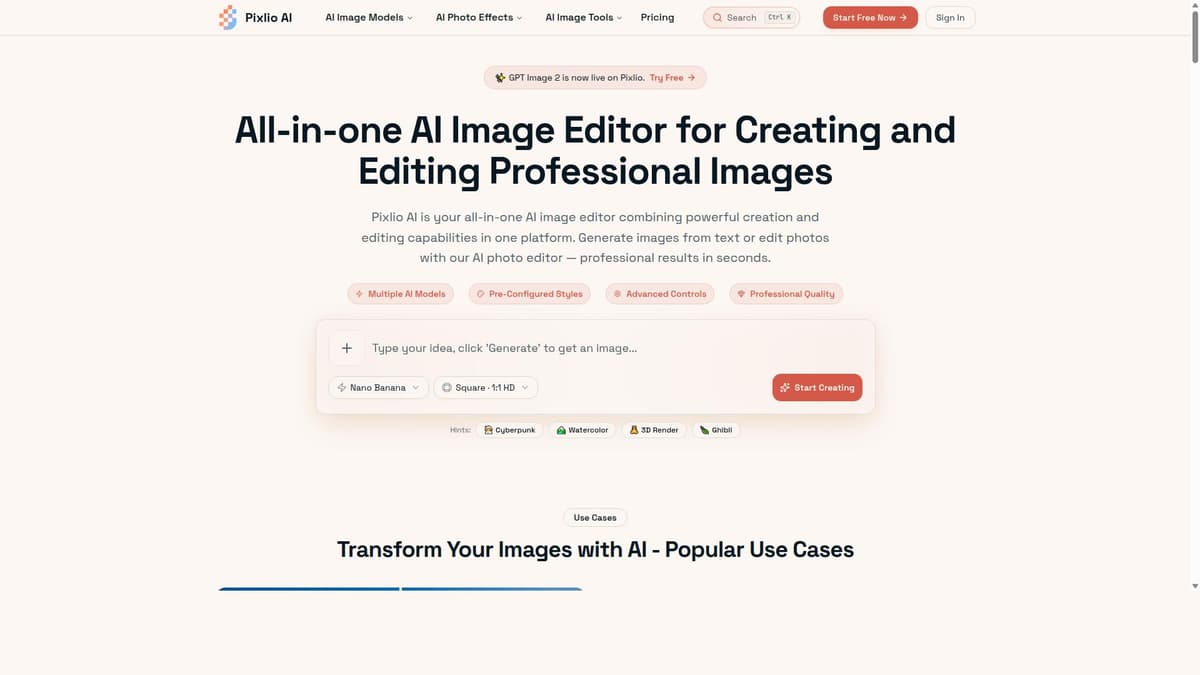
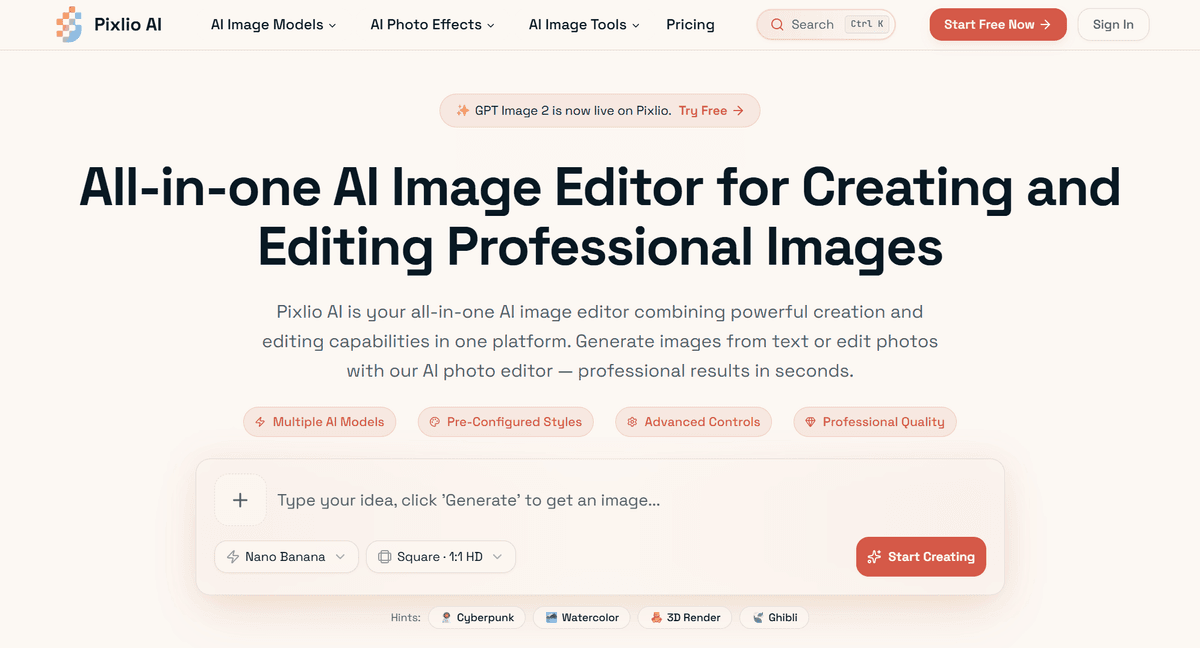
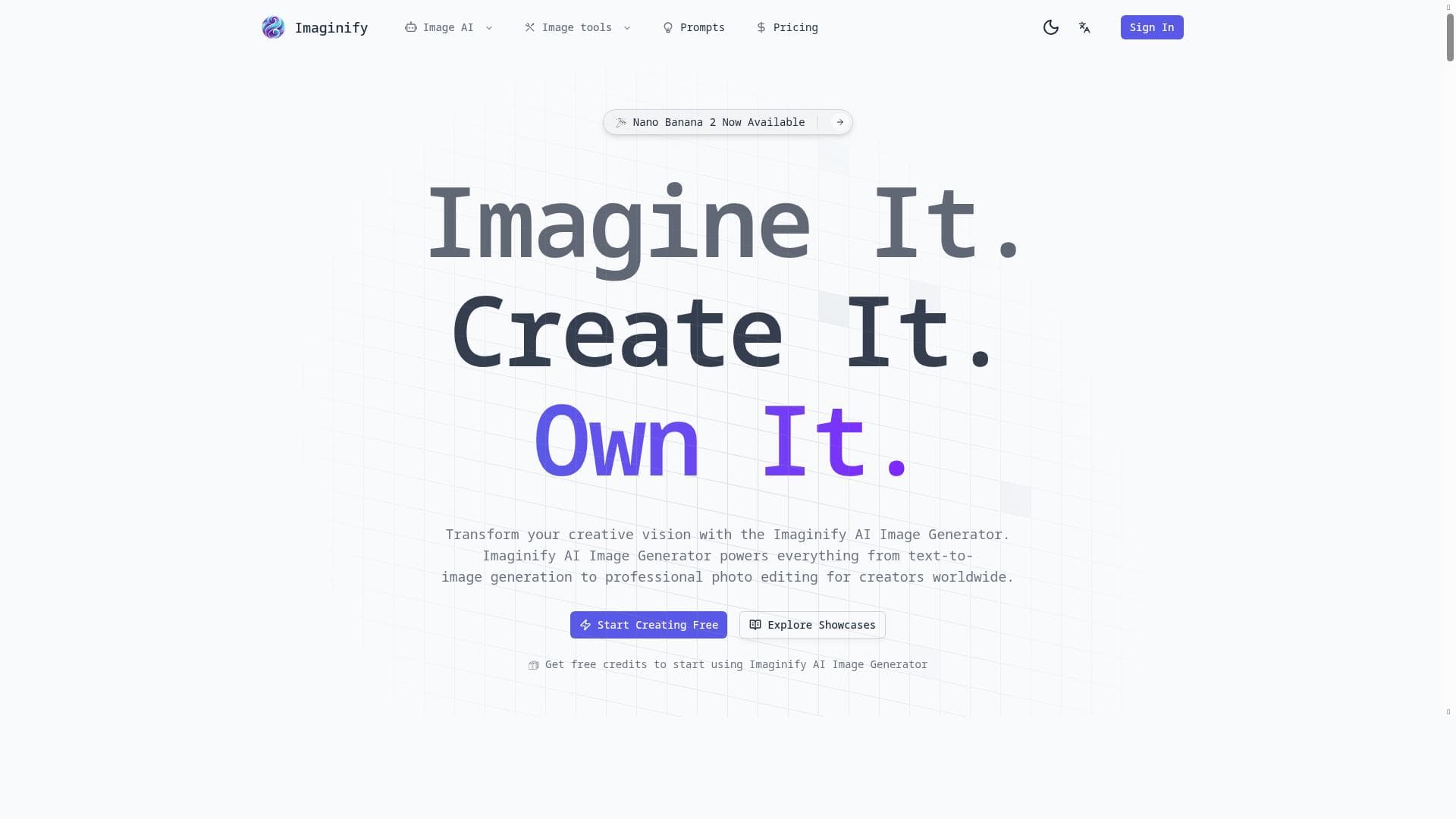
Imaginify harnesses Google's Gemini AI and the Nano Banana Pro model to deliver fast, professional 4K image generation and editing with unmatched character consistency and style transfer. Ideal for creators and marketers, it combines text-to-image generation and precision photo editing in one intuitive platform, enabling stunning visuals in seconds.
Imaginify is a cutting-edge AI-powered image editing and generation tool designed to transform creative visions into stunning visual content with remarkable speed and quality. At its core, Imaginify leverages Google's Gemini AI alongside the proprietary Nano Banana Pro AI model to deliver professional-grade 4K image outputs that maintain character consistency and offer precision editing capabilities. This combination allows users to generate images from text prompts and perform intelligent photo editing with style transfer, making it a versatile solution for creators seeking both automation and artistic control. Whether you're a digital artist, marketer, content creator, or photographer, Imaginify provides a seamless platform to bring imaginative concepts to life within seconds. One of Imaginify's standout features is its advanced text-to-image generation, which enables users to input descriptive prompts and receive highly detailed, visually coherent images that align with their creative intent. This feature is powered by the Nano Banana AI model, known for its ability to produce images with consistent character details and nuanced style adaptations. Beyond generation, Imaginify offers professional photo editing tools that allow users to refine and enhance images with precision. The editor supports flexible aspect ratios, accommodating various output dimensions suitable for social media, print, or digital projects. The 4K output quality ensures that images are crisp and suitable for high-resolution displays or professional use cases. Style transfer capabilities further enhance creative possibilities by allowing users to apply artistic effects and mimic specific visual aesthetics effortlessly. Imaginify is best suited for a wide range of users including graphic designers, illustrators, social media managers, advertising professionals, and hobbyist creators who require a powerful yet user-friendly AI image editor. Its ability to quickly generate and edit images makes it ideal for brainstorming sessions, rapid prototyping, marketing campaigns, and content creation workflows where visual assets need to be produced efficiently without sacrificing quality. The platform’s intuitive interface and AI-driven features also make it accessible to users with limited technical expertise, democratizing access to advanced image editing technology. Regarding pricing, Imaginify operates on a freemium model, allowing users to start creating for free with access to core features and a limited number of image generations or edits. This approach enables new users to explore the tool’s capabilities without upfront costs. For more intensive use, premium plans likely offer expanded access to higher resolution outputs, increased generation limits, and additional professional editing tools, although specific pricing tiers and details should be checked directly on their website. This flexible pricing structure makes Imaginify accessible to both casual users and professionals who require more robust features. Compared to alternative AI image editors and generators, Imaginify stands out due to its integration of Google's Gemini AI and the proprietary Nano Banana Pro model, which together provide superior image fidelity, character consistency, and style transfer options. Many competing tools focus solely on either generation or editing, whereas Imaginify combines both in a single platform, streamlining the creative process. Additionally, the support for flexible aspect ratios and 4K output quality positions it well for professional-grade projects. However, users should consider that while Imaginify offers powerful AI features, the quality of results may still depend on the specificity of text prompts and user input during editing, which is common across AI image tools. Notable limitations include the potential learning curve for users unfamiliar with AI-based image generation and editing, as mastering prompt crafting and style transfer techniques can take time. Additionally, as with many AI tools, there may be occasional inconsistencies or artifacts in generated images, especially with highly complex or abstract prompts. Users should also be mindful of the freemium model’s usage limits, which might restrict heavy users unless they upgrade to paid plans. Lastly, while Imaginify supports a broad range of creative applications, it may not fully replace specialized software for advanced photo manipulation or vector graphic design. Overall, Imaginify offers a powerful, versatile, and accessible AI image editing and generation platform that empowers creators to produce high-quality visuals quickly and efficiently. Its combination of advanced AI models, professional editing tools, and flexible output options make it a compelling choice for anyone looking to enhance their creative workflows with AI technology.

Description
Imaginify harnesses Google's Gemini AI and the Nano Banana Pro model to deliver fast, professional 4K image generation and editing with unmatched character consistency and style transfer. Ideal for creators and marketers, it combines text-to-image generation and precision photo editing in one intuitive platform, enabling stunning visuals in seconds.
Imaginify is a cutting-edge AI-powered image editing and generation tool designed to transform creative visions into stunning visual content with remarkable speed and quality. At its core, Imaginify leverages Google's Gemini AI alongside the proprietary Nano Banana Pro AI model to deliver professional-grade 4K image outputs that maintain character consistency and offer precision editing capabilities. This combination allows users to generate images from text prompts and perform intelligent photo editing with style transfer, making it a versatile solution for creators seeking both automation and artistic control. Whether you're a digital artist, marketer, content creator, or photographer, Imaginify provides a seamless platform to bring imaginative concepts to life within seconds. One of Imaginify's standout features is its advanced text-to-image generation, which enables users to input descriptive prompts and receive highly detailed, visually coherent images that align with their creative intent. This feature is powered by the Nano Banana AI model, known for its ability to produce images with consistent character details and nuanced style adaptations. Beyond generation, Imaginify offers professional photo editing tools that allow users to refine and enhance images with precision. The editor supports flexible aspect ratios, accommodating various output dimensions suitable for social media, print, or digital projects. The 4K output quality ensures that images are crisp and suitable for high-resolution displays or professional use cases. Style transfer capabilities further enhance creative possibilities by allowing users to apply artistic effects and mimic specific visual aesthetics effortlessly. Imaginify is best suited for a wide range of users including graphic designers, illustrators, social media managers, advertising professionals, and hobbyist creators who require a powerful yet user-friendly AI image editor. Its ability to quickly generate and edit images makes it ideal for brainstorming sessions, rapid prototyping, marketing campaigns, and content creation workflows where visual assets need to be produced efficiently without sacrificing quality. The platform’s intuitive interface and AI-driven features also make it accessible to users with limited technical expertise, democratizing access to advanced image editing technology. Regarding pricing, Imaginify operates on a freemium model, allowing users to start creating for free with access to core features and a limited number of image generations or edits. This approach enables new users to explore the tool’s capabilities without upfront costs. For more intensive use, premium plans likely offer expanded access to higher resolution outputs, increased generation limits, and additional professional editing tools, although specific pricing tiers and details should be checked directly on their website. This flexible pricing structure makes Imaginify accessible to both casual users and professionals who require more robust features. Compared to alternative AI image editors and generators, Imaginify stands out due to its integration of Google's Gemini AI and the proprietary Nano Banana Pro model, which together provide superior image fidelity, character consistency, and style transfer options. Many competing tools focus solely on either generation or editing, whereas Imaginify combines both in a single platform, streamlining the creative process. Additionally, the support for flexible aspect ratios and 4K output quality positions it well for professional-grade projects. However, users should consider that while Imaginify offers powerful AI features, the quality of results may still depend on the specificity of text prompts and user input during editing, which is common across AI image tools. Notable limitations include the potential learning curve for users unfamiliar with AI-based image generation and editing, as mastering prompt crafting and style transfer techniques can take time. Additionally, as with many AI tools, there may be occasional inconsistencies or artifacts in generated images, especially with highly complex or abstract prompts. Users should also be mindful of the freemium model’s usage limits, which might restrict heavy users unless they upgrade to paid plans. Lastly, while Imaginify supports a broad range of creative applications, it may not fully replace specialized software for advanced photo manipulation or vector graphic design. Overall, Imaginify offers a powerful, versatile, and accessible AI image editing and generation platform that empowers creators to produce high-quality visuals quickly and efficiently. Its combination of advanced AI models, professional editing tools, and flexible output options make it a compelling choice for anyone looking to enhance their creative workflows with AI technology.
Tool Features
- Text-to-image generation
- Professional photo editing
- Flexible aspect ratios
- 4K output
- Powered by Nano Banana AI model
Frequently Asked Questions
What is Imaginify ?
Imaginify is an AI-powered image editor and generator that uses Google's Gemini AI and the Nano Banana Pro model to create and edit high-quality 4K images quickly. It offers text-to-image generation, professional photo editing, style transfer, and flexible aspect ratios to help users bring their creative visions to life.
How much does Imaginify cost?
Imaginify operates on a freemium pricing model, allowing users to start for free with access to basic features and limited usage. For extended capabilities, higher resolution outputs, and increased generation limits, premium subscription plans are available. Specific pricing details can be found on the Imaginify website.
Who is Imaginify best for?
Imaginify is ideal for digital artists, graphic designers, content creators, marketers, social media managers, and hobbyists who need a powerful yet user-friendly AI tool for generating and editing images quickly and professionally.
What are the main features of Imaginify ?
The main features include advanced text-to-image generation powered by the Nano Banana AI model, professional photo editing tools, flexible aspect ratio support, 4K image output quality, and style transfer capabilities to apply artistic effects.
Does Imaginify offer a free trial?
Yes, Imaginify offers a freemium plan that allows users to try the core features for free with some usage limits, enabling new users to explore the platform before committing to a paid subscription.
What integrations does Imaginify support?
Currently, Imaginify focuses on providing a standalone AI image editing and generation platform. Details about specific third-party integrations are not explicitly stated and should be checked on their official website.
How does Imaginify work?
Imaginify works by using AI models—Google's Gemini AI and the Nano Banana Pro—to interpret user text prompts and generate images accordingly. Users can also upload images for professional editing, apply style transfers, adjust aspect ratios, and export high-resolution 4K images, all within an intuitive interface.
Sponsored Tools













































Reviews
No reviews yet. Be the first to share your experience.