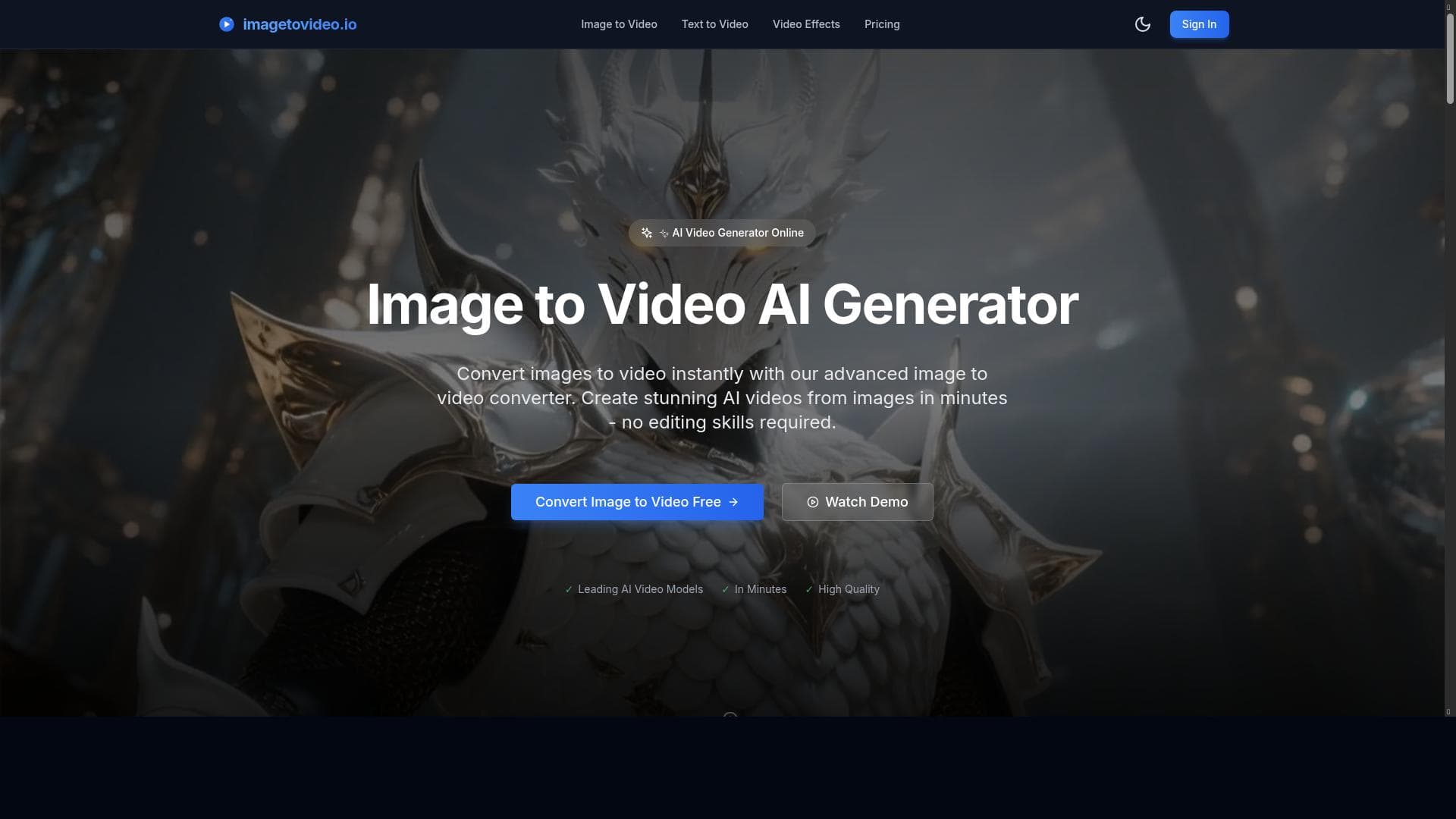
Description
Image to Video leverages cutting-edge AI technology to instantly transform static images and text into stunning videos, making video creation accessible and effortless. Ideal for content creators, marketers, and educators, it offers a freemium model with a free trial, enabling users to produce professional-quality videos without prior editing experience.
Image to Video is an innovative AI-powered tool designed to transform static images and text into dynamic, visually engaging videos. Its core purpose is to simplify and accelerate the video creation process by leveraging advanced AI image-to-video generator technology. This tool enables users to convert their images into captivating video content instantly, making it an invaluable resource for content creators, marketers, educators, and businesses looking to enhance their visual storytelling without the need for complex video editing skills. By automating the conversion process, Image to Video bridges the gap between static visual assets and compelling video narratives, expanding creative possibilities and boosting audience engagement. The tool’s key features include its ability to seamlessly transform images into videos using AI-driven algorithms that analyze and animate visual elements. This technology ensures that the resulting videos are not only smooth and professional-looking but also tailored to the user’s input, whether it’s a single image or a series of images combined with text. The instant online conversion feature allows users to generate videos quickly without waiting for lengthy rendering times or needing powerful hardware. Additionally, Image to Video offers a freemium pricing model with a free trial, providing users with the opportunity to explore its capabilities before committing to a paid plan. This accessibility encourages experimentation and lowers the barrier to entry for those new to video creation. Image to Video is best suited for a wide range of users, including social media managers who need to produce eye-catching content rapidly, educators aiming to create engaging instructional videos, small businesses seeking affordable marketing solutions, and digital artists wanting to bring their images to life. Specific use cases include creating promotional videos from product images, transforming photo albums into animated stories, developing visual content for online courses, and generating social media posts that stand out in crowded feeds. Its ease of use and instant output make it particularly valuable for users without extensive video editing experience or those requiring quick turnaround times. Regarding pricing, Image to Video operates on a freemium model, allowing users to access basic features and test the platform through a free trial. This approach makes it accessible to individuals and small teams who want to evaluate the tool’s effectiveness before upgrading. Paid plans likely offer enhanced features such as higher resolution outputs, longer video durations, and additional customization options, although specific pricing tiers are not detailed here. The free trial is a significant advantage, enabling users to experience the tool’s core functionalities risk-free. When compared to alternative video creation tools, Image to Video stands out due to its specialized focus on converting images and text into videos using AI technology. Unlike traditional video editors that require manual input and technical skills, this tool automates much of the process, saving time and effort. While some competitors may offer broader video editing suites, Image to Video’s streamlined approach caters specifically to users who want quick, high-quality video content derived from images. However, it may lack some advanced editing features found in more comprehensive platforms, which could be a consideration for users needing extensive customization. Notable limitations include the potential constraints on video length and resolution within the free or lower-tier plans, which might affect professional users requiring high-definition outputs or longer videos. Additionally, as an AI-driven tool, the quality of the generated video may depend on the input images and text, meaning that highly complex or low-quality source material could result in less polished videos. Users should also consider the availability of integrations with other platforms, as limited integration options could impact workflow efficiency for those relying on multiple tools. Despite these considerations, Image to Video remains a powerful and accessible option for transforming images into engaging video content quickly and effectively.

Description
Image to Video leverages cutting-edge AI technology to instantly transform static images and text into stunning videos, making video creation accessible and effortless. Ideal for content creators, marketers, and educators, it offers a freemium model with a free trial, enabling users to produce professional-quality videos without prior editing experience.
Image to Video is an innovative AI-powered tool designed to transform static images and text into dynamic, visually engaging videos. Its core purpose is to simplify and accelerate the video creation process by leveraging advanced AI image-to-video generator technology. This tool enables users to convert their images into captivating video content instantly, making it an invaluable resource for content creators, marketers, educators, and businesses looking to enhance their visual storytelling without the need for complex video editing skills. By automating the conversion process, Image to Video bridges the gap between static visual assets and compelling video narratives, expanding creative possibilities and boosting audience engagement. The tool’s key features include its ability to seamlessly transform images into videos using AI-driven algorithms that analyze and animate visual elements. This technology ensures that the resulting videos are not only smooth and professional-looking but also tailored to the user’s input, whether it’s a single image or a series of images combined with text. The instant online conversion feature allows users to generate videos quickly without waiting for lengthy rendering times or needing powerful hardware. Additionally, Image to Video offers a freemium pricing model with a free trial, providing users with the opportunity to explore its capabilities before committing to a paid plan. This accessibility encourages experimentation and lowers the barrier to entry for those new to video creation. Image to Video is best suited for a wide range of users, including social media managers who need to produce eye-catching content rapidly, educators aiming to create engaging instructional videos, small businesses seeking affordable marketing solutions, and digital artists wanting to bring their images to life. Specific use cases include creating promotional videos from product images, transforming photo albums into animated stories, developing visual content for online courses, and generating social media posts that stand out in crowded feeds. Its ease of use and instant output make it particularly valuable for users without extensive video editing experience or those requiring quick turnaround times. Regarding pricing, Image to Video operates on a freemium model, allowing users to access basic features and test the platform through a free trial. This approach makes it accessible to individuals and small teams who want to evaluate the tool’s effectiveness before upgrading. Paid plans likely offer enhanced features such as higher resolution outputs, longer video durations, and additional customization options, although specific pricing tiers are not detailed here. The free trial is a significant advantage, enabling users to experience the tool’s core functionalities risk-free. When compared to alternative video creation tools, Image to Video stands out due to its specialized focus on converting images and text into videos using AI technology. Unlike traditional video editors that require manual input and technical skills, this tool automates much of the process, saving time and effort. While some competitors may offer broader video editing suites, Image to Video’s streamlined approach caters specifically to users who want quick, high-quality video content derived from images. However, it may lack some advanced editing features found in more comprehensive platforms, which could be a consideration for users needing extensive customization. Notable limitations include the potential constraints on video length and resolution within the free or lower-tier plans, which might affect professional users requiring high-definition outputs or longer videos. Additionally, as an AI-driven tool, the quality of the generated video may depend on the input images and text, meaning that highly complex or low-quality source material could result in less polished videos. Users should also consider the availability of integrations with other platforms, as limited integration options could impact workflow efficiency for those relying on multiple tools. Despite these considerations, Image to Video remains a powerful and accessible option for transforming images into engaging video content quickly and effectively.
Tool Features
- Transform images to video
- AI image to video generator technology
- Instant online conversion
- Free trial available
Frequently Asked Questions
What is image to video?
Image to Video is an AI-powered tool that converts static images and text into dynamic, visually engaging videos through instant online conversion.
How much does image to video cost?
Image to Video operates on a freemium pricing model, offering a free trial with basic features and paid plans that likely include enhanced capabilities, though specific pricing details are not provided.
Who is image to video best for?
It is best suited for content creators, social media managers, educators, small businesses, and digital artists who want to quickly create engaging video content from images without advanced editing skills.
What are the main features of image to video?
Key features include AI-driven image to video transformation, instant online conversion, the ability to combine images and text into videos, and availability of a free trial.
Does image to video offer a free trial?
Yes, Image to Video offers a free trial that allows users to test its core functionalities before subscribing to paid plans.
What integrations does image to video support?
There is no specific information provided about integrations; users may need to check the website for the latest details on supported platforms and tools.
How does image to video work?
The tool uses AI algorithms to analyze images and text inputs, then automatically generates smooth, professional-looking videos by animating and sequencing the visual content instantly online.
Sponsored Tools













































Reviews
No reviews yet. Be the first to share your experience.















