Description
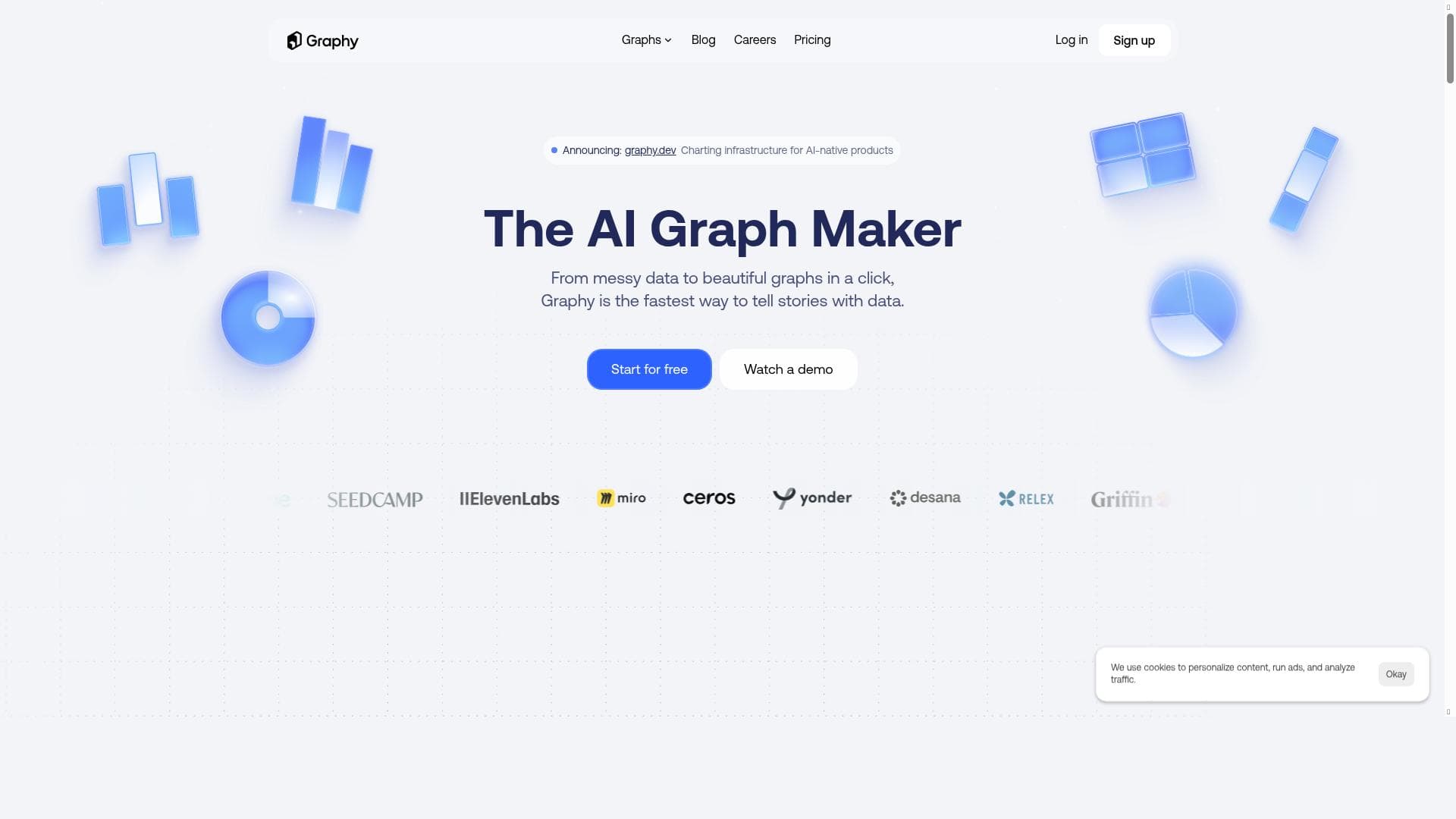
Graphy AI revolutionizes data presentation by combining automatic chart creation with AI-powered insight explanations, making complex data easy to understand and share. Ideal for business professionals and teams, it streamlines data storytelling and collaboration through ready-to-use slides and Slack integration.
Graphy AI is an innovative online tool designed to transform raw data into visually compelling charts and insightful narratives with minimal effort. Its core purpose is to simplify the process of data visualization and storytelling, enabling users to quickly generate professional-quality graphs accompanied by AI-generated explanations of key insights. This makes it an invaluable resource for anyone who needs to communicate complex data clearly and effectively, whether in business presentations, team meetings, or collaborative platforms like Slack. At its heart, Graphy AI offers a seamless experience where users can upload or input their data, and the tool automatically creates beautiful, customizable graphs. Beyond just visualization, Graphy AI leverages artificial intelligence to analyze the data and generate concise, meaningful commentary that highlights important trends and patterns. This AI-assisted data storytelling feature helps users not only present numbers but also tell a compelling story that resonates with their audience. The tool is designed to be user-friendly, requiring no advanced technical skills, making it accessible to a broad range of users. Key features of Graphy AI include the ability to create a variety of graph types online, from bar charts and line graphs to pie charts and more complex visualizations. The AI-powered insight generation is a standout capability, as it automatically interprets the data and provides textual explanations that can be directly incorporated into presentations or reports. Additionally, Graphy AI facilitates easy sharing and presentation by allowing users to export their charts and insights into slide decks or paste them directly into communication tools like Slack, streamlining collaboration and decision-making processes. Graphy AI is best suited for business professionals, data analysts, marketers, educators, and anyone who frequently works with data and needs to present it in an engaging and understandable way. Specific use cases include preparing sales reports, marketing performance reviews, financial analysis presentations, educational materials, and team updates. Its ease of use and AI-driven insights make it particularly valuable for users who may not have extensive expertise in data analysis or visualization but still need to produce high-quality outputs. The pricing model for Graphy AI follows a freemium approach, allowing users to access basic features at no cost, which is ideal for individuals or small teams exploring the tool. For more advanced functionalities, enhanced customization, or higher usage limits, premium plans are available, though specific pricing details would need to be checked on their website. This flexible pricing structure makes Graphy AI accessible to a wide audience, from casual users to enterprise teams. When compared to alternatives, Graphy AI stands out due to its integrated AI storytelling capabilities, which go beyond traditional chart-making tools that often require manual interpretation and annotation. While other platforms may offer robust visualization options, Graphy AI’s unique combination of automated insight generation and seamless sharing options provides a more holistic solution for data communication. However, users should consider that while AI explanations are helpful, they may not replace deep domain expertise or complex statistical analysis required in some professional contexts. Notable limitations include potential constraints on customization compared to specialized data visualization software and reliance on the AI’s interpretation, which might occasionally oversimplify or miss nuanced insights. Additionally, as a web-based tool, performance may depend on internet connectivity and data privacy considerations should be reviewed, especially for sensitive information. Overall, Graphy AI is a powerful, user-friendly tool that democratizes data storytelling, making it easier for users to create impactful presentations and foster data-driven discussions.

Description
Graphy AI revolutionizes data presentation by combining automatic chart creation with AI-powered insight explanations, making complex data easy to understand and share. Ideal for business professionals and teams, it streamlines data storytelling and collaboration through ready-to-use slides and Slack integration.
Graphy AI is an innovative online tool designed to transform raw data into visually compelling charts and insightful narratives with minimal effort. Its core purpose is to simplify the process of data visualization and storytelling, enabling users to quickly generate professional-quality graphs accompanied by AI-generated explanations of key insights. This makes it an invaluable resource for anyone who needs to communicate complex data clearly and effectively, whether in business presentations, team meetings, or collaborative platforms like Slack. At its heart, Graphy AI offers a seamless experience where users can upload or input their data, and the tool automatically creates beautiful, customizable graphs. Beyond just visualization, Graphy AI leverages artificial intelligence to analyze the data and generate concise, meaningful commentary that highlights important trends and patterns. This AI-assisted data storytelling feature helps users not only present numbers but also tell a compelling story that resonates with their audience. The tool is designed to be user-friendly, requiring no advanced technical skills, making it accessible to a broad range of users. Key features of Graphy AI include the ability to create a variety of graph types online, from bar charts and line graphs to pie charts and more complex visualizations. The AI-powered insight generation is a standout capability, as it automatically interprets the data and provides textual explanations that can be directly incorporated into presentations or reports. Additionally, Graphy AI facilitates easy sharing and presentation by allowing users to export their charts and insights into slide decks or paste them directly into communication tools like Slack, streamlining collaboration and decision-making processes. Graphy AI is best suited for business professionals, data analysts, marketers, educators, and anyone who frequently works with data and needs to present it in an engaging and understandable way. Specific use cases include preparing sales reports, marketing performance reviews, financial analysis presentations, educational materials, and team updates. Its ease of use and AI-driven insights make it particularly valuable for users who may not have extensive expertise in data analysis or visualization but still need to produce high-quality outputs. The pricing model for Graphy AI follows a freemium approach, allowing users to access basic features at no cost, which is ideal for individuals or small teams exploring the tool. For more advanced functionalities, enhanced customization, or higher usage limits, premium plans are available, though specific pricing details would need to be checked on their website. This flexible pricing structure makes Graphy AI accessible to a wide audience, from casual users to enterprise teams. When compared to alternatives, Graphy AI stands out due to its integrated AI storytelling capabilities, which go beyond traditional chart-making tools that often require manual interpretation and annotation. While other platforms may offer robust visualization options, Graphy AI’s unique combination of automated insight generation and seamless sharing options provides a more holistic solution for data communication. However, users should consider that while AI explanations are helpful, they may not replace deep domain expertise or complex statistical analysis required in some professional contexts. Notable limitations include potential constraints on customization compared to specialized data visualization software and reliance on the AI’s interpretation, which might occasionally oversimplify or miss nuanced insights. Additionally, as a web-based tool, performance may depend on internet connectivity and data privacy considerations should be reviewed, especially for sensitive information. Overall, Graphy AI is a powerful, user-friendly tool that democratizes data storytelling, making it easier for users to create impactful presentations and foster data-driven discussions.
Tool Features
- Create beautiful graphs online
- AI-assisted data storytelling
- Simplifies data presentation and communication
Frequently Asked Questions
What is Graphy AI?
Graphy AI is an online tool that transforms your data into visually appealing charts and provides AI-generated explanations of key insights, helping you communicate data effectively in presentations or collaborative platforms.
How much does Graphy AI cost?
Graphy AI offers a freemium pricing model, allowing free access to basic features with premium plans available for advanced functionality and higher usage limits. Detailed pricing can be found on their website.
Who is Graphy AI best for?
Graphy AI is ideal for business professionals, marketers, educators, data analysts, and anyone needing to present data clearly without requiring advanced technical skills.
What are the main features of Graphy AI?
Key features include creating beautiful graphs online, AI-assisted data storytelling that generates textual insights, and easy sharing options such as exporting to slides or pasting into Slack.
Does Graphy AI offer a free trial?
Graphy AI provides free access to its basic features under a freemium model, allowing users to try the tool without a time-limited trial period.
What integrations does Graphy AI support?
Graphy AI supports exporting charts and insights directly into presentation slides and allows pasting content into communication tools like Slack for seamless collaboration.
How does Graphy AI work?
Users add their data to Graphy AI, which then automatically creates charts and uses AI to analyze the data, generating clear explanations of key insights ready for presentation or sharing.
Socials
Use ToolSponsored Tools













































Reviews
No reviews yet. Be the first to share your experience.