Description
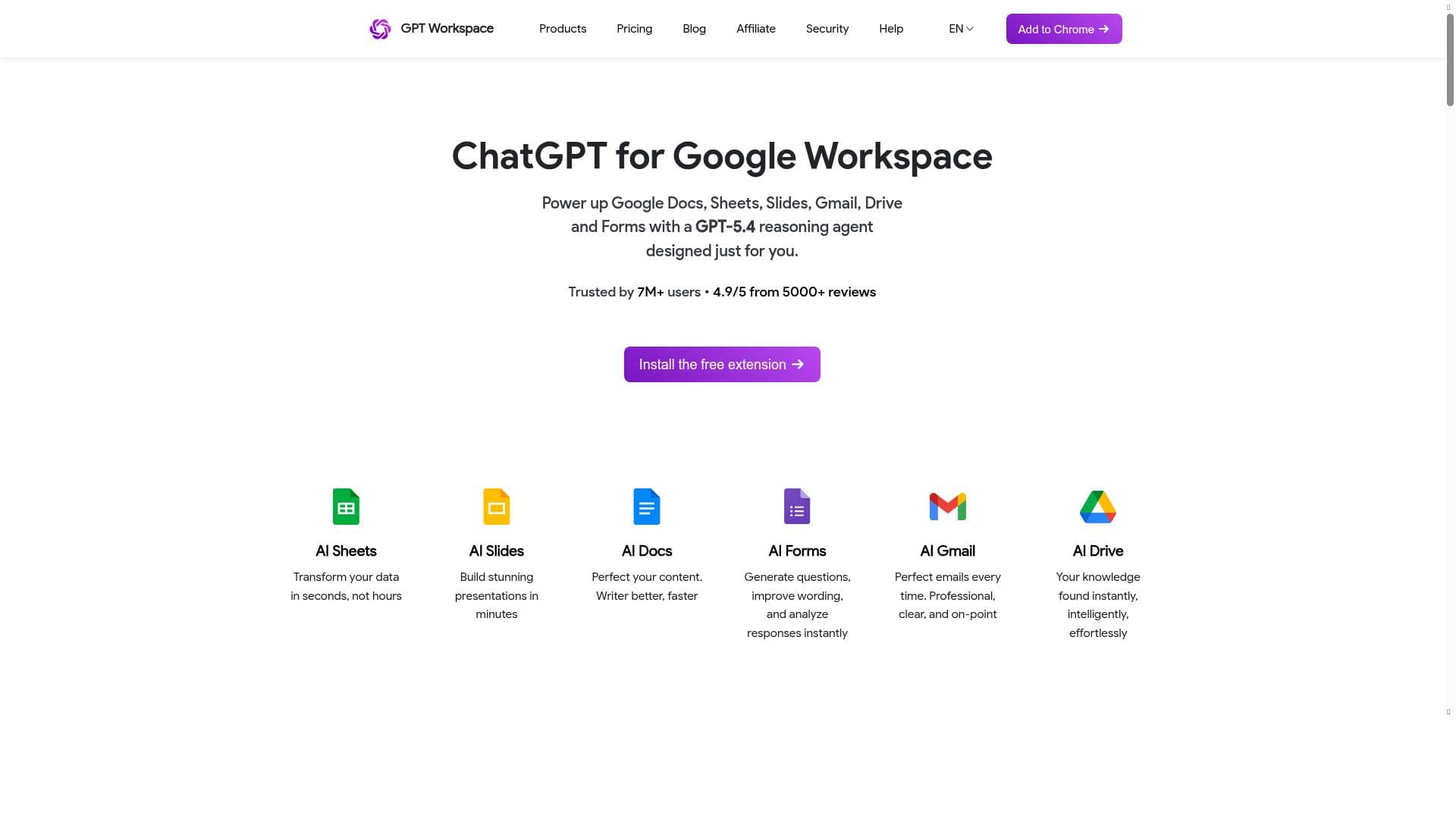
GPT Workspace uniquely integrates the advanced GPT-5 AI directly into Google Workspace apps, transforming Gmail, Docs, Sheets, and more into smarter productivity hubs. Ideal for professionals, educators, and teams, it streamlines content creation, data analysis, and communication without leaving your favorite Google tools.
GPT Workspace is an innovative AI tool designed to seamlessly integrate the power of ChatGPT directly into Google Workspace applications, including Gmail, Google Docs, Sheets, Slides, and Drive. Its core purpose is to elevate productivity by embedding advanced AI assistance within the very environments professionals, educators, and teams use daily. By doing so, GPT Workspace eliminates the need to switch between multiple apps or browser tabs, enabling users to generate content, brainstorm ideas, automate repetitive tasks, and receive instant answers without disrupting their workflow. This integration transforms Google Workspace apps into smarter, more efficient tools that help users achieve more in less time. At the heart of GPT Workspace lies the GPT-5 reasoning agent, a cutting-edge AI model that offers enhanced understanding and contextual reasoning capabilities. This allows the tool to provide highly relevant suggestions, draft emails, create detailed documents, analyze and manipulate data in Sheets, and even assist in designing presentations in Slides. Users can leverage GPT Workspace to automate mundane tasks such as formatting, summarizing lengthy texts, generating reports, and responding to emails, which significantly reduces manual effort and accelerates project completion. The tool’s ability to work natively within Google Workspace apps ensures a smooth user experience without the friction of external AI platforms. GPT Workspace is particularly well-suited for professionals who rely heavily on Google Workspace for communication, documentation, and data analysis. For example, sales teams can draft personalized outreach emails faster, educators can create lesson plans and grading rubrics more efficiently, and project managers can generate status reports and presentations with minimal effort. Additionally, collaborative teams benefit from the AI’s ability to brainstorm ideas and provide instant feedback within shared documents, fostering creativity and enhancing teamwork. Its versatility makes it valuable across industries such as education, marketing, finance, and consulting. Regarding pricing, GPT Workspace offers a freemium model, allowing users to access basic features at no cost, which is ideal for individuals and small teams wanting to explore its capabilities. For more advanced functionalities, higher usage limits, and priority support, premium plans are available, catering to larger organizations and power users who require extensive AI assistance integrated deeply into their workflows. This flexible pricing structure ensures accessibility while providing scalability as user needs grow. When compared to alternative AI tools that operate as standalone applications or browser extensions, GPT Workspace’s native integration within Google Workspace stands out as a major advantage. Unlike other tools that require copying and pasting content or switching contexts, GPT Workspace delivers AI assistance exactly where users work, saving time and reducing cognitive load. Its use of the latest GPT-5 model also offers superior reasoning and contextual understanding compared to earlier AI integrations. However, users should consider that the tool’s effectiveness depends on Google Workspace compatibility and internet connectivity, and some advanced AI features may require subscription upgrades. In summary, GPT Workspace is a powerful AI assistant that enhances Google Workspace by embedding GPT-5’s capabilities directly into familiar apps. It streamlines content creation, data analysis, and communication tasks, making it an indispensable productivity booster for professionals, educators, and teams. While its freemium pricing model offers a risk-free introduction, organizations seeking deeper AI integration and higher usage will find value in its premium offerings. Its seamless integration and advanced AI reasoning make GPT Workspace a standout choice for anyone looking to work smarter within Google’s ecosystem.

Description
GPT Workspace uniquely integrates the advanced GPT-5 AI directly into Google Workspace apps, transforming Gmail, Docs, Sheets, and more into smarter productivity hubs. Ideal for professionals, educators, and teams, it streamlines content creation, data analysis, and communication without leaving your favorite Google tools.
GPT Workspace is an innovative AI tool designed to seamlessly integrate the power of ChatGPT directly into Google Workspace applications, including Gmail, Google Docs, Sheets, Slides, and Drive. Its core purpose is to elevate productivity by embedding advanced AI assistance within the very environments professionals, educators, and teams use daily. By doing so, GPT Workspace eliminates the need to switch between multiple apps or browser tabs, enabling users to generate content, brainstorm ideas, automate repetitive tasks, and receive instant answers without disrupting their workflow. This integration transforms Google Workspace apps into smarter, more efficient tools that help users achieve more in less time. At the heart of GPT Workspace lies the GPT-5 reasoning agent, a cutting-edge AI model that offers enhanced understanding and contextual reasoning capabilities. This allows the tool to provide highly relevant suggestions, draft emails, create detailed documents, analyze and manipulate data in Sheets, and even assist in designing presentations in Slides. Users can leverage GPT Workspace to automate mundane tasks such as formatting, summarizing lengthy texts, generating reports, and responding to emails, which significantly reduces manual effort and accelerates project completion. The tool’s ability to work natively within Google Workspace apps ensures a smooth user experience without the friction of external AI platforms. GPT Workspace is particularly well-suited for professionals who rely heavily on Google Workspace for communication, documentation, and data analysis. For example, sales teams can draft personalized outreach emails faster, educators can create lesson plans and grading rubrics more efficiently, and project managers can generate status reports and presentations with minimal effort. Additionally, collaborative teams benefit from the AI’s ability to brainstorm ideas and provide instant feedback within shared documents, fostering creativity and enhancing teamwork. Its versatility makes it valuable across industries such as education, marketing, finance, and consulting. Regarding pricing, GPT Workspace offers a freemium model, allowing users to access basic features at no cost, which is ideal for individuals and small teams wanting to explore its capabilities. For more advanced functionalities, higher usage limits, and priority support, premium plans are available, catering to larger organizations and power users who require extensive AI assistance integrated deeply into their workflows. This flexible pricing structure ensures accessibility while providing scalability as user needs grow. When compared to alternative AI tools that operate as standalone applications or browser extensions, GPT Workspace’s native integration within Google Workspace stands out as a major advantage. Unlike other tools that require copying and pasting content or switching contexts, GPT Workspace delivers AI assistance exactly where users work, saving time and reducing cognitive load. Its use of the latest GPT-5 model also offers superior reasoning and contextual understanding compared to earlier AI integrations. However, users should consider that the tool’s effectiveness depends on Google Workspace compatibility and internet connectivity, and some advanced AI features may require subscription upgrades. In summary, GPT Workspace is a powerful AI assistant that enhances Google Workspace by embedding GPT-5’s capabilities directly into familiar apps. It streamlines content creation, data analysis, and communication tasks, making it an indispensable productivity booster for professionals, educators, and teams. While its freemium pricing model offers a risk-free introduction, organizations seeking deeper AI integration and higher usage will find value in its premium offerings. Its seamless integration and advanced AI reasoning make GPT Workspace a standout choice for anyone looking to work smarter within Google’s ecosystem.
Tool Features
- Integration with Google Sheets, Docs, Slides, Gmail, and Drive
- Powered by GPT-5 reasoning agent
- Enhances productivity within Google Workspace
- Enables use of ChatGPT directly inside Google Workspace apps
Frequently Asked Questions
What is GPT Workspace?
GPT Workspace is an AI-powered tool that integrates ChatGPT directly into Google Workspace applications like Gmail, Docs, Sheets, Slides, and Drive to enhance productivity by providing AI assistance within these apps.
How much does GPT Workspace cost?
GPT Workspace offers a freemium pricing model with basic features available for free, and premium plans providing advanced capabilities, higher usage limits, and priority support for professional and organizational use.
Who is GPT Workspace best for?
It is best suited for professionals, educators, and teams who use Google Workspace extensively and want to boost productivity by automating tasks, generating content, and getting AI-powered assistance directly within their workflow.
What are the main features of GPT Workspace?
Key features include seamless integration with Google Sheets, Docs, Slides, Gmail, and Drive, powered by the GPT-5 reasoning agent, enabling content generation, idea brainstorming, task automation, and instant answers within Google Workspace apps.
Does GPT Workspace offer a free trial?
Yes, GPT Workspace provides a freemium plan that allows users to access basic features for free, enabling them to try the tool before opting for premium plans.
What integrations does GPT Workspace support?
GPT Workspace supports native integration with Google Workspace apps including Gmail, Google Docs, Sheets, Slides, and Drive.
How does GPT Workspace work?
GPT Workspace embeds the GPT-5 AI model directly into Google Workspace applications, allowing users to interact with AI-powered features such as content generation, data analysis, and task automation without leaving their Google apps.
Socials
Use ToolSponsored Tools













































Reviews
No reviews yet. Be the first to share your experience.
















