Description
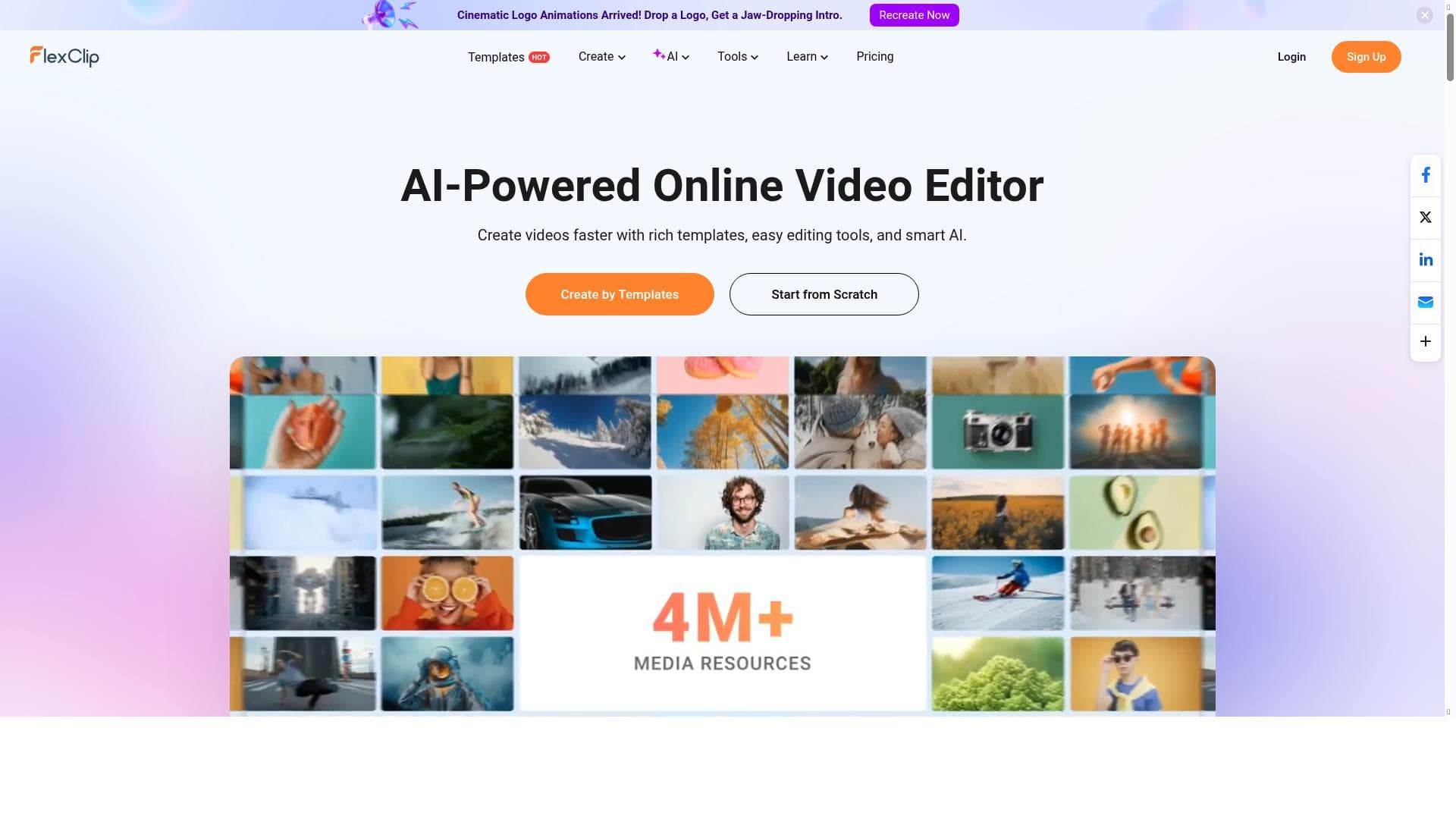
FlexClip is an intuitive online video editor that enables users to create professional-quality videos effortlessly, without any prior editing skills. Ideal for marketers, social media managers, educators, and families, it offers a rich set of features including text, music, animations, and effects, all accessible through a user-friendly web platform.
FlexClip is a versatile online video creation and editing platform designed to empower users to produce professional-quality videos with ease. Its core purpose is to simplify the video production process, making it accessible to individuals and businesses without requiring any prior video editing experience. Whether you are crafting videos for branding, marketing campaigns, social media engagement, family events, or personal projects, FlexClip provides a comprehensive suite of tools to bring your vision to life quickly and efficiently. The platform operates entirely online, eliminating the need for complex software installations or high-end hardware, and enabling users to create videos from any device with internet access. At the heart of FlexClip’s offering is its intuitive online video editor, which allows users to seamlessly combine video clips, images, text, music, and animations into cohesive, visually appealing videos. Users can upload their own media or choose from an extensive library of stock videos, photos, and royalty-free music tracks. The editor supports adding customizable text overlays, enabling creators to highlight key messages or calls to action. Additionally, FlexClip offers a variety of animations and effects that enhance video storytelling, such as transitions, motion graphics, and dynamic text animations. These features are designed to elevate the production value of videos without requiring advanced editing skills, making it ideal for beginners and professionals alike. FlexClip caters to a broad audience, including marketers aiming to produce engaging promotional content, social media managers looking to boost audience interaction, educators creating instructional videos, and families wishing to preserve memories through video montages. Its user-friendly interface and drag-and-drop functionality streamline the creative process, reducing the time and effort typically associated with video editing. For businesses, FlexClip supports brand consistency by allowing customization options that align with corporate identity. Social media influencers and content creators benefit from the platform’s ability to quickly generate eye-catching videos optimized for various platforms like Instagram, Facebook, and YouTube. The platform operates on a freemium pricing model, offering a free tier with basic features and limitations on video length, resolution, and watermark presence. Paid plans unlock additional capabilities such as higher resolution exports (up to 1080p), longer video durations, access to premium stock media, and removal of watermarks. These plans are competitively priced, making FlexClip an affordable solution for individuals and small to medium-sized businesses seeking professional video content without the expense of traditional video editing software. When compared to alternatives like Adobe Premiere Pro, Final Cut Pro, or even other online editors such as Canva Video or InVideo, FlexClip stands out for its simplicity and accessibility. While it may not offer the deep customization and advanced editing features of professional-grade software, its strength lies in enabling users with no technical background to produce polished videos quickly. Unlike some competitors, FlexClip’s fully web-based platform requires no downloads or installations, which is a significant convenience factor. However, there are some limitations to consider. The platform’s feature set, while robust for basic to intermediate video projects, may not satisfy professional videographers needing advanced color grading, multi-track editing, or 3D effects. Export options are limited to standard video formats, and the free plan’s watermark can be a drawback for commercial use. Additionally, because it is cloud-based, users need a stable internet connection for smooth operation, and large projects may be constrained by upload and processing speeds. Overall, FlexClip is an excellent choice for users seeking an easy-to-use, affordable, and effective video creation tool that covers a wide range of use cases without the steep learning curve of traditional video editing software. Its combination of intuitive design, useful features, and flexible pricing makes it a valuable resource for marketers, educators, content creators, and casual users alike.
Description
FlexClip is an intuitive online video editor that enables users to create professional-quality videos effortlessly, without any prior editing skills. Ideal for marketers, social media managers, educators, and families, it offers a rich set of features including text, music, animations, and effects, all accessible through a user-friendly web platform.
FlexClip is a versatile online video creation and editing platform designed to empower users to produce professional-quality videos with ease. Its core purpose is to simplify the video production process, making it accessible to individuals and businesses without requiring any prior video editing experience. Whether you are crafting videos for branding, marketing campaigns, social media engagement, family events, or personal projects, FlexClip provides a comprehensive suite of tools to bring your vision to life quickly and efficiently. The platform operates entirely online, eliminating the need for complex software installations or high-end hardware, and enabling users to create videos from any device with internet access. At the heart of FlexClip’s offering is its intuitive online video editor, which allows users to seamlessly combine video clips, images, text, music, and animations into cohesive, visually appealing videos. Users can upload their own media or choose from an extensive library of stock videos, photos, and royalty-free music tracks. The editor supports adding customizable text overlays, enabling creators to highlight key messages or calls to action. Additionally, FlexClip offers a variety of animations and effects that enhance video storytelling, such as transitions, motion graphics, and dynamic text animations. These features are designed to elevate the production value of videos without requiring advanced editing skills, making it ideal for beginners and professionals alike. FlexClip caters to a broad audience, including marketers aiming to produce engaging promotional content, social media managers looking to boost audience interaction, educators creating instructional videos, and families wishing to preserve memories through video montages. Its user-friendly interface and drag-and-drop functionality streamline the creative process, reducing the time and effort typically associated with video editing. For businesses, FlexClip supports brand consistency by allowing customization options that align with corporate identity. Social media influencers and content creators benefit from the platform’s ability to quickly generate eye-catching videos optimized for various platforms like Instagram, Facebook, and YouTube. The platform operates on a freemium pricing model, offering a free tier with basic features and limitations on video length, resolution, and watermark presence. Paid plans unlock additional capabilities such as higher resolution exports (up to 1080p), longer video durations, access to premium stock media, and removal of watermarks. These plans are competitively priced, making FlexClip an affordable solution for individuals and small to medium-sized businesses seeking professional video content without the expense of traditional video editing software. When compared to alternatives like Adobe Premiere Pro, Final Cut Pro, or even other online editors such as Canva Video or InVideo, FlexClip stands out for its simplicity and accessibility. While it may not offer the deep customization and advanced editing features of professional-grade software, its strength lies in enabling users with no technical background to produce polished videos quickly. Unlike some competitors, FlexClip’s fully web-based platform requires no downloads or installations, which is a significant convenience factor. However, there are some limitations to consider. The platform’s feature set, while robust for basic to intermediate video projects, may not satisfy professional videographers needing advanced color grading, multi-track editing, or 3D effects. Export options are limited to standard video formats, and the free plan’s watermark can be a drawback for commercial use. Additionally, because it is cloud-based, users need a stable internet connection for smooth operation, and large projects may be constrained by upload and processing speeds. Overall, FlexClip is an excellent choice for users seeking an easy-to-use, affordable, and effective video creation tool that covers a wide range of use cases without the steep learning curve of traditional video editing software. Its combination of intuitive design, useful features, and flexible pricing makes it a valuable resource for marketers, educators, content creators, and casual users alike.
Tool Features
- Online video editor
- Video maker
- Add text to videos
- Add music to videos
- Add animations and effects
- No video editing skills required
Frequently Asked Questions
What is FlexClip?
FlexClip is an online video creation and editing tool that allows users to easily produce and customize videos for various purposes such as branding, marketing, social media, and personal use, all without requiring advanced video editing skills.
How much does FlexClip cost?
FlexClip offers a freemium pricing model with a free tier that includes basic features and limitations like watermarked videos and restricted video length. Paid plans provide higher resolution exports, longer video durations, access to premium stock media, and watermark removal.
Who is FlexClip best for?
FlexClip is ideal for marketers, social media managers, educators, content creators, small businesses, and families who want to create professional-looking videos quickly and easily without needing prior video editing experience.
What are the main features of FlexClip?
Key features include an online video editor, video maker, the ability to add text, music, animations, and effects to videos, access to stock media libraries, and a user-friendly interface that requires no video editing skills.
Does FlexClip offer a free trial?
Yes, FlexClip offers a free plan that allows users to try out the platform with basic features and limited video length, enabling users to create and export videos with a watermark.
What integrations does FlexClip support?
FlexClip primarily functions as a standalone online platform and does not have extensive third-party integrations; however, it supports importing user media files and offers access to built-in stock libraries for videos, images, and music.
How does FlexClip work?
FlexClip works entirely online through a web browser, allowing users to upload media or select from stock assets, then use its drag-and-drop editor to add text, music, animations, and effects to create customized videos which can be exported directly from the platform.
Socials
Use ToolSponsored Tools













































Reviews
No reviews yet. Be the first to share your experience.















