Eddie AI 2.0
Description
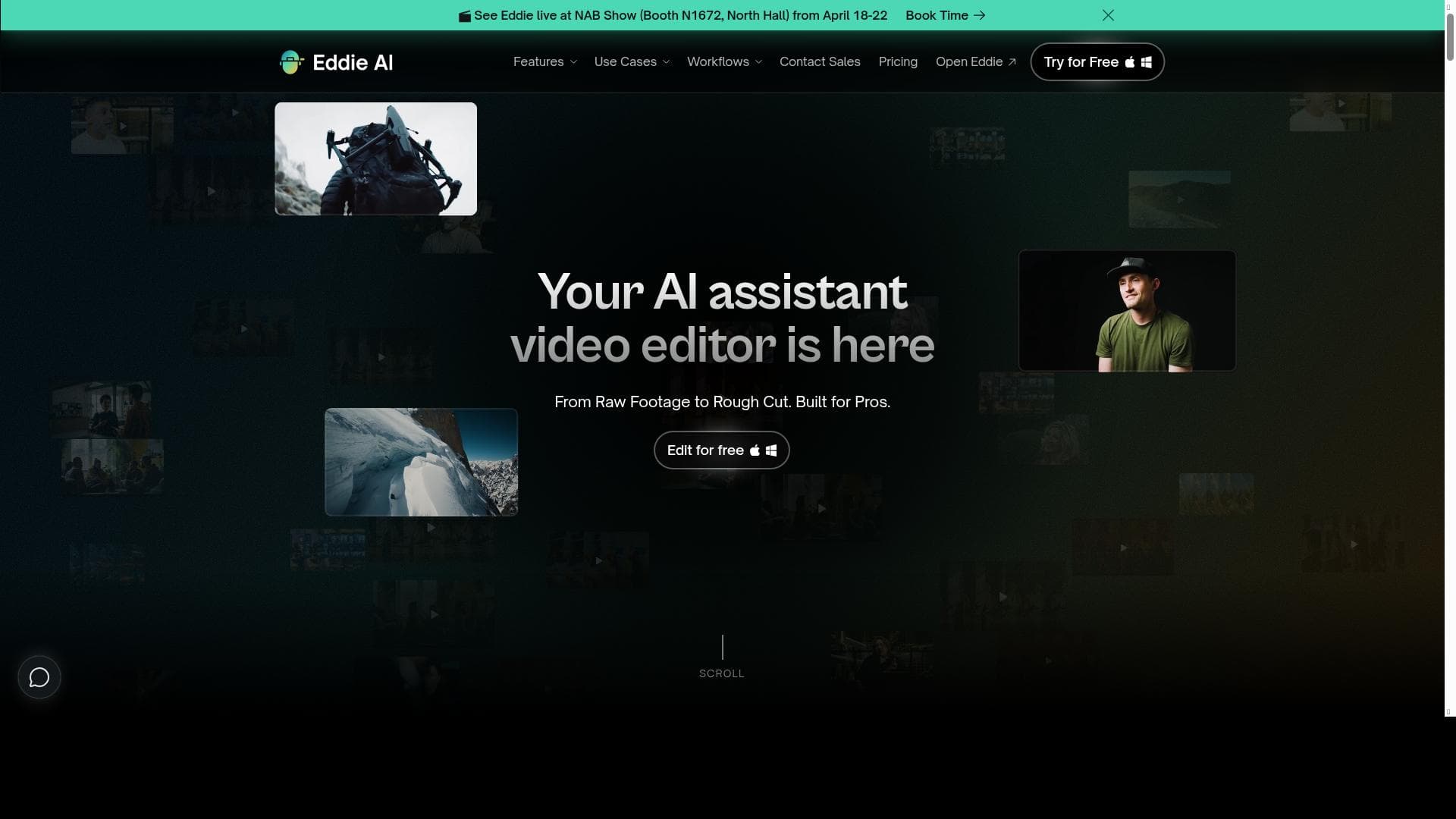
Eddie AI 2.0 is a professional-grade AI assistant that automates rough cuts, interview logging, multicam editing, and more, seamlessly integrating with Premiere Pro, DaVinci Resolve, and Final Cut Pro. Ideal for video editors and podcasters, it accelerates editing workflows by handling repetitive tasks, allowing creatives to focus on storytelling.
Eddie AI 2.0 is a cutting-edge assistant AI video editor designed specifically for professional video editors and content creators who demand efficiency and precision in their post-production workflows. Its core purpose is to streamline the video editing process by automating time-consuming tasks such as creating rough cuts, logging interview footage, tagging B-roll, and editing multicam sequences. Eddie AI 2.0 integrates seamlessly with industry-standard video editing software including Adobe Premiere Pro, DaVinci Resolve, and Final Cut Pro, allowing editors to maintain their preferred editing environment while leveraging powerful AI-driven automation. One of the standout capabilities of Eddie AI 2.0 is its AI rough cut editing feature, which automatically generates initial edits by analyzing footage and selecting the most relevant clips. This significantly reduces the time editors spend assembling sequences from raw footage. Additionally, Eddie AI 2.0 excels at A-roll interview logging, where it identifies and organizes key interview segments, and B-roll tagging, which helps editors quickly locate supplementary footage to enhance storytelling. The tool also supports prompt-based video editing, enabling users to input simple commands or instructions to guide the editing process, as well as chat-based scripted video editing that allows for an interactive and intuitive editing experience. Multicam podcast editing is another powerful feature, where Eddie AI 2.0 automatically synchronizes and edits multiple camera angles, making it ideal for podcasters and video producers working with complex setups. The AI also includes filler word removal, which detects and eliminates verbal fillers such as "um" and "uh," resulting in cleaner and more professional audio tracks. Integration with Premiere Pro, DaVinci Resolve, and Final Cut Pro ensures that all edits and metadata created by Eddie AI 2.0 flow directly into the editor’s timeline, maintaining a smooth and uninterrupted workflow. Eddie AI 2.0 is best suited for professional video editors, content creators, podcasters, and production teams who handle large volumes of footage and require faster turnaround times without sacrificing quality. It is particularly useful for documentary filmmakers, interview-based content creators, and multicam podcast producers who benefit from automated logging and multicam editing. By automating repetitive tasks, Eddie AI 2.0 allows creatives to focus more on storytelling and fine-tuning their edits. The tool is currently offered for free, providing an accessible entry point for professionals looking to enhance their editing efficiency without upfront costs. This pricing model makes Eddie AI 2.0 an attractive option compared to other AI video editing tools that often require subscription fees or tiered pricing plans. When compared to alternatives, Eddie AI 2.0 stands out due to its deep integration with major video editing platforms and its comprehensive feature set that covers the entire editing pipeline—from logging and tagging to rough cuts and multicam editing. While some competitors may focus solely on automated cutting or transcription, Eddie AI 2.0 offers a more holistic solution tailored to professional workflows. However, users should consider that as an AI-driven tool, the quality of automated edits may still require manual refinement, especially for highly creative or nuanced projects. Additionally, optimal performance depends on the compatibility and stability of the integrations with host editing software. In summary, Eddie AI 2.0 is a powerful assistant AI video editor that enhances productivity for video professionals by automating key editing tasks and integrating smoothly with popular editing platforms. Its free pricing, robust feature set, and focus on professional workflows make it a compelling choice for editors seeking to accelerate their post-production process while maintaining creative control.

Description
Eddie AI 2.0 is a professional-grade AI assistant that automates rough cuts, interview logging, multicam editing, and more, seamlessly integrating with Premiere Pro, DaVinci Resolve, and Final Cut Pro. Ideal for video editors and podcasters, it accelerates editing workflows by handling repetitive tasks, allowing creatives to focus on storytelling.
Eddie AI 2.0 is a cutting-edge assistant AI video editor designed specifically for professional video editors and content creators who demand efficiency and precision in their post-production workflows. Its core purpose is to streamline the video editing process by automating time-consuming tasks such as creating rough cuts, logging interview footage, tagging B-roll, and editing multicam sequences. Eddie AI 2.0 integrates seamlessly with industry-standard video editing software including Adobe Premiere Pro, DaVinci Resolve, and Final Cut Pro, allowing editors to maintain their preferred editing environment while leveraging powerful AI-driven automation. One of the standout capabilities of Eddie AI 2.0 is its AI rough cut editing feature, which automatically generates initial edits by analyzing footage and selecting the most relevant clips. This significantly reduces the time editors spend assembling sequences from raw footage. Additionally, Eddie AI 2.0 excels at A-roll interview logging, where it identifies and organizes key interview segments, and B-roll tagging, which helps editors quickly locate supplementary footage to enhance storytelling. The tool also supports prompt-based video editing, enabling users to input simple commands or instructions to guide the editing process, as well as chat-based scripted video editing that allows for an interactive and intuitive editing experience. Multicam podcast editing is another powerful feature, where Eddie AI 2.0 automatically synchronizes and edits multiple camera angles, making it ideal for podcasters and video producers working with complex setups. The AI also includes filler word removal, which detects and eliminates verbal fillers such as "um" and "uh," resulting in cleaner and more professional audio tracks. Integration with Premiere Pro, DaVinci Resolve, and Final Cut Pro ensures that all edits and metadata created by Eddie AI 2.0 flow directly into the editor’s timeline, maintaining a smooth and uninterrupted workflow. Eddie AI 2.0 is best suited for professional video editors, content creators, podcasters, and production teams who handle large volumes of footage and require faster turnaround times without sacrificing quality. It is particularly useful for documentary filmmakers, interview-based content creators, and multicam podcast producers who benefit from automated logging and multicam editing. By automating repetitive tasks, Eddie AI 2.0 allows creatives to focus more on storytelling and fine-tuning their edits. The tool is currently offered for free, providing an accessible entry point for professionals looking to enhance their editing efficiency without upfront costs. This pricing model makes Eddie AI 2.0 an attractive option compared to other AI video editing tools that often require subscription fees or tiered pricing plans. When compared to alternatives, Eddie AI 2.0 stands out due to its deep integration with major video editing platforms and its comprehensive feature set that covers the entire editing pipeline—from logging and tagging to rough cuts and multicam editing. While some competitors may focus solely on automated cutting or transcription, Eddie AI 2.0 offers a more holistic solution tailored to professional workflows. However, users should consider that as an AI-driven tool, the quality of automated edits may still require manual refinement, especially for highly creative or nuanced projects. Additionally, optimal performance depends on the compatibility and stability of the integrations with host editing software. In summary, Eddie AI 2.0 is a powerful assistant AI video editor that enhances productivity for video professionals by automating key editing tasks and integrating smoothly with popular editing platforms. Its free pricing, robust feature set, and focus on professional workflows make it a compelling choice for editors seeking to accelerate their post-production process while maintaining creative control.
Tool Features
- AI rough cut edits
- A-roll interview logging
- B-roll tagging
- Prompt based video editing
- Chat-based scripted video editing
- Multicam podcast editing
- Filler word removal
- Premiere Pro integration
- DaVinci Resolve integration
- Final Cut Pro integration
Frequently Asked Questions
What is Eddie AI 2.0?
Eddie AI 2.0 is an AI-powered assistant video editor designed to automate and streamline video editing tasks such as rough cuts, interview logging, B-roll tagging, and multicam editing, while integrating with popular editing software like Adobe Premiere Pro, DaVinci Resolve, and Final Cut Pro.
How much does Eddie AI 2.0 cost?
Eddie AI 2.0 is currently available for free, providing professional video editors access to its full range of AI-powered editing features without any subscription fees.
Who is Eddie AI 2.0 best for?
Eddie AI 2.0 is best suited for professional video editors, content creators, podcasters, and production teams who work with large amounts of footage and require efficient, automated editing workflows to save time and improve productivity.
What are the main features of Eddie AI 2.0?
Key features include AI-generated rough cuts, A-roll interview logging, B-roll tagging, prompt-based and chat-based scripted video editing, multicam podcast editing, filler word removal, and seamless integration with Adobe Premiere Pro, DaVinci Resolve, and Final Cut Pro.
Does Eddie AI 2.0 offer a free trial?
Eddie AI 2.0 is offered for free, so there is no need for a separate free trial as users can access the tool’s features without cost.
What integrations does Eddie AI 2.0 support?
Eddie AI 2.0 supports direct integration with major video editing applications including Adobe Premiere Pro, DaVinci Resolve, and Final Cut Pro, enabling smooth transfer of edits and metadata into these platforms.
How does Eddie AI 2.0 work?
Eddie AI 2.0 uses artificial intelligence to analyze raw video footage, automatically creating rough cuts, logging interviews, tagging B-roll, and synchronizing multicam footage. It then integrates these edits directly into your preferred video editing software, allowing you to refine and finalize your project efficiently.
Socials
Use ToolSponsored Tools













































Reviews
No reviews yet. Be the first to share your experience.















