Description
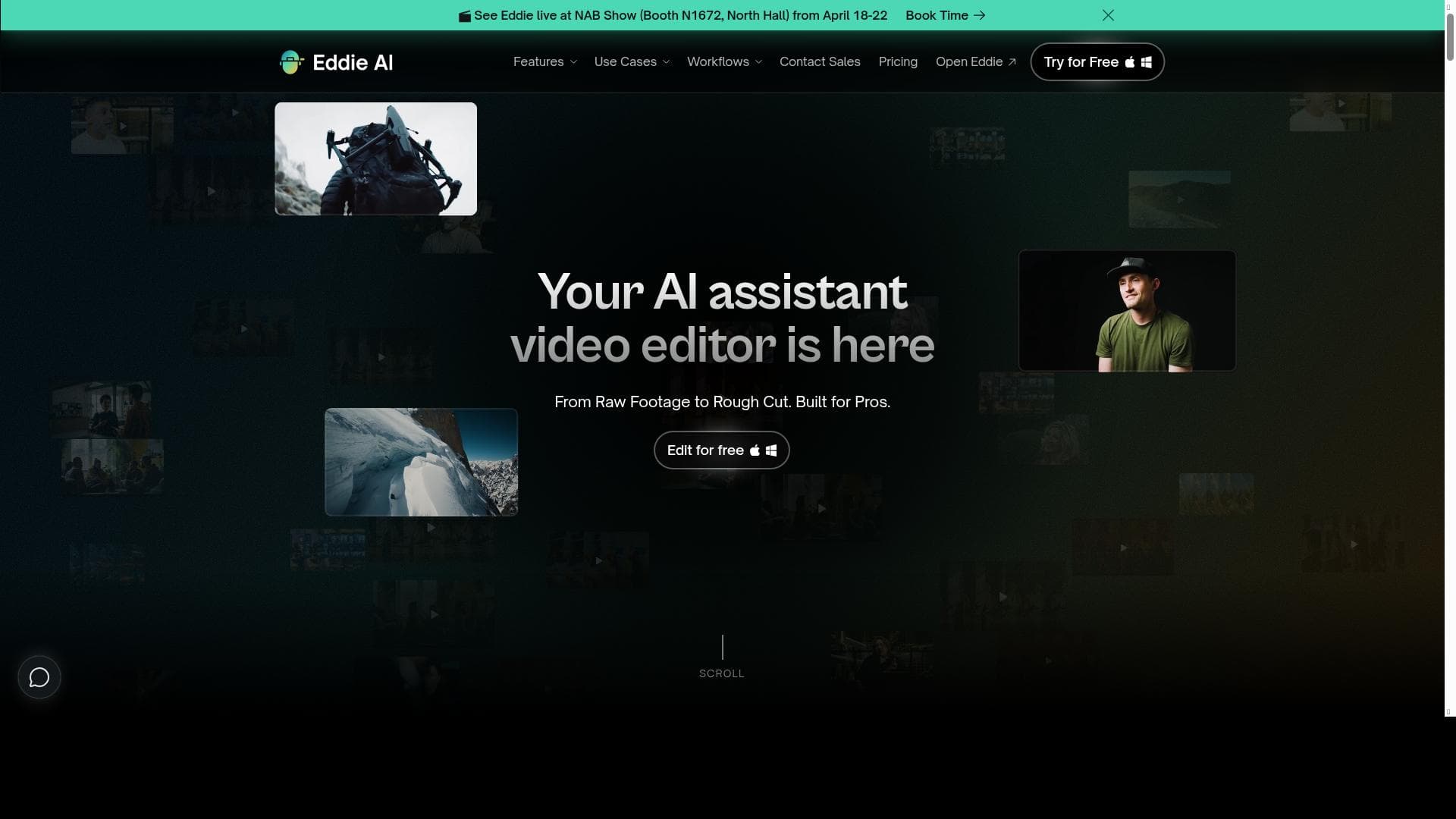
Eddie AI revolutionizes video editing by enabling creators to craft rough cuts of interview footage in seconds using simple text prompts. Ideal for podcasters, filmmakers, and content creators, it combines AI-powered editing with seamless integration into professional tools like Premiere Pro and DaVinci Resolve, accelerating workflows without sacrificing creative control.
Eddie AI is an innovative video editing assistant designed to streamline the post-production process, particularly for interview and podcast footage. Its core purpose is to enable creators, editors, and content producers to craft rough cuts quickly and efficiently using intuitive text prompts. By leveraging artificial intelligence, Eddie AI acts as a co-pilot that understands editing instructions given in natural language, allowing users to iterate on edits such as reversing topic order, enhancing hooks, or making content punchier without manually scrubbing through hours of footage. This approach significantly reduces the time and effort traditionally required to produce polished video content. The tool offers a rich set of features tailored to the needs of video editors working with interview-based content. Key capabilities include AI-powered rough cut edits that automatically generate initial video sequences from raw footage, saving hours of manual editing. Eddie AI supports A-roll interview logging, enabling users to organize and navigate primary interview clips efficiently. Complementing this, B-roll tagging helps in cataloging supplementary footage, making it easier to insert relevant visuals that enhance storytelling. The platform’s prompt-based video editing allows users to control the edit through chat or text commands, facilitating a conversational editing experience that is both flexible and intuitive. Additionally, Eddie AI supports chat-based scripted video editing, which is particularly useful for scripted content or podcasts with multiple cameras, as it can handle multicam podcast editing seamlessly. Another standout feature is filler word removal, which automatically detects and eliminates verbal fillers such as "um," "uh," and "like," resulting in cleaner and more professional audio. For editors who prefer to finalize their projects in professional editing suites, Eddie AI integrates smoothly with industry-standard software including Adobe Premiere Pro, DaVinci Resolve, and Final Cut Pro. This interoperability ensures that creators can export rough cuts as MP4 files and continue polishing their edits in their preferred environment without losing any metadata or edit decisions. Eddie AI is best suited for video editors, content creators, podcasters, and documentary filmmakers who regularly work with interview footage or multi-camera setups. It is particularly valuable for teams and individuals looking to accelerate their editing workflow while maintaining creative control through natural language prompts. Use cases include producing podcast episodes, creating interview-based documentaries, generating social media clips from long-form content, and streamlining corporate video production. Regarding pricing, Eddie AI is currently available for free, making it accessible to a wide range of users from hobbyists to professionals. This free access allows users to explore its capabilities without financial commitment, which is a significant advantage compared to other AI video editing tools that often require subscription fees or tiered plans. When compared to alternatives, Eddie AI stands out due to its unique prompt-based editing interface and deep integration with major editing platforms. While many AI video editors focus solely on automated cuts or highlight generation, Eddie AI emphasizes iterative collaboration between the user and AI, enabling more nuanced and customized edits. However, as with any AI-driven tool, there may be limitations in handling highly complex edits or creative decisions that require human intuition. Users should consider Eddie AI as a powerful assistant rather than a complete replacement for professional video editors. In summary, Eddie AI offers a compelling solution for those looking to expedite the editing process of interview and podcast footage through AI-driven, prompt-based workflows. Its combination of advanced features, free pricing, and seamless integration with professional editing software makes it a valuable addition to any video production toolkit. Users should be mindful of its current focus on rough cuts and iterative editing, which may require complementary manual refinement for final outputs.

Description
Eddie AI revolutionizes video editing by enabling creators to craft rough cuts of interview footage in seconds using simple text prompts. Ideal for podcasters, filmmakers, and content creators, it combines AI-powered editing with seamless integration into professional tools like Premiere Pro and DaVinci Resolve, accelerating workflows without sacrificing creative control.
Eddie AI is an innovative video editing assistant designed to streamline the post-production process, particularly for interview and podcast footage. Its core purpose is to enable creators, editors, and content producers to craft rough cuts quickly and efficiently using intuitive text prompts. By leveraging artificial intelligence, Eddie AI acts as a co-pilot that understands editing instructions given in natural language, allowing users to iterate on edits such as reversing topic order, enhancing hooks, or making content punchier without manually scrubbing through hours of footage. This approach significantly reduces the time and effort traditionally required to produce polished video content. The tool offers a rich set of features tailored to the needs of video editors working with interview-based content. Key capabilities include AI-powered rough cut edits that automatically generate initial video sequences from raw footage, saving hours of manual editing. Eddie AI supports A-roll interview logging, enabling users to organize and navigate primary interview clips efficiently. Complementing this, B-roll tagging helps in cataloging supplementary footage, making it easier to insert relevant visuals that enhance storytelling. The platform’s prompt-based video editing allows users to control the edit through chat or text commands, facilitating a conversational editing experience that is both flexible and intuitive. Additionally, Eddie AI supports chat-based scripted video editing, which is particularly useful for scripted content or podcasts with multiple cameras, as it can handle multicam podcast editing seamlessly. Another standout feature is filler word removal, which automatically detects and eliminates verbal fillers such as "um," "uh," and "like," resulting in cleaner and more professional audio. For editors who prefer to finalize their projects in professional editing suites, Eddie AI integrates smoothly with industry-standard software including Adobe Premiere Pro, DaVinci Resolve, and Final Cut Pro. This interoperability ensures that creators can export rough cuts as MP4 files and continue polishing their edits in their preferred environment without losing any metadata or edit decisions. Eddie AI is best suited for video editors, content creators, podcasters, and documentary filmmakers who regularly work with interview footage or multi-camera setups. It is particularly valuable for teams and individuals looking to accelerate their editing workflow while maintaining creative control through natural language prompts. Use cases include producing podcast episodes, creating interview-based documentaries, generating social media clips from long-form content, and streamlining corporate video production. Regarding pricing, Eddie AI is currently available for free, making it accessible to a wide range of users from hobbyists to professionals. This free access allows users to explore its capabilities without financial commitment, which is a significant advantage compared to other AI video editing tools that often require subscription fees or tiered plans. When compared to alternatives, Eddie AI stands out due to its unique prompt-based editing interface and deep integration with major editing platforms. While many AI video editors focus solely on automated cuts or highlight generation, Eddie AI emphasizes iterative collaboration between the user and AI, enabling more nuanced and customized edits. However, as with any AI-driven tool, there may be limitations in handling highly complex edits or creative decisions that require human intuition. Users should consider Eddie AI as a powerful assistant rather than a complete replacement for professional video editors. In summary, Eddie AI offers a compelling solution for those looking to expedite the editing process of interview and podcast footage through AI-driven, prompt-based workflows. Its combination of advanced features, free pricing, and seamless integration with professional editing software makes it a valuable addition to any video production toolkit. Users should be mindful of its current focus on rough cuts and iterative editing, which may require complementary manual refinement for final outputs.
Tool Features
- AI rough cut edits
- A-roll interview logging
- B-roll tagging
- Prompt based video editing
- Chat-based scripted video editing
- Multicam podcast editing
- Filler word removal
- Premiere Pro integration
- DaVinci Resolve integration
- Final Cut Pro integration
Frequently Asked Questions
What is Eddie AI?
Eddie AI is an AI-powered video editing assistant that helps users quickly create rough cuts from interview and podcast footage using natural language text prompts. It streamlines the editing process by automating tasks like filler word removal, topic reordering, and B-roll tagging.
How much does Eddie AI cost?
Eddie AI is currently offered for free, allowing users to access its full range of features without any subscription or payment.
Who is Eddie AI best for?
Eddie AI is ideal for video editors, podcasters, content creators, and documentary filmmakers who frequently work with interview or multi-camera footage and want to speed up their editing workflow while maintaining creative flexibility.
What are the main features of Eddie AI?
Key features include AI rough cut edits, A-roll interview logging, B-roll tagging, prompt-based and chat-based scripted video editing, multicam podcast editing, filler word removal, and integration with Adobe Premiere Pro, DaVinci Resolve, and Final Cut Pro.
Does Eddie AI offer a free trial?
Eddie AI is available for free, so there is no need for a separate trial period to test its capabilities.
What integrations does Eddie AI support?
Eddie AI integrates with major professional video editing software including Adobe Premiere Pro, DaVinci Resolve, and Final Cut Pro, allowing users to export rough cuts and continue polishing their projects seamlessly.
How does Eddie AI work?
Eddie AI uses artificial intelligence to analyze interview footage and execute editing commands given via text prompts or chat. It automates rough cut creation, filler word removal, and footage tagging, enabling users to iteratively refine edits before exporting or finalizing in professional editing software.
Socials
Use ToolSponsored Tools













































Reviews
No reviews yet. Be the first to share your experience.















