Deepfake Maker | Free Face Swap AI Online
Description
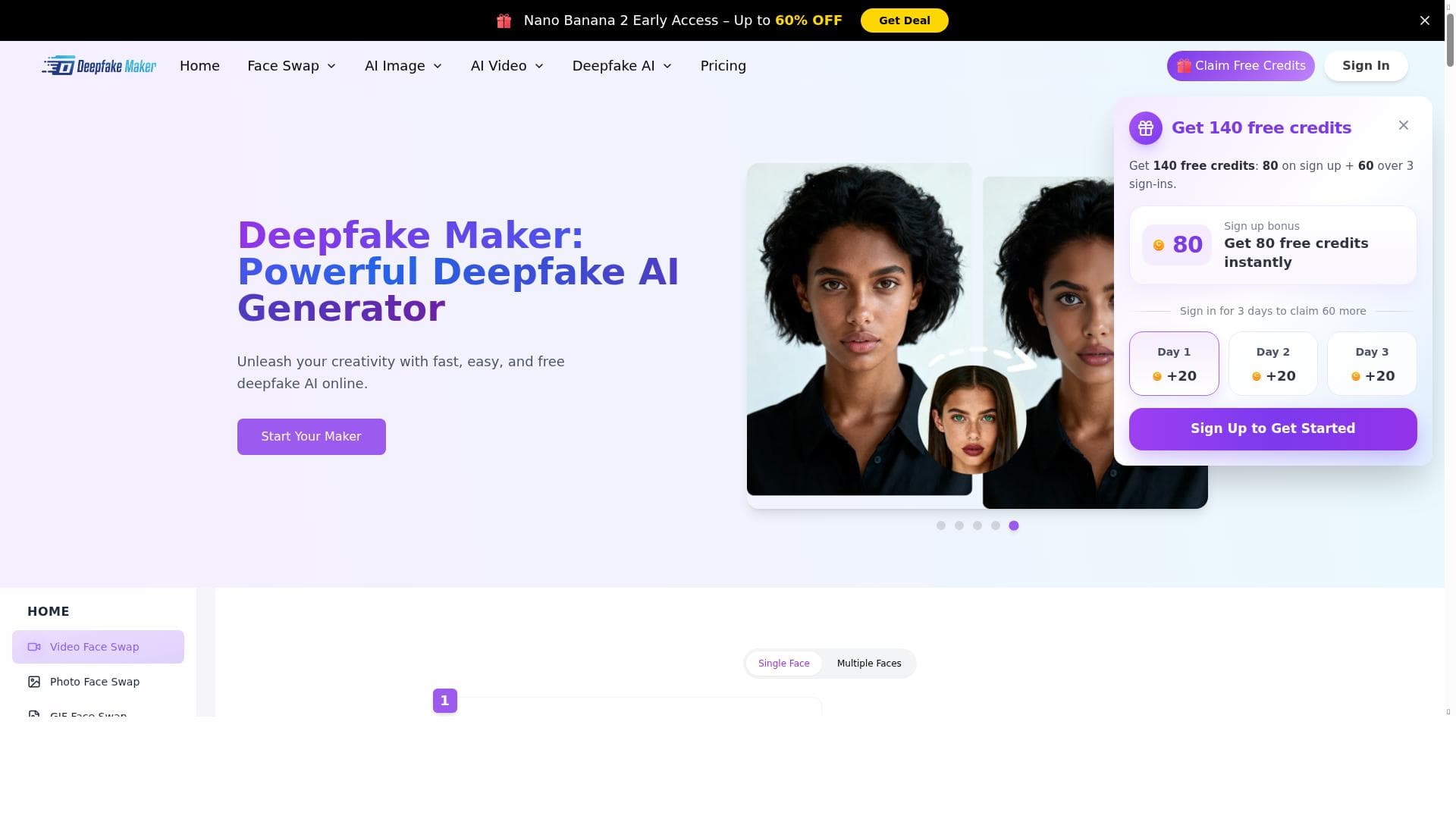
Deepfake Maker is a free, browser-based AI tool that enables users to create realistic face swaps in photos, videos, and GIFs without any sign-up or software installation. Perfect for casual users and content creators alike, it offers unlimited, high-quality deepfake generation with a user-friendly interface and versatile media support.
Deepfake Maker is an innovative online platform designed to enable users to create highly realistic face swaps in photos, videos, and GIFs using cutting-edge artificial intelligence technology. Its core purpose is to provide an accessible, fast, and high-quality deepfake creation experience without requiring any software installation or user registration. By leveraging advanced AI models, Deepfake Maker allows users to seamlessly replace faces in various media formats, making it a versatile tool for both casual entertainment and professional content creation. Whether you want to generate humorous memes, experiment with character appearances, or produce creative video edits, this tool offers a comprehensive solution that caters to diverse needs. One of the standout features of Deepfake Maker is its ability to handle multiple media types, including photos, videos, and GIFs, with equal proficiency. The platform supports video face swaps, enabling users to replace faces frame-by-frame with remarkable accuracy and smoothness, preserving natural expressions and movements. Additionally, it offers GIF face swap capabilities, which is particularly useful for creating shareable, looping animations with swapped faces. The tool also supports multiple face swaps within a single media file, allowing for complex edits involving several individuals. Its user-friendly interface ensures that even those without technical expertise can navigate the process effortlessly, making content creation intuitive and enjoyable. Deepfake Maker is ideal for a broad audience. Casual users can have fun generating personalized memes or social media content, while content creators and digital artists can utilize the tool for testing character looks, storytelling, or enhancing video projects. Marketers and advertisers might find it useful for creating engaging promotional materials, and educators or researchers interested in AI and media manipulation can explore its capabilities for demonstration purposes. The platform’s unlimited AI face swapping feature means users can experiment freely without worrying about usage caps, which is especially beneficial for creators working on multiple projects. Regarding pricing, Deepfake Maker operates on a freemium model. Users can access the core face swapping features for free without signing up, which lowers the barrier to entry and encourages experimentation. For those requiring more advanced options, higher resolution outputs, or additional processing speed, premium plans are available. These paid tiers typically offer enhanced performance and priority access, catering to professional users or those with more demanding needs. When compared to other deepfake and face swap tools, Deepfake Maker stands out due to its no-sign-up requirement, browser-based operation, and support for multiple media formats including GIFs, which many competitors lack. Its seamless video editing capabilities and multiple face swap support also provide an edge over simpler photo-only face swap apps. However, unlike some enterprise-grade deepfake software, it may not offer extensive customization or integration options, focusing instead on ease of use and accessibility. Potential limitations include the reliance on internet connectivity since it is an online tool, and the quality of results can vary depending on the source media quality and complexity of the faces involved. Users should also be mindful of ethical considerations surrounding deepfake technology, ensuring that their creations respect privacy and consent. Despite these considerations, Deepfake Maker remains a powerful and accessible solution for anyone interested in exploring AI-driven face swapping in a straightforward and cost-effective manner.

Description
Deepfake Maker is a free, browser-based AI tool that enables users to create realistic face swaps in photos, videos, and GIFs without any sign-up or software installation. Perfect for casual users and content creators alike, it offers unlimited, high-quality deepfake generation with a user-friendly interface and versatile media support.
Deepfake Maker is an innovative online platform designed to enable users to create highly realistic face swaps in photos, videos, and GIFs using cutting-edge artificial intelligence technology. Its core purpose is to provide an accessible, fast, and high-quality deepfake creation experience without requiring any software installation or user registration. By leveraging advanced AI models, Deepfake Maker allows users to seamlessly replace faces in various media formats, making it a versatile tool for both casual entertainment and professional content creation. Whether you want to generate humorous memes, experiment with character appearances, or produce creative video edits, this tool offers a comprehensive solution that caters to diverse needs. One of the standout features of Deepfake Maker is its ability to handle multiple media types, including photos, videos, and GIFs, with equal proficiency. The platform supports video face swaps, enabling users to replace faces frame-by-frame with remarkable accuracy and smoothness, preserving natural expressions and movements. Additionally, it offers GIF face swap capabilities, which is particularly useful for creating shareable, looping animations with swapped faces. The tool also supports multiple face swaps within a single media file, allowing for complex edits involving several individuals. Its user-friendly interface ensures that even those without technical expertise can navigate the process effortlessly, making content creation intuitive and enjoyable. Deepfake Maker is ideal for a broad audience. Casual users can have fun generating personalized memes or social media content, while content creators and digital artists can utilize the tool for testing character looks, storytelling, or enhancing video projects. Marketers and advertisers might find it useful for creating engaging promotional materials, and educators or researchers interested in AI and media manipulation can explore its capabilities for demonstration purposes. The platform’s unlimited AI face swapping feature means users can experiment freely without worrying about usage caps, which is especially beneficial for creators working on multiple projects. Regarding pricing, Deepfake Maker operates on a freemium model. Users can access the core face swapping features for free without signing up, which lowers the barrier to entry and encourages experimentation. For those requiring more advanced options, higher resolution outputs, or additional processing speed, premium plans are available. These paid tiers typically offer enhanced performance and priority access, catering to professional users or those with more demanding needs. When compared to other deepfake and face swap tools, Deepfake Maker stands out due to its no-sign-up requirement, browser-based operation, and support for multiple media formats including GIFs, which many competitors lack. Its seamless video editing capabilities and multiple face swap support also provide an edge over simpler photo-only face swap apps. However, unlike some enterprise-grade deepfake software, it may not offer extensive customization or integration options, focusing instead on ease of use and accessibility. Potential limitations include the reliance on internet connectivity since it is an online tool, and the quality of results can vary depending on the source media quality and complexity of the faces involved. Users should also be mindful of ethical considerations surrounding deepfake technology, ensuring that their creations respect privacy and consent. Despite these considerations, Deepfake Maker remains a powerful and accessible solution for anyone interested in exploring AI-driven face swapping in a straightforward and cost-effective manner.
Tool Features
- Create realistic photos and videos with AI
- High-quality face swap technology
- Seamless video editing capabilities
- User-friendly interface for easy content creation
- Supports both photo and video deepfake generation
Frequently Asked Questions
What is Deepfake Maker | Free Face Swap AI Online ?
Deepfake Maker is an online AI-powered tool that allows users to create realistic face swaps in photos, videos, and GIFs quickly and easily. It uses advanced deepfake technology to seamlessly replace faces in various media formats without requiring software downloads or account registration.
How much does Deepfake Maker | Free Face Swap AI Online cost?
Deepfake Maker operates on a freemium model, offering free access to its core face swapping features with no sign-up required. Premium plans are available for users who want higher resolution outputs, faster processing, or additional advanced features.
Who is Deepfake Maker | Free Face Swap AI Online best for?
This tool is ideal for casual users looking to create entertaining memes or social media content, as well as content creators, digital artists, marketers, and educators who need a fast, easy-to-use platform for realistic face swaps in photos, videos, and GIFs.
What are the main features of Deepfake Maker | Free Face Swap AI Online ?
Key features include realistic AI-generated face swaps in photos, videos, and GIFs; support for multiple face swaps within a single media file; seamless video editing capabilities; a user-friendly interface; and unlimited usage without mandatory sign-up.
Does Deepfake Maker | Free Face Swap AI Online offer a free trial?
Yes, the core features of Deepfake Maker are available for free without any trial limitations or sign-up, allowing users to create unlimited face swaps at no cost.
What integrations does Deepfake Maker | Free Face Swap AI Online support?
Deepfake Maker is a standalone online platform and does not currently offer integrations with third-party apps or services. It is designed for direct use through its web interface.
How does Deepfake Maker | Free Face Swap AI Online work?
Users upload their source media (photo, video, or GIF) and select the face(s) they want to swap. The AI then processes the media using deepfake algorithms to replace the selected faces with the desired ones, producing a realistic output that can be downloaded or shared.
Socials
Use ToolSponsored Tools













































Reviews
No reviews yet. Be the first to share your experience.















