Clipto.AI
Description
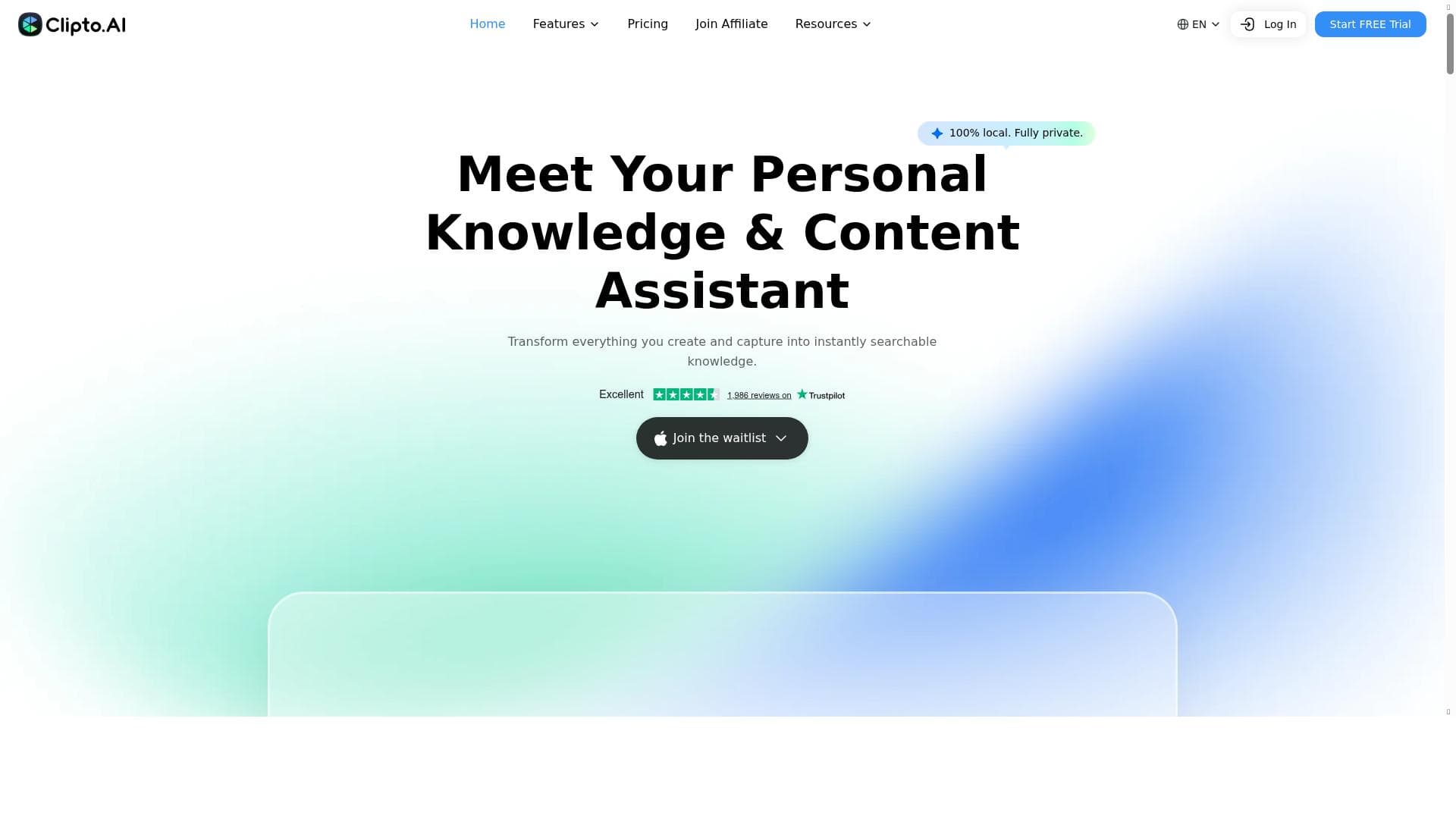
Clipto.AI is a privacy-first AI transcription and media management assistant that converts audio, video, and YouTube links into highly accurate, multilingual text with speaker identification. Ideal for professionals and content creators, it streamlines workflows with built-in video downloading, smart search, and light editing features.
Clipto.AI is a comprehensive AI-powered transcription and media management assistant designed to transform how users handle audio and video content. At its core, Clipto.AI instantly converts various media formats—including audio files, video recordings, and even YouTube links—into accurate, searchable text transcripts. This capability is enhanced by advanced speaker identification technology, allowing users to distinguish between different speakers within a conversation or recording. Supporting over 99 languages, Clipto.AI caters to a global audience, making it a versatile tool for multilingual transcription needs. Beyond transcription, it incorporates smart media search and light video editing features, enabling users to efficiently locate specific segments within their media and perform basic edits without switching platforms. Additionally, Clipto.AI includes a built-in video downloader that streamlines content workflows by allowing users to save and manage media directly within the app, eliminating the need for external downloaders or complicated file management processes. Key features of Clipto.AI include its high transcription accuracy, which claims up to 99% precision, making it reliable for professional use such as meetings, podcasts, lectures, and video content. The speaker identification feature is particularly useful for multi-person recordings, ensuring clarity in who said what, which is essential for detailed meeting notes or interview transcriptions. The tool also generates concise summaries of transcribed content, helping users quickly grasp key points without reading entire transcripts. Organization is another strength, with Clipto.AI offering a dedicated Mac application that helps users store and manage all captured knowledge efficiently. Importantly, Clipto.AI processes all data locally on the user's device, guaranteeing full privacy and security, a critical consideration for sensitive or confidential content. Clipto.AI is best suited for professionals and content creators who regularly work with audio and video materials. This includes podcasters, journalists, researchers, educators, and business professionals who need accurate transcriptions and easy media management. Its multilingual support makes it ideal for international teams and global content creators. Use cases range from transcribing interviews and meetings to creating searchable archives of video content and generating quick summaries for faster review. The built-in video downloader and editing features further benefit social media managers and marketers who need to repurpose video content efficiently. Regarding pricing, Clipto.AI offers a freemium model with a 7-day free trial, allowing users to explore its full capabilities before committing to a paid plan. While specific pricing tiers are not detailed here, the free trial provides a risk-free opportunity to evaluate the tool’s effectiveness. Paid plans likely unlock additional transcription minutes, advanced editing features, or enhanced organizational tools. Compared to alternatives, Clipto.AI stands out due to its combination of high transcription accuracy, extensive language support, local processing for privacy, and integrated media management features. Many transcription tools either focus solely on transcription or require cloud processing, which can raise privacy concerns. Clipto.AI’s local processing ensures sensitive data never leaves the user’s device, a significant advantage for privacy-conscious users. Its inclusion of a video downloader and light editing capabilities also reduces the need for multiple separate tools, streamlining workflows. However, some limitations to consider include the current availability of the organizational app only on Mac, which may exclude Windows or Linux users from accessing full features. The light video editing is basic and may not replace dedicated video editing software for users needing advanced capabilities. Additionally, while 99% accuracy is impressive, transcription quality can still vary depending on audio quality, accents, and background noise. Users should test the tool with their specific content during the free trial to ensure it meets their accuracy requirements. In summary, Clipto.AI is a powerful, privacy-focused transcription and media management assistant that excels in accuracy, multilingual support, and workflow integration. It is particularly valuable for professionals and creators seeking an all-in-one solution to transcribe, organize, and manage audio and video content efficiently.

Description
Clipto.AI is a privacy-first AI transcription and media management assistant that converts audio, video, and YouTube links into highly accurate, multilingual text with speaker identification. Ideal for professionals and content creators, it streamlines workflows with built-in video downloading, smart search, and light editing features.
Clipto.AI is a comprehensive AI-powered transcription and media management assistant designed to transform how users handle audio and video content. At its core, Clipto.AI instantly converts various media formats—including audio files, video recordings, and even YouTube links—into accurate, searchable text transcripts. This capability is enhanced by advanced speaker identification technology, allowing users to distinguish between different speakers within a conversation or recording. Supporting over 99 languages, Clipto.AI caters to a global audience, making it a versatile tool for multilingual transcription needs. Beyond transcription, it incorporates smart media search and light video editing features, enabling users to efficiently locate specific segments within their media and perform basic edits without switching platforms. Additionally, Clipto.AI includes a built-in video downloader that streamlines content workflows by allowing users to save and manage media directly within the app, eliminating the need for external downloaders or complicated file management processes. Key features of Clipto.AI include its high transcription accuracy, which claims up to 99% precision, making it reliable for professional use such as meetings, podcasts, lectures, and video content. The speaker identification feature is particularly useful for multi-person recordings, ensuring clarity in who said what, which is essential for detailed meeting notes or interview transcriptions. The tool also generates concise summaries of transcribed content, helping users quickly grasp key points without reading entire transcripts. Organization is another strength, with Clipto.AI offering a dedicated Mac application that helps users store and manage all captured knowledge efficiently. Importantly, Clipto.AI processes all data locally on the user's device, guaranteeing full privacy and security, a critical consideration for sensitive or confidential content. Clipto.AI is best suited for professionals and content creators who regularly work with audio and video materials. This includes podcasters, journalists, researchers, educators, and business professionals who need accurate transcriptions and easy media management. Its multilingual support makes it ideal for international teams and global content creators. Use cases range from transcribing interviews and meetings to creating searchable archives of video content and generating quick summaries for faster review. The built-in video downloader and editing features further benefit social media managers and marketers who need to repurpose video content efficiently. Regarding pricing, Clipto.AI offers a freemium model with a 7-day free trial, allowing users to explore its full capabilities before committing to a paid plan. While specific pricing tiers are not detailed here, the free trial provides a risk-free opportunity to evaluate the tool’s effectiveness. Paid plans likely unlock additional transcription minutes, advanced editing features, or enhanced organizational tools. Compared to alternatives, Clipto.AI stands out due to its combination of high transcription accuracy, extensive language support, local processing for privacy, and integrated media management features. Many transcription tools either focus solely on transcription or require cloud processing, which can raise privacy concerns. Clipto.AI’s local processing ensures sensitive data never leaves the user’s device, a significant advantage for privacy-conscious users. Its inclusion of a video downloader and light editing capabilities also reduces the need for multiple separate tools, streamlining workflows. However, some limitations to consider include the current availability of the organizational app only on Mac, which may exclude Windows or Linux users from accessing full features. The light video editing is basic and may not replace dedicated video editing software for users needing advanced capabilities. Additionally, while 99% accuracy is impressive, transcription quality can still vary depending on audio quality, accents, and background noise. Users should test the tool with their specific content during the free trial to ensure it meets their accuracy requirements. In summary, Clipto.AI is a powerful, privacy-focused transcription and media management assistant that excels in accuracy, multilingual support, and workflow integration. It is particularly valuable for professionals and creators seeking an all-in-one solution to transcribe, organize, and manage audio and video content efficiently.
Tool Features
- Transcribe meetings, podcasts, and videos with 99% accuracy
- Identify speakers in audio and video content
- Generate summaries of transcribed content
- Organize all captured knowledge on Mac
- 100% local processing ensuring full privacy
Frequently Asked Questions
What is Clipto.AI?
Clipto.AI is an AI-powered transcription and media management tool that converts audio, video, and YouTube links into text with speaker identification, supports over 99 languages, and offers features like smart media search, light video editing, and a built-in video downloader.
How much does Clipto.AI cost?
Clipto.AI operates on a freemium pricing model, offering a 7-day free trial to test its features before users need to subscribe to paid plans. Specific pricing details are available on their website.
Who is Clipto.AI best for?
Clipto.AI is ideal for professionals such as podcasters, journalists, educators, researchers, business teams, and content creators who need accurate transcription, speaker identification, and efficient media management across multiple languages.
What are the main features of Clipto.AI?
The main features include 99% accurate transcription of meetings, podcasts, and videos; speaker identification; generation of content summaries; smart media search; light video editing; a built-in video downloader; organization of knowledge on Mac; and 100% local processing for privacy.
Does Clipto.AI offer a free trial?
Yes, Clipto.AI provides a 7-day free trial that allows users to explore its full range of features before subscribing to a paid plan.
What integrations does Clipto.AI support?
While specific third-party integrations are not detailed, Clipto.AI supports direct transcription from YouTube links and offers built-in media management tools. Users should check the website for updates on additional integrations.
How does Clipto.AI work?
Clipto.AI processes audio, video, and YouTube links locally on the user's device to transcribe content with high accuracy and identify speakers. It then allows users to search, summarize, organize, and lightly edit media files within the platform, enhancing workflow efficiency while ensuring privacy.
Socials
Use ToolSponsored Tools













































Reviews
No reviews yet. Be the first to share your experience.
















