Chatbot Builder
Description
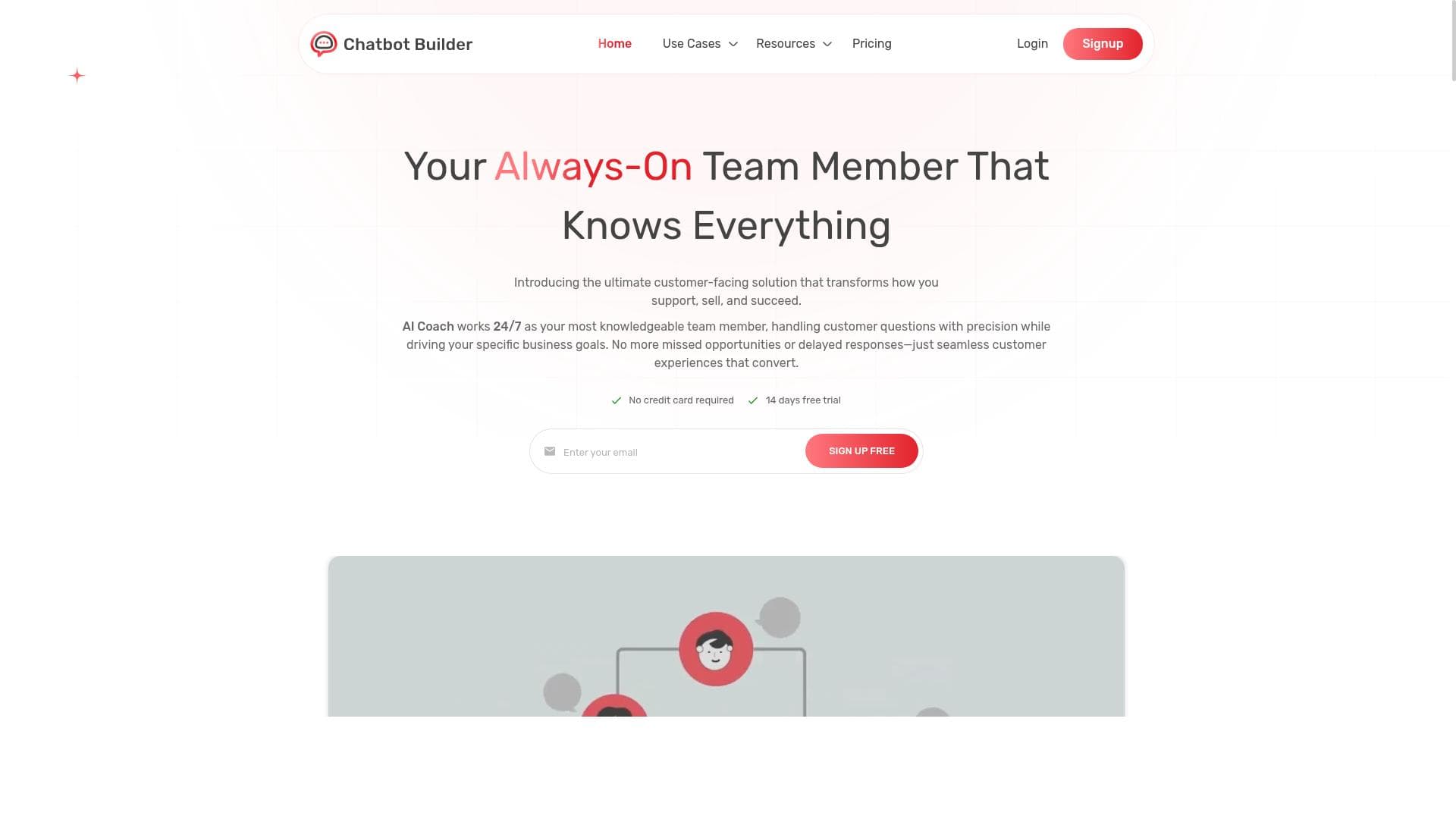
Chatbot Builder is a no-code AI platform that enables businesses to create intelligent, customizable chatbots trained on their own data, using multiple advanced AI models. Ideal for companies seeking to automate customer support, sales, and FAQs, it combines ease of use with powerful features like drag-and-drop design and Zapier integration.
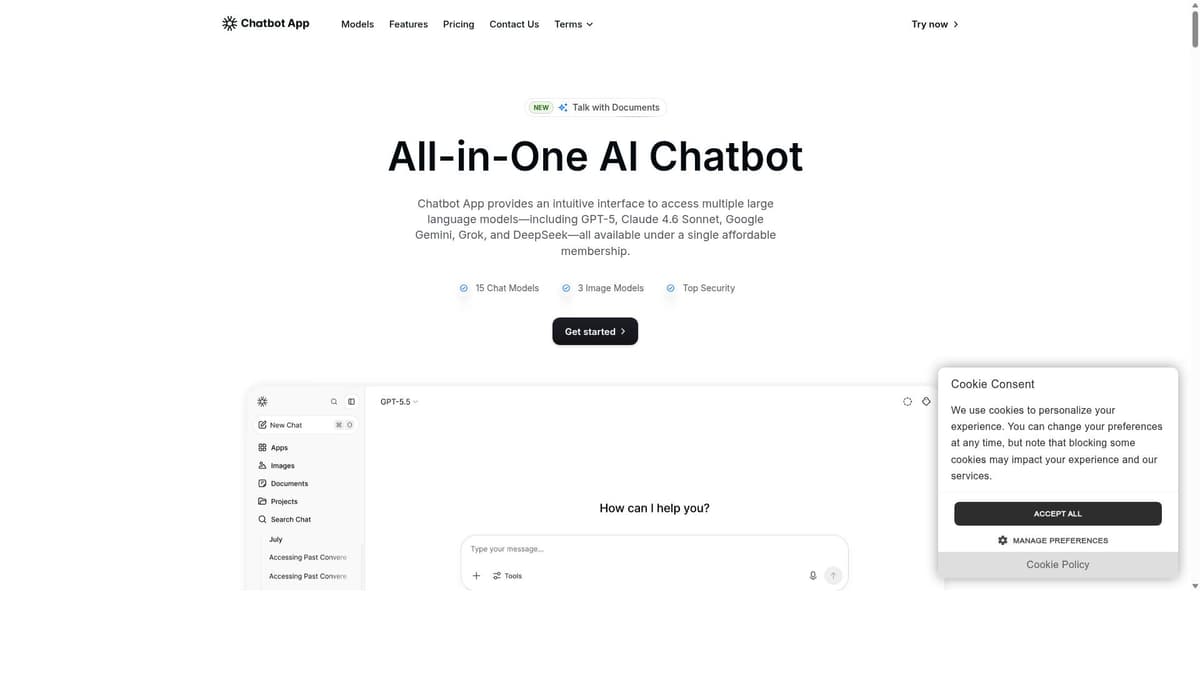
Chatbot Builder is a sophisticated yet user-friendly AI platform designed to empower businesses of all sizes to create and deploy intelligent chatbots without requiring any coding knowledge. Its core purpose is to automate customer interactions by leveraging advanced AI technologies, primarily OpenAI's models, to understand and respond accurately to customer queries. By learning directly from a company's existing knowledge base, including documents, chat histories, and URLs, Chatbot Builder ensures that the chatbot delivers relevant and context-aware responses. This makes it an invaluable tool for businesses aiming to enhance customer support, streamline sales processes, and efficiently manage frequently asked questions (FAQs). One of the standout features of Chatbot Builder is its no-code drag-and-drop interface, which simplifies the chatbot creation process, allowing users to customize conversational flows and chatbot behavior with ease. The platform supports training chatbots on a vast amount of data, including millions of characters, enabling it to handle complex and varied customer inquiries. Users can upload multiple files to enrich the chatbot’s knowledge base, ensuring comprehensive coverage of topics relevant to their business. Additionally, Chatbot Builder integrates seamlessly with Zapier, facilitating automated lead capture and workflow automation by connecting the chatbot to hundreds of other applications. The platform also offers access to a diverse range of AI models beyond OpenAI, including Grok, Claude, and Gemini, giving users flexibility in choosing the AI engine that best suits their needs. This multi-model support enhances the chatbot’s adaptability and performance across different use cases. Businesses can manage multiple chatbots simultaneously within a single account, making it ideal for companies with varied product lines or departments requiring distinct conversational agents. The automation capabilities extend across support, sales, and FAQs, helping reduce manual workload and improve response times. Chatbot Builder is particularly well-suited for small to medium-sized businesses, startups, e-commerce platforms, and customer service teams seeking an affordable yet powerful chatbot solution. It enables organizations without dedicated development resources to implement AI-driven customer interaction tools quickly and effectively. Use cases include automating customer support to handle common inquiries, capturing and qualifying sales leads through conversational forms, and providing instant answers to product or service-related questions. Regarding pricing, Chatbot Builder offers a free tier that allows users to explore basic features and create simple chatbots. For more advanced capabilities, paid plans start at $22 per month, providing access to higher training character limits, multiple chatbot management, and premium AI models. This pricing structure makes it accessible for businesses with varying budgets while scaling as their chatbot needs grow. Compared to alternatives, Chatbot Builder stands out for its combination of no-code ease, multi-model AI access, and extensive training data support. While some competitors may offer similar chatbot builders, few provide the same level of flexibility in AI model choice or the ability to train on diverse data sources like documents and URLs. Its Zapier integration also enhances its utility by enabling seamless workflow automation beyond the chatbot itself. However, potential users should consider that while the platform is powerful, the quality of chatbot responses heavily depends on the quality and relevance of the training data provided. Additionally, businesses with highly specialized or complex conversational needs might require custom development beyond the no-code capabilities. Finally, as with any AI tool, ongoing monitoring and updating of the chatbot’s knowledge base are necessary to maintain accuracy and relevance over time. In summary, Chatbot Builder offers a comprehensive, flexible, and accessible solution for businesses looking to harness AI-driven chatbots to improve customer engagement and operational efficiency without the need for coding expertise.

Description
Chatbot Builder is a no-code AI platform that enables businesses to create intelligent, customizable chatbots trained on their own data, using multiple advanced AI models. Ideal for companies seeking to automate customer support, sales, and FAQs, it combines ease of use with powerful features like drag-and-drop design and Zapier integration.
Chatbot Builder is a sophisticated yet user-friendly AI platform designed to empower businesses of all sizes to create and deploy intelligent chatbots without requiring any coding knowledge. Its core purpose is to automate customer interactions by leveraging advanced AI technologies, primarily OpenAI's models, to understand and respond accurately to customer queries. By learning directly from a company's existing knowledge base, including documents, chat histories, and URLs, Chatbot Builder ensures that the chatbot delivers relevant and context-aware responses. This makes it an invaluable tool for businesses aiming to enhance customer support, streamline sales processes, and efficiently manage frequently asked questions (FAQs). One of the standout features of Chatbot Builder is its no-code drag-and-drop interface, which simplifies the chatbot creation process, allowing users to customize conversational flows and chatbot behavior with ease. The platform supports training chatbots on a vast amount of data, including millions of characters, enabling it to handle complex and varied customer inquiries. Users can upload multiple files to enrich the chatbot’s knowledge base, ensuring comprehensive coverage of topics relevant to their business. Additionally, Chatbot Builder integrates seamlessly with Zapier, facilitating automated lead capture and workflow automation by connecting the chatbot to hundreds of other applications. The platform also offers access to a diverse range of AI models beyond OpenAI, including Grok, Claude, and Gemini, giving users flexibility in choosing the AI engine that best suits their needs. This multi-model support enhances the chatbot’s adaptability and performance across different use cases. Businesses can manage multiple chatbots simultaneously within a single account, making it ideal for companies with varied product lines or departments requiring distinct conversational agents. The automation capabilities extend across support, sales, and FAQs, helping reduce manual workload and improve response times. Chatbot Builder is particularly well-suited for small to medium-sized businesses, startups, e-commerce platforms, and customer service teams seeking an affordable yet powerful chatbot solution. It enables organizations without dedicated development resources to implement AI-driven customer interaction tools quickly and effectively. Use cases include automating customer support to handle common inquiries, capturing and qualifying sales leads through conversational forms, and providing instant answers to product or service-related questions. Regarding pricing, Chatbot Builder offers a free tier that allows users to explore basic features and create simple chatbots. For more advanced capabilities, paid plans start at $22 per month, providing access to higher training character limits, multiple chatbot management, and premium AI models. This pricing structure makes it accessible for businesses with varying budgets while scaling as their chatbot needs grow. Compared to alternatives, Chatbot Builder stands out for its combination of no-code ease, multi-model AI access, and extensive training data support. While some competitors may offer similar chatbot builders, few provide the same level of flexibility in AI model choice or the ability to train on diverse data sources like documents and URLs. Its Zapier integration also enhances its utility by enabling seamless workflow automation beyond the chatbot itself. However, potential users should consider that while the platform is powerful, the quality of chatbot responses heavily depends on the quality and relevance of the training data provided. Additionally, businesses with highly specialized or complex conversational needs might require custom development beyond the no-code capabilities. Finally, as with any AI tool, ongoing monitoring and updating of the chatbot’s knowledge base are necessary to maintain accuracy and relevance over time. In summary, Chatbot Builder offers a comprehensive, flexible, and accessible solution for businesses looking to harness AI-driven chatbots to improve customer engagement and operational efficiency without the need for coding expertise.
Tool Features
- No-code AI chatbot builder platform
- Train chatbots on documents, chats, and URLs
- Supports millions of training characters
- Multiple file uploads
- Zapier integration
- Access to AI models from Grok, OpenAI, Claude, and Gemini
- Automate support, sales, and FAQs
Frequently Asked Questions
What is Chatbot Builder?
Chatbot Builder is an intuitive AI platform that allows businesses to create and deploy intelligent chatbots without any coding. It uses advanced AI models to understand and respond to customer queries by learning from your company’s documents, chats, and URLs.
How much does Chatbot Builder cost?
Chatbot Builder offers a free tier for basic chatbot creation and testing. Paid plans start at $22 per month, which provide access to advanced features, higher training character limits, multiple chatbots, and premium AI models.
Who is Chatbot Builder best for?
It is best suited for small to medium-sized businesses, startups, e-commerce platforms, and customer support teams that want to automate customer interactions without needing coding skills.
What are the main features of Chatbot Builder?
Key features include a no-code drag-and-drop chatbot builder, training chatbots on documents, chats, and URLs, support for millions of training characters, multiple file uploads, Zapier integration, access to AI models like Grok, OpenAI, Claude, and Gemini, and automation of support, sales, and FAQs.
Does Chatbot Builder offer a free trial?
Yes, Chatbot Builder provides a free tier that allows users to create and deploy basic chatbots to explore the platform’s capabilities before upgrading to paid plans.
What integrations does Chatbot Builder support?
Chatbot Builder supports integration with Zapier, enabling connections to hundreds of other applications for automated workflows, lead capture, and enhanced chatbot functionality.
How does Chatbot Builder work?
Users upload their company’s documents, chat logs, and URLs to train the chatbot. Using a drag-and-drop interface, they customize the chatbot’s conversational flows. The chatbot then uses AI models to understand and respond to customer queries, automating interactions across support, sales, and FAQs.
Socials
Use ToolSponsored Tools













































Reviews
No reviews yet. Be the first to share your experience.