Bulk Image Upscaler
Description
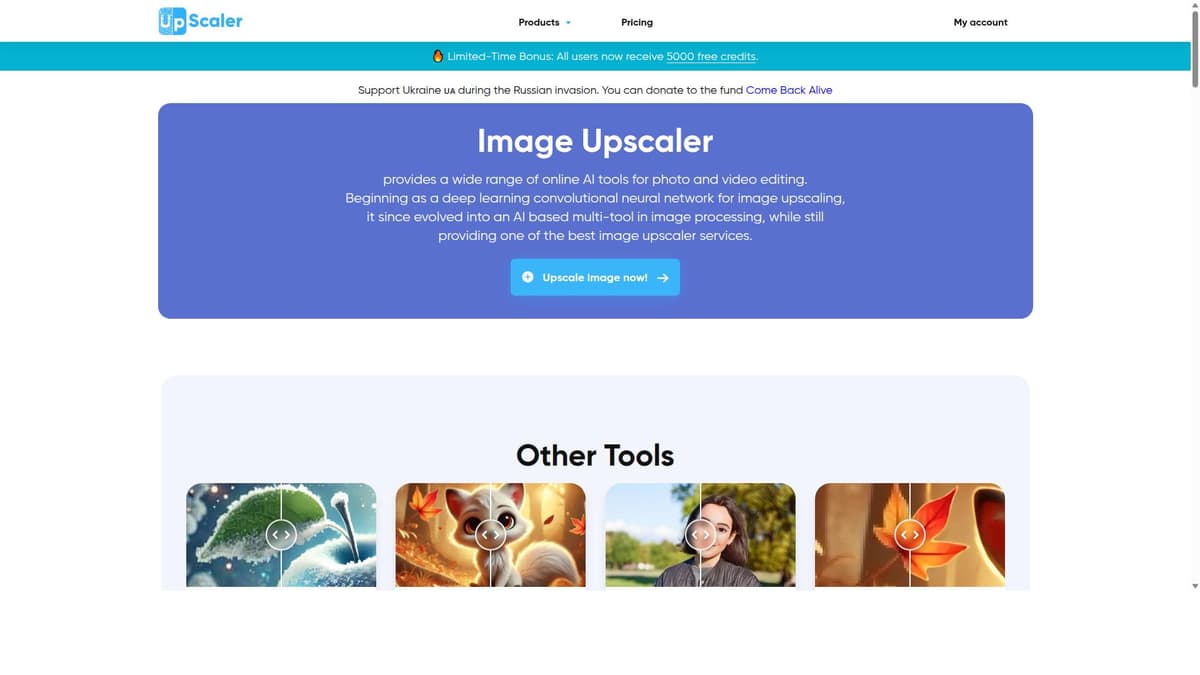
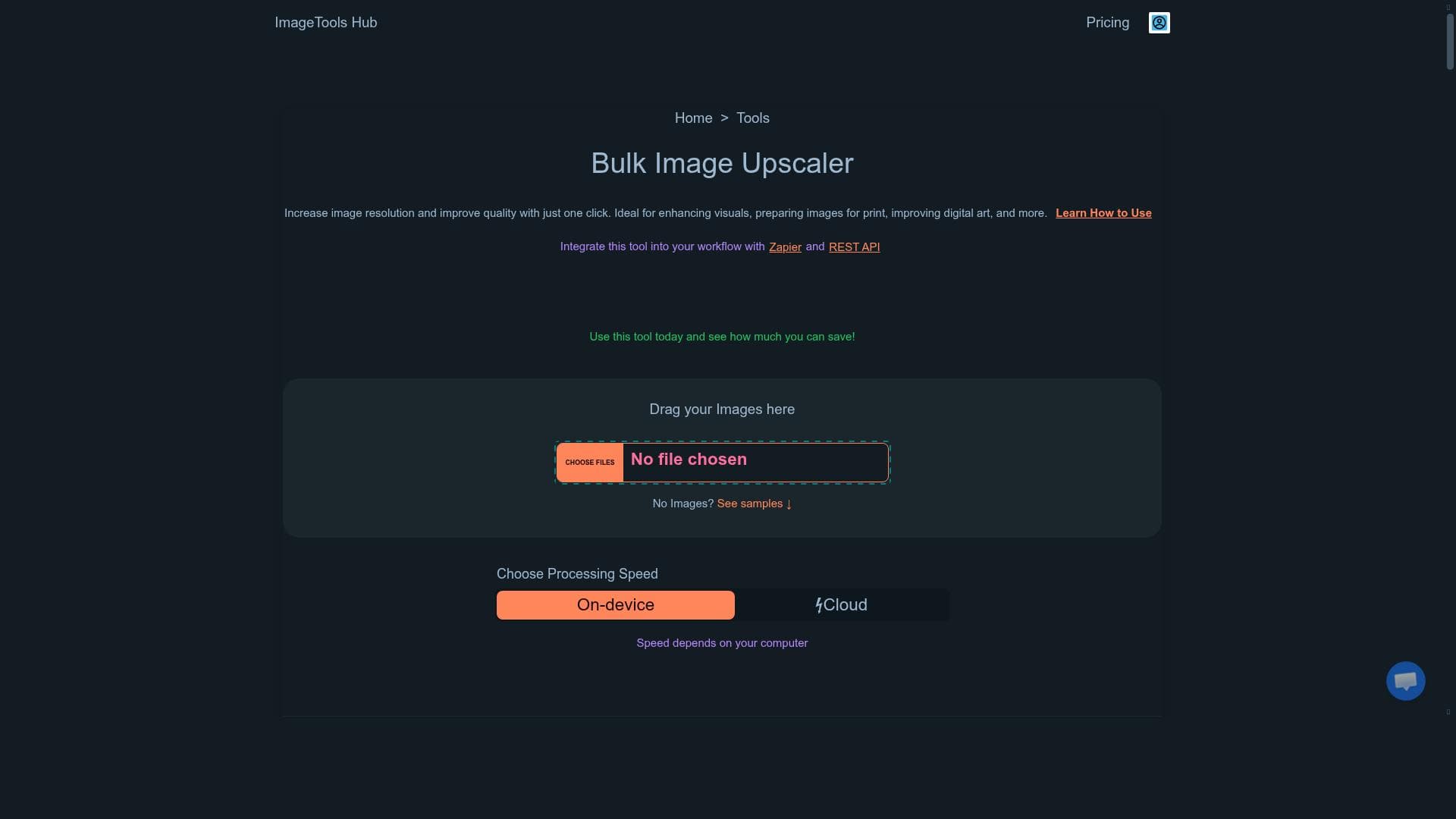
Bulk Image Upscaler is an AI-powered, browser-based tool that enables users to enhance and increase the resolution of multiple images simultaneously with just one click. Ideal for designers, photographers, and marketers, it offers seamless integration with Zapier and REST API, making bulk image enhancement fast, secure, and highly automated.
Bulk Image Upscaler is a powerful AI-driven tool designed to increase image resolution and enhance overall image quality with minimal effort. Its core purpose is to provide users with a seamless and efficient way to upscale multiple images simultaneously, making it ideal for professionals and hobbyists who need to improve visuals for various applications such as digital art, print preparation, marketing materials, and more. By leveraging advanced AI algorithms, Bulk Image Upscaler intelligently enhances image details while preserving clarity and minimizing artifacts, ensuring that the upscaled images maintain a natural and high-quality appearance. One of the standout features of Bulk Image Upscaler is its ability to process all images in bulk with just one click, significantly reducing the time and effort required compared to manual upscaling methods. This bulk processing capability is especially beneficial for users who work with large image libraries or need to prepare multiple images for projects quickly. Additionally, the tool is browser-based, meaning users do not need to download or install any software, and it operates securely within the user's device environment to keep images private and protected. Integration options further enhance the tool's versatility. Bulk Image Upscaler supports Zapier and REST API integrations, allowing users to automate workflows and connect the upscaling process with other applications and services. This makes it a valuable asset for businesses and developers seeking to embed image enhancement capabilities into their existing systems or automate repetitive tasks. The AI-powered upscaling technology ensures that images are enhanced intelligently, improving resolution while maintaining essential details and textures. Bulk Image Upscaler is best suited for graphic designers, photographers, digital artists, marketers, and print professionals who require high-resolution images without compromising quality. It is also useful for e-commerce businesses looking to improve product image quality, content creators enhancing visuals for social media, and anyone needing to upscale images for large-format printing or presentations. The tool's ease of use and automation features make it accessible to users with varying levels of technical expertise. Pricing for Bulk Image Upscaler is straightforward and user-friendly, as it is offered for free. This makes it an attractive option for individuals and small businesses looking for cost-effective image enhancement solutions without sacrificing quality or functionality. The free access encourages experimentation and adoption without financial commitment, providing a risk-free way to experience the benefits of AI-powered image upscaling. Compared to alternative image upscaling tools, Bulk Image Upscaler stands out due to its bulk processing capabilities, integration options, and browser-based operation. Many other tools require manual processing of images one by one or necessitate software installation, which can be time-consuming and less convenient. The inclusion of Zapier and REST API support also provides a level of automation and customization that is not commonly found in free or basic upscaling tools, making Bulk Image Upscaler a more flexible and scalable solution. However, users should consider that as a browser-based tool, performance may depend on internet connectivity and browser capabilities. While the AI upscaling is highly effective, extremely low-resolution or heavily compressed images may still face some limitations in quality improvement. Additionally, as a free tool, there may be usage limits or restrictions on file sizes or quantities in certain cases, which users should verify on the official website. Overall, Bulk Image Upscaler offers a compelling combination of ease of use, powerful AI enhancement, and integration flexibility, making it a valuable resource for anyone needing to upscale images efficiently and effectively.

Description
Bulk Image Upscaler is an AI-powered, browser-based tool that enables users to enhance and increase the resolution of multiple images simultaneously with just one click. Ideal for designers, photographers, and marketers, it offers seamless integration with Zapier and REST API, making bulk image enhancement fast, secure, and highly automated.
Bulk Image Upscaler is a powerful AI-driven tool designed to increase image resolution and enhance overall image quality with minimal effort. Its core purpose is to provide users with a seamless and efficient way to upscale multiple images simultaneously, making it ideal for professionals and hobbyists who need to improve visuals for various applications such as digital art, print preparation, marketing materials, and more. By leveraging advanced AI algorithms, Bulk Image Upscaler intelligently enhances image details while preserving clarity and minimizing artifacts, ensuring that the upscaled images maintain a natural and high-quality appearance. One of the standout features of Bulk Image Upscaler is its ability to process all images in bulk with just one click, significantly reducing the time and effort required compared to manual upscaling methods. This bulk processing capability is especially beneficial for users who work with large image libraries or need to prepare multiple images for projects quickly. Additionally, the tool is browser-based, meaning users do not need to download or install any software, and it operates securely within the user's device environment to keep images private and protected. Integration options further enhance the tool's versatility. Bulk Image Upscaler supports Zapier and REST API integrations, allowing users to automate workflows and connect the upscaling process with other applications and services. This makes it a valuable asset for businesses and developers seeking to embed image enhancement capabilities into their existing systems or automate repetitive tasks. The AI-powered upscaling technology ensures that images are enhanced intelligently, improving resolution while maintaining essential details and textures. Bulk Image Upscaler is best suited for graphic designers, photographers, digital artists, marketers, and print professionals who require high-resolution images without compromising quality. It is also useful for e-commerce businesses looking to improve product image quality, content creators enhancing visuals for social media, and anyone needing to upscale images for large-format printing or presentations. The tool's ease of use and automation features make it accessible to users with varying levels of technical expertise. Pricing for Bulk Image Upscaler is straightforward and user-friendly, as it is offered for free. This makes it an attractive option for individuals and small businesses looking for cost-effective image enhancement solutions without sacrificing quality or functionality. The free access encourages experimentation and adoption without financial commitment, providing a risk-free way to experience the benefits of AI-powered image upscaling. Compared to alternative image upscaling tools, Bulk Image Upscaler stands out due to its bulk processing capabilities, integration options, and browser-based operation. Many other tools require manual processing of images one by one or necessitate software installation, which can be time-consuming and less convenient. The inclusion of Zapier and REST API support also provides a level of automation and customization that is not commonly found in free or basic upscaling tools, making Bulk Image Upscaler a more flexible and scalable solution. However, users should consider that as a browser-based tool, performance may depend on internet connectivity and browser capabilities. While the AI upscaling is highly effective, extremely low-resolution or heavily compressed images may still face some limitations in quality improvement. Additionally, as a free tool, there may be usage limits or restrictions on file sizes or quantities in certain cases, which users should verify on the official website. Overall, Bulk Image Upscaler offers a compelling combination of ease of use, powerful AI enhancement, and integration flexibility, making it a valuable resource for anyone needing to upscale images efficiently and effectively.
Tool Features
- Upscale all images at once
- Integrate with Zapier and REST API
- AI-powered image upscaling
- One-click bulk image upscaling
- Browser-based tool
- Keeps images secure on your device
Frequently Asked Questions
What is Bulk Image Upscaler?
Bulk Image Upscaler is an AI-driven tool designed to increase the resolution and improve the quality of multiple images at once, using advanced algorithms to enhance details while preserving clarity.
How much does Bulk Image Upscaler cost?
Bulk Image Upscaler is available for free, allowing users to upscale images without any subscription or payment.
Who is Bulk Image Upscaler best for?
It is best suited for graphic designers, photographers, digital artists, marketers, print professionals, and anyone needing to enhance multiple images quickly and efficiently.
What are the main features of Bulk Image Upscaler?
Key features include AI-powered image upscaling, one-click bulk processing of all images, browser-based operation, secure image handling on the device, and integration with Zapier and REST API for automation.
Does Bulk Image Upscaler offer a free trial?
Yes, the tool is offered for free with no trial required, enabling users to access its full capabilities without cost.
What integrations does Bulk Image Upscaler support?
Bulk Image Upscaler supports integration with Zapier and provides a REST API, allowing users to automate workflows and connect the tool with other applications.
How does Bulk Image Upscaler work?
The tool uses AI algorithms to analyze and enhance images, increasing resolution and improving quality. Users upload images via the browser, then with one click, all images are upscaled simultaneously while keeping them secure on the user's device.
Sponsored Tools













































Reviews
No reviews yet. Be the first to share your experience.