
AI PowerPoint Maker
Description
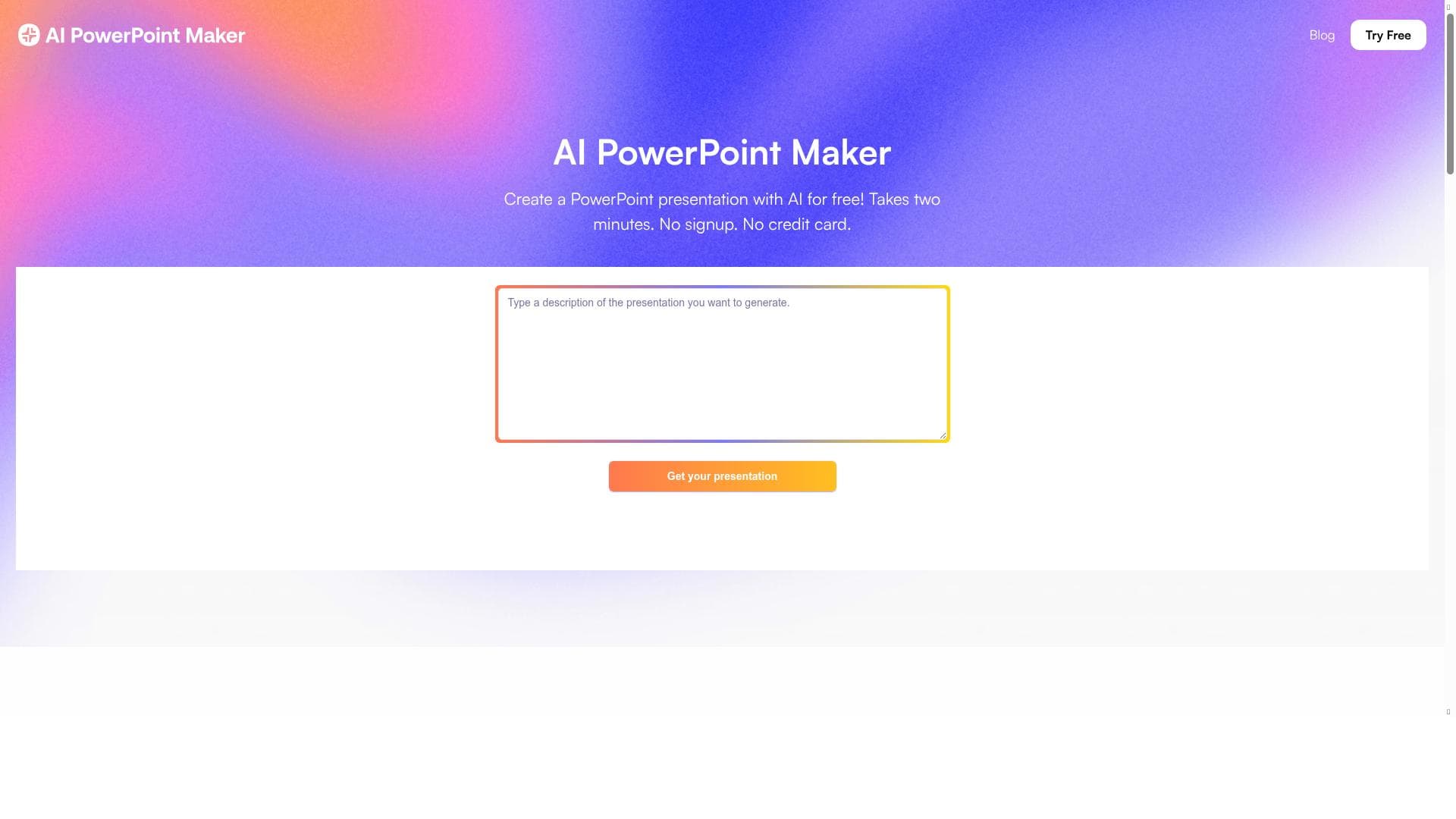
AI PowerPoint Maker revolutionizes presentation creation by generating polished PowerPoint slides directly within Microsoft PowerPoint from documents, prompts, or URLs. Perfect for professionals seeking to save time and maintain design consistency, it combines AI-driven content transformation with native integration for seamless, hassle-free slide deck production.
AI PowerPoint Maker is an innovative web-based application designed to streamline the creation of professional PowerPoint presentations using artificial intelligence. Its core purpose is to enable users to quickly transform raw content—such as documents, prompts, URLs, outlines, Word files, PDFs, or web articles—into fully designed slide decks directly within Microsoft PowerPoint. This eliminates the need for manual formatting or design work, allowing users to focus on crafting compelling narratives and delivering impactful presentations. Because the AI-generated slides are created natively in PowerPoint, users avoid compatibility issues and do not need to learn any new software, making the tool highly accessible and easy to integrate into existing workflows. The key features of AI PowerPoint Maker include its native integration with PowerPoint, which ensures seamless operation within the familiar Microsoft environment. Users can start the creation process by inputting a document, a textual prompt, or a URL, and the AI engine instantly generates a polished slide deck. The tool leverages advanced AI editing and design capabilities to format slides professionally, ensuring consistency and visual appeal across the presentation. It focuses on storytelling by organizing content logically and emphasizing clarity, rather than requiring users to spend time on slide aesthetics. Additionally, AI PowerPoint Maker requires no signup or credit card, making it instantly accessible. The entire process is web-based, so users can create presentations in minutes without installing software. This tool is particularly well-suited for professionals and teams who regularly create presentations, such as sales and marketing teams, educators designing online courses, entrepreneurs preparing pitch decks, and consultants developing client presentations. It is ideal for users who want to save time on slide design and formatting while maintaining a high standard of visual quality and brand consistency. By standardizing and unifying PowerPoint designs, AI PowerPoint Maker helps organizations maintain a cohesive look and feel across all presentations. Its ability to convert diverse content types into slides also makes it useful for content creators and knowledge workers who need to repurpose existing material quickly. AI PowerPoint Maker is offered for free, providing users with immediate access to its full capabilities without subscription fees or hidden costs. This pricing model makes it an attractive option for individuals and small businesses looking to enhance productivity without additional expenses. Compared to alternative AI presentation tools that often require users to learn new platforms or export/import slides, AI PowerPoint Maker’s direct integration with PowerPoint is a significant advantage. It avoids common compatibility issues and leverages the robust features of PowerPoint itself, such as animations and presenter tools. However, users should consider that AI PowerPoint Maker is web-based and requires an internet connection to function. While it excels at automating slide creation, users seeking highly customized or complex slide designs may still need to perform manual adjustments within PowerPoint. Additionally, as with any AI-driven tool, the quality of the output depends on the input content; poorly structured or vague source material may result in less effective presentations. Despite these considerations, AI PowerPoint Maker represents a powerful solution for accelerating presentation development and enhancing storytelling through AI-powered design automation.

Description
AI PowerPoint Maker revolutionizes presentation creation by generating polished PowerPoint slides directly within Microsoft PowerPoint from documents, prompts, or URLs. Perfect for professionals seeking to save time and maintain design consistency, it combines AI-driven content transformation with native integration for seamless, hassle-free slide deck production.
AI PowerPoint Maker is an innovative web-based application designed to streamline the creation of professional PowerPoint presentations using artificial intelligence. Its core purpose is to enable users to quickly transform raw content—such as documents, prompts, URLs, outlines, Word files, PDFs, or web articles—into fully designed slide decks directly within Microsoft PowerPoint. This eliminates the need for manual formatting or design work, allowing users to focus on crafting compelling narratives and delivering impactful presentations. Because the AI-generated slides are created natively in PowerPoint, users avoid compatibility issues and do not need to learn any new software, making the tool highly accessible and easy to integrate into existing workflows. The key features of AI PowerPoint Maker include its native integration with PowerPoint, which ensures seamless operation within the familiar Microsoft environment. Users can start the creation process by inputting a document, a textual prompt, or a URL, and the AI engine instantly generates a polished slide deck. The tool leverages advanced AI editing and design capabilities to format slides professionally, ensuring consistency and visual appeal across the presentation. It focuses on storytelling by organizing content logically and emphasizing clarity, rather than requiring users to spend time on slide aesthetics. Additionally, AI PowerPoint Maker requires no signup or credit card, making it instantly accessible. The entire process is web-based, so users can create presentations in minutes without installing software. This tool is particularly well-suited for professionals and teams who regularly create presentations, such as sales and marketing teams, educators designing online courses, entrepreneurs preparing pitch decks, and consultants developing client presentations. It is ideal for users who want to save time on slide design and formatting while maintaining a high standard of visual quality and brand consistency. By standardizing and unifying PowerPoint designs, AI PowerPoint Maker helps organizations maintain a cohesive look and feel across all presentations. Its ability to convert diverse content types into slides also makes it useful for content creators and knowledge workers who need to repurpose existing material quickly. AI PowerPoint Maker is offered for free, providing users with immediate access to its full capabilities without subscription fees or hidden costs. This pricing model makes it an attractive option for individuals and small businesses looking to enhance productivity without additional expenses. Compared to alternative AI presentation tools that often require users to learn new platforms or export/import slides, AI PowerPoint Maker’s direct integration with PowerPoint is a significant advantage. It avoids common compatibility issues and leverages the robust features of PowerPoint itself, such as animations and presenter tools. However, users should consider that AI PowerPoint Maker is web-based and requires an internet connection to function. While it excels at automating slide creation, users seeking highly customized or complex slide designs may still need to perform manual adjustments within PowerPoint. Additionally, as with any AI-driven tool, the quality of the output depends on the input content; poorly structured or vague source material may result in less effective presentations. Despite these considerations, AI PowerPoint Maker represents a powerful solution for accelerating presentation development and enhancing storytelling through AI-powered design automation.
Tool Features
- Turns raw ideas, outlines, Word docs, PDFs, or web articles into designer-quality PowerPoint slides
- No signup or credit card required
- Creates presentations in minutes
- Focuses on storytelling instead of formatting
- Web-based application
Frequently Asked Questions
What is AI PowerPoint Maker?
AI PowerPoint Maker is a web-based AI tool that helps users create professional PowerPoint presentations quickly by converting documents, prompts, or URLs into fully designed slide decks directly within Microsoft PowerPoint.
How much does AI PowerPoint Maker cost?
AI PowerPoint Maker is completely free to use, with no signup or credit card required.
Who is AI PowerPoint Maker best for?
It is ideal for professionals such as sales and marketing teams, educators, entrepreneurs, consultants, and content creators who want to save time on slide design and produce consistent, high-quality presentations.
What are the main features of AI PowerPoint Maker?
Key features include native integration with PowerPoint, the ability to create presentations from documents, prompts, or URLs, AI-powered editing and design, no signup required, and rapid slide deck creation within minutes.
Does AI PowerPoint Maker offer a free trial?
Yes, AI PowerPoint Maker is free to use with no trial limitations or signup requirements.
What integrations does AI PowerPoint Maker support?
AI PowerPoint Maker integrates natively with Microsoft PowerPoint, allowing users to create and edit AI-generated slides directly within the PowerPoint application.
How does AI PowerPoint Maker work?
Users provide input in the form of documents, prompts, or URLs, and the AI engine analyzes the content to automatically generate a professionally designed PowerPoint slide deck, which is created directly inside PowerPoint for immediate use.
Sponsored Tools













































Reviews
No reviews yet. Be the first to share your experience.
















