Description
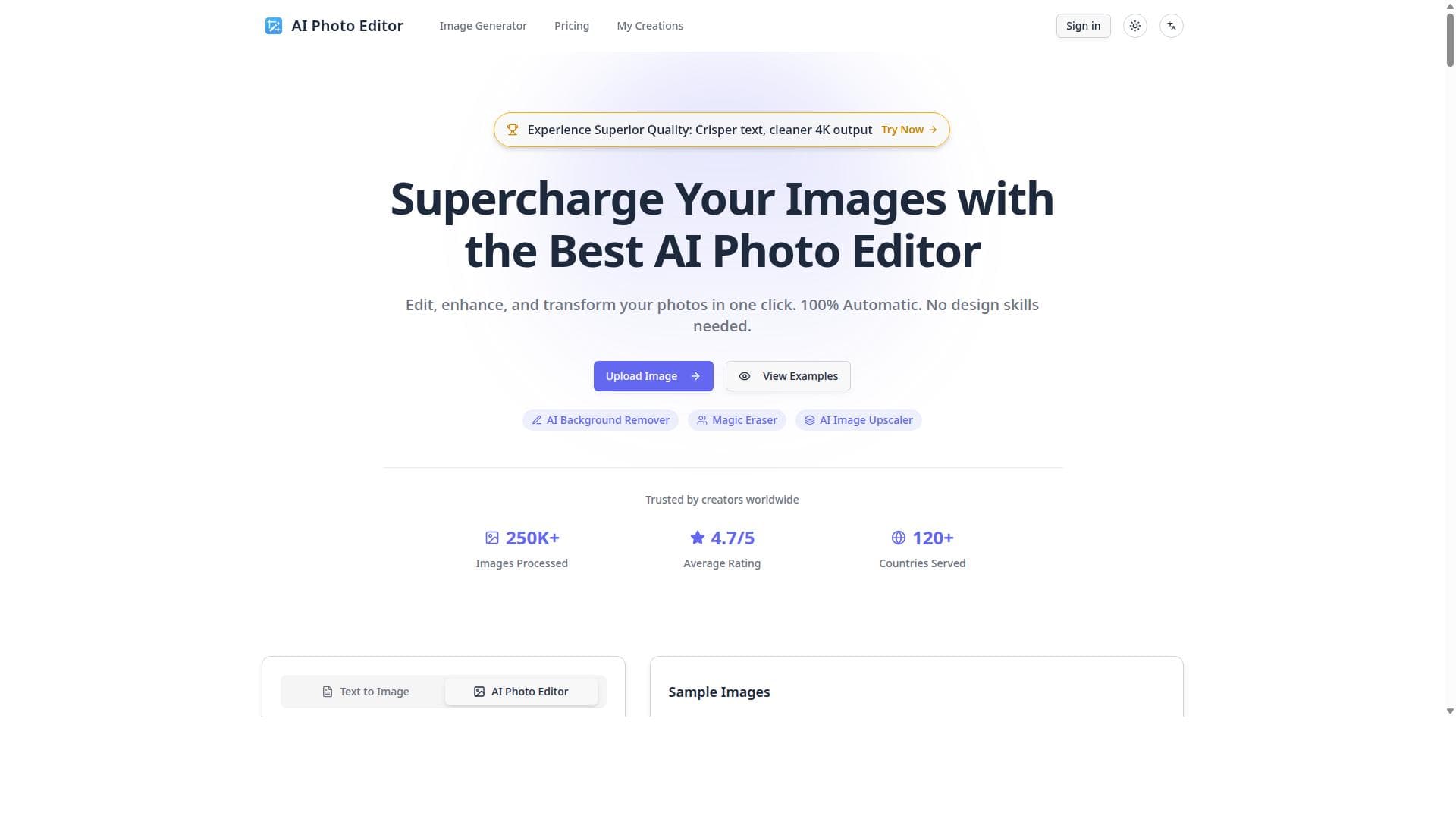
AI Photo Editor is a free, web-based AI image editor that instantly removes backgrounds, erases objects, and upscales image quality without any downloads. Ideal for e-commerce sellers, photographers, and casual users, it offers powerful editing tools with zero learning curve and immediate results.
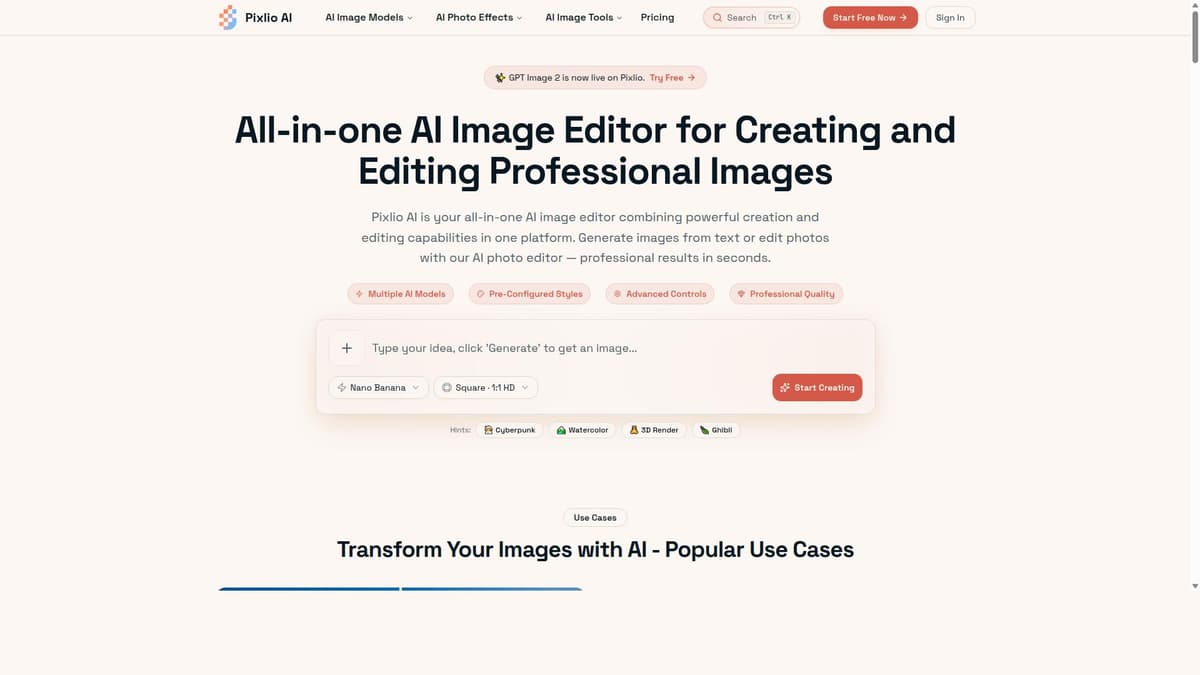
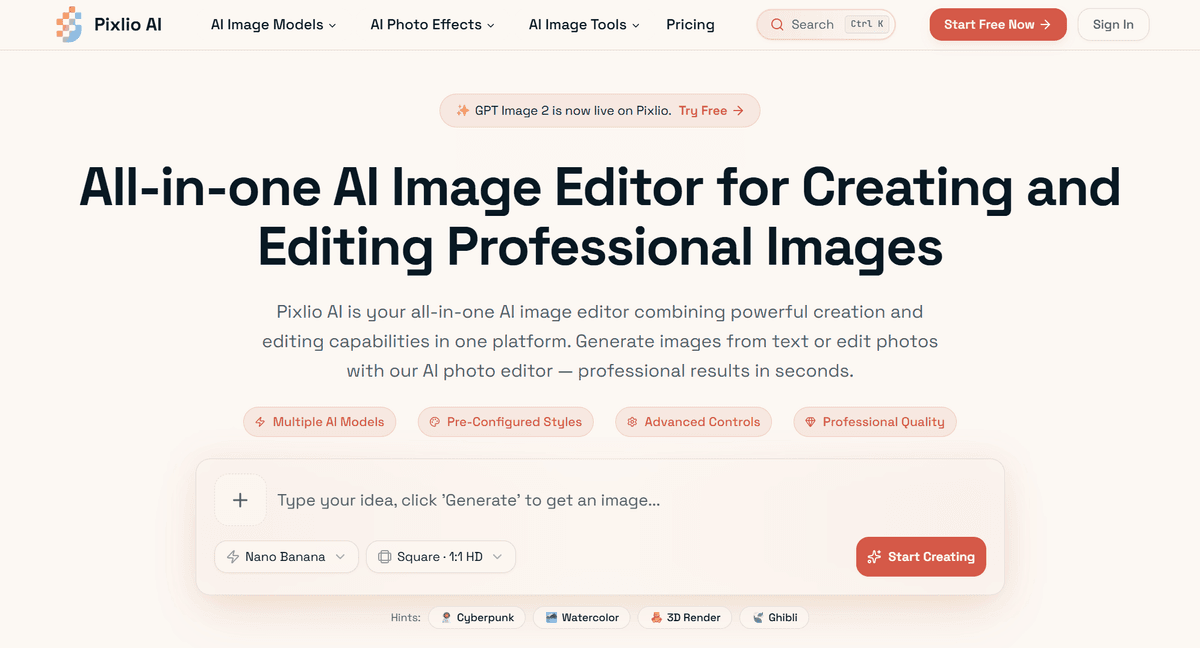
AI Photo Editor is a powerful, free online AI-driven image editing and enhancement tool designed to simplify and accelerate the photo editing process. Its core purpose is to enable users—from casual photographers to professionals—to quickly and effortlessly improve their images without the need for complex software or technical expertise. By leveraging advanced artificial intelligence algorithms, AI Photo Editor automates tasks that traditionally require manual effort, such as background removal, object erasing, and image quality enhancement, all accessible directly through a web browser without any downloads or installations. One of the standout features of AI Photo Editor is its background removal capability. This allows users to isolate subjects from their backgrounds with precision, making it ideal for creating clean product photos, profile pictures, or marketing materials. The AI intelligently detects the subject and removes the background seamlessly, saving users significant time compared to manual editing. Additionally, the tool offers an object erasing feature that lets users remove unwanted elements or distractions from images. Whether it’s a passerby in a street photo or an imperfection in a portrait, the AI seamlessly fills in the erased areas to maintain a natural look. Another key capability is the instant image quality upscaling. This feature enhances the resolution and clarity of images, making low-quality or small photos appear sharper and more detailed. This is particularly useful for users who need to print images or use them in high-resolution formats but only have access to lower-quality originals. Importantly, all these features are available instantly online, requiring no software downloads or installations, making it accessible from any device with internet access. AI Photo Editor is best suited for a wide range of users including social media influencers, e-commerce sellers, graphic designers, photographers, and casual users who want quick and professional-looking edits. For e-commerce sellers, the background removal and object erasing tools help create polished product images that stand out. Photographers and designers benefit from the upscaling feature to enhance image quality without complex editing software. Casual users appreciate the ease of use and speed for everyday photo improvements. In terms of pricing, AI Photo Editor offers a free-to-start model, allowing users to access core editing features without any upfront cost. This makes it highly accessible for individuals and small businesses with limited budgets. While the website does not explicitly detail premium plans, the free access provides substantial functionality, encouraging users to try the tool risk-free before considering any potential paid upgrades. Compared to traditional photo editing software like Adobe Photoshop or GIMP, AI Photo Editor stands out for its simplicity and speed. It eliminates the steep learning curve and time investment required by conventional tools, focusing instead on automated AI-powered enhancements. While Photoshop offers more granular control and advanced features, AI Photo Editor excels in delivering quick, high-quality edits with minimal effort. It also competes with other AI-based editors by providing a comprehensive suite of features in one platform without requiring downloads. However, there are some limitations to consider. Since it is an online tool, users need a stable internet connection to use AI Photo Editor effectively. The AI-based automation, while powerful, may occasionally struggle with very complex images or subtle editing nuances that professional software can handle manually. Additionally, the lack of detailed pricing information and potential premium features means users looking for advanced customization or batch processing might need to explore other options. Despite these considerations, AI Photo Editor remains an excellent choice for fast, accessible, and free AI-powered photo editing.

Description
AI Photo Editor is a free, web-based AI image editor that instantly removes backgrounds, erases objects, and upscales image quality without any downloads. Ideal for e-commerce sellers, photographers, and casual users, it offers powerful editing tools with zero learning curve and immediate results.
AI Photo Editor is a powerful, free online AI-driven image editing and enhancement tool designed to simplify and accelerate the photo editing process. Its core purpose is to enable users—from casual photographers to professionals—to quickly and effortlessly improve their images without the need for complex software or technical expertise. By leveraging advanced artificial intelligence algorithms, AI Photo Editor automates tasks that traditionally require manual effort, such as background removal, object erasing, and image quality enhancement, all accessible directly through a web browser without any downloads or installations. One of the standout features of AI Photo Editor is its background removal capability. This allows users to isolate subjects from their backgrounds with precision, making it ideal for creating clean product photos, profile pictures, or marketing materials. The AI intelligently detects the subject and removes the background seamlessly, saving users significant time compared to manual editing. Additionally, the tool offers an object erasing feature that lets users remove unwanted elements or distractions from images. Whether it’s a passerby in a street photo or an imperfection in a portrait, the AI seamlessly fills in the erased areas to maintain a natural look. Another key capability is the instant image quality upscaling. This feature enhances the resolution and clarity of images, making low-quality or small photos appear sharper and more detailed. This is particularly useful for users who need to print images or use them in high-resolution formats but only have access to lower-quality originals. Importantly, all these features are available instantly online, requiring no software downloads or installations, making it accessible from any device with internet access. AI Photo Editor is best suited for a wide range of users including social media influencers, e-commerce sellers, graphic designers, photographers, and casual users who want quick and professional-looking edits. For e-commerce sellers, the background removal and object erasing tools help create polished product images that stand out. Photographers and designers benefit from the upscaling feature to enhance image quality without complex editing software. Casual users appreciate the ease of use and speed for everyday photo improvements. In terms of pricing, AI Photo Editor offers a free-to-start model, allowing users to access core editing features without any upfront cost. This makes it highly accessible for individuals and small businesses with limited budgets. While the website does not explicitly detail premium plans, the free access provides substantial functionality, encouraging users to try the tool risk-free before considering any potential paid upgrades. Compared to traditional photo editing software like Adobe Photoshop or GIMP, AI Photo Editor stands out for its simplicity and speed. It eliminates the steep learning curve and time investment required by conventional tools, focusing instead on automated AI-powered enhancements. While Photoshop offers more granular control and advanced features, AI Photo Editor excels in delivering quick, high-quality edits with minimal effort. It also competes with other AI-based editors by providing a comprehensive suite of features in one platform without requiring downloads. However, there are some limitations to consider. Since it is an online tool, users need a stable internet connection to use AI Photo Editor effectively. The AI-based automation, while powerful, may occasionally struggle with very complex images or subtle editing nuances that professional software can handle manually. Additionally, the lack of detailed pricing information and potential premium features means users looking for advanced customization or batch processing might need to explore other options. Despite these considerations, AI Photo Editor remains an excellent choice for fast, accessible, and free AI-powered photo editing.
Tool Features
- Remove backgrounds
- Erase objects
- Upscale image quality instantly
- No download required
- Free to start editing
Frequently Asked Questions
What is AI Photo Editor?
AI Photo Editor is a free online AI-powered image editing tool that allows users to quickly enhance photos by removing backgrounds, erasing unwanted objects, and upscaling image quality—all without needing to download any software.
How much does AI Photo Editor cost?
AI Photo Editor offers free access to its core editing features, allowing users to start editing images at no cost. Details about any premium plans or paid upgrades are not explicitly provided.
Who is AI Photo Editor best for?
It is best suited for social media influencers, e-commerce sellers, photographers, graphic designers, and casual users who want fast, easy, and professional-quality photo edits without complex software.
What are the main features of AI Photo Editor?
The main features include automatic background removal, object erasing to eliminate unwanted elements, instant image quality upscaling, no download requirement, and free access to start editing immediately.
Does AI Photo Editor offer a free trial?
Yes, AI Photo Editor allows users to start editing for free without any trial limitations, providing immediate access to its core features online.
What integrations does AI Photo Editor support?
AI Photo Editor is a standalone online tool accessed via web browsers and does not currently list any integrations with other platforms or software.
How does AI Photo Editor work?
It uses advanced artificial intelligence algorithms to automatically detect and remove backgrounds, erase objects, and enhance image resolution. Users upload images through the website, apply desired edits, and download the enhanced photos instantly.
Sponsored Tools













































Reviews
No reviews yet. Be the first to share your experience.