AI Image Editor
Description
AI Image Editor revolutionizes photo editing by enabling instant, AI-powered enhancements and transformations through simple uploads and text prompts—no Photoshop skills required. Ideal for social media creators, marketers, and photographers, it delivers consistent, high-quality results quickly and effortlessly.
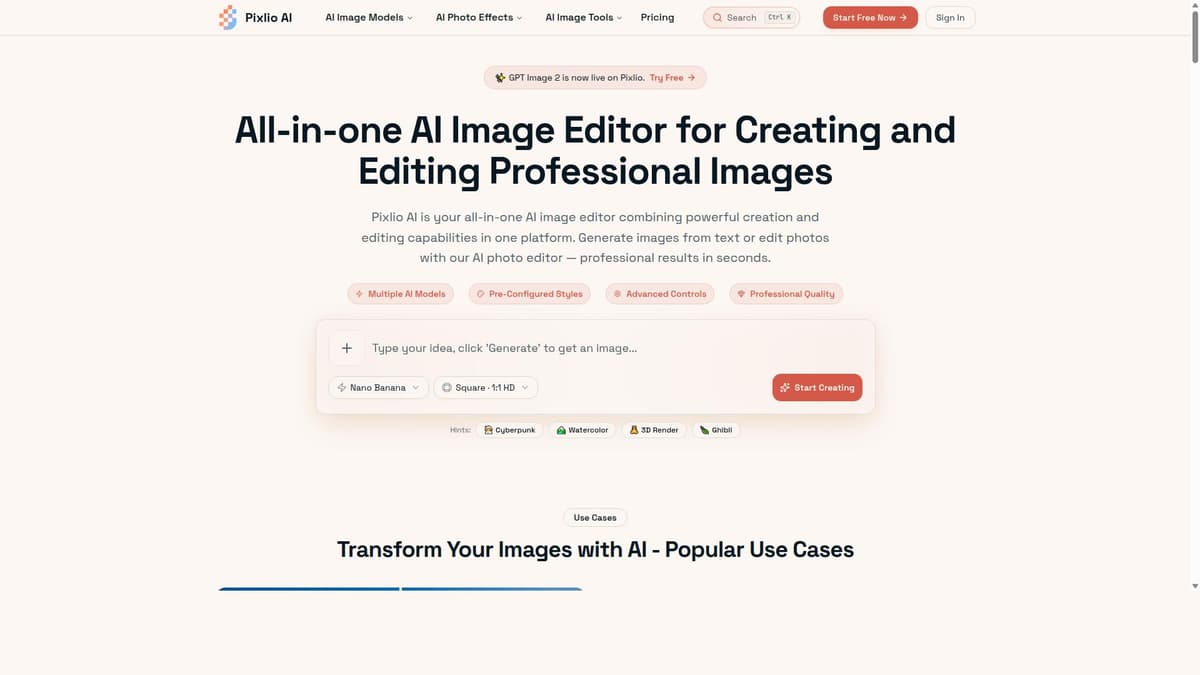
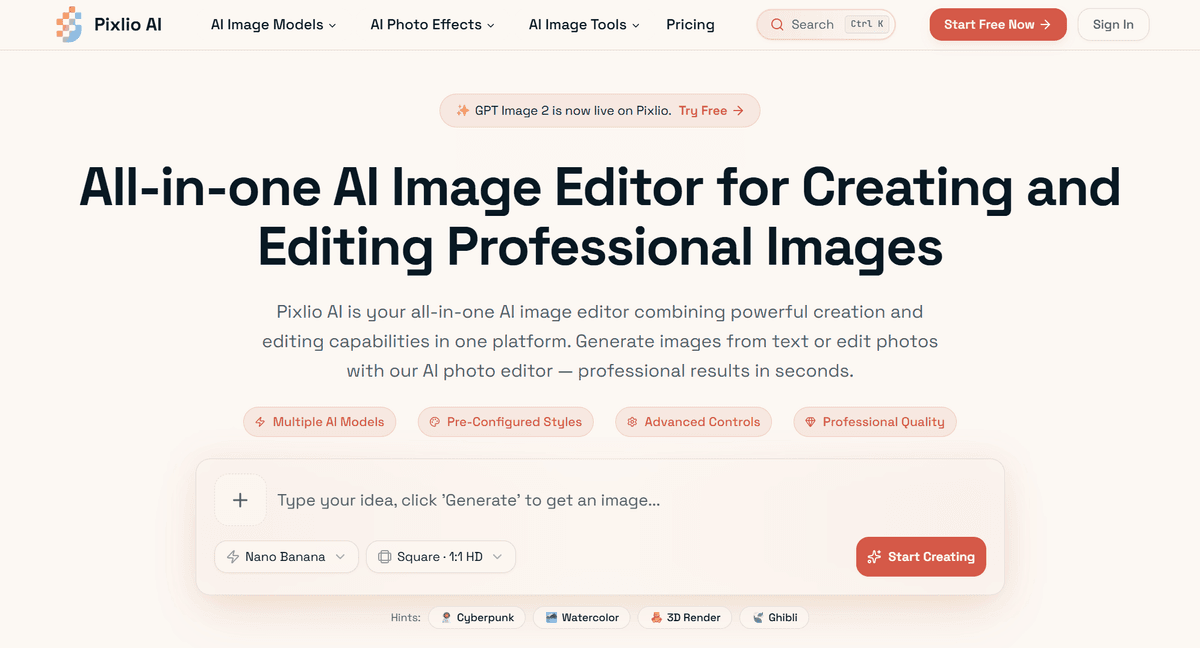
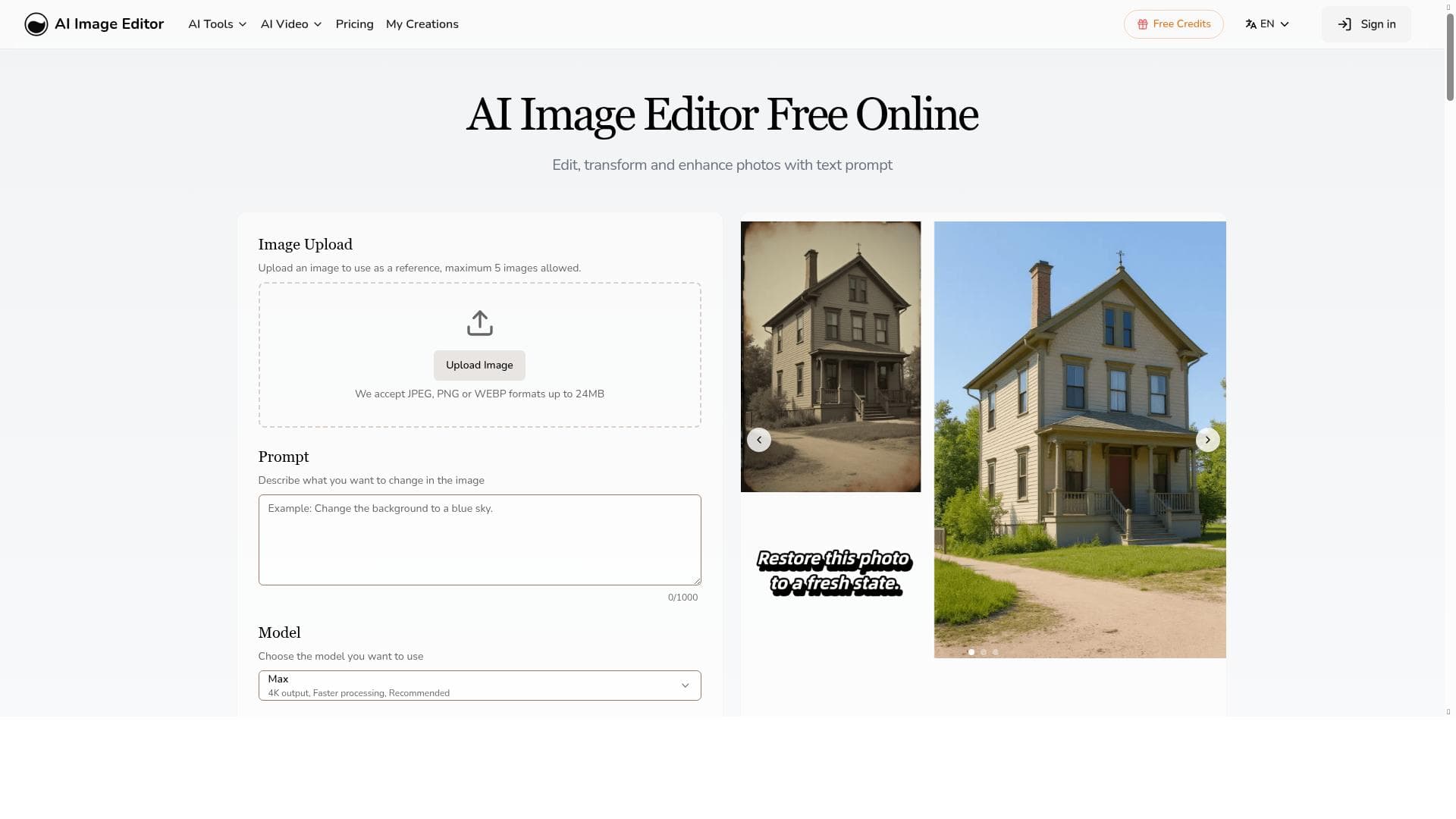
AI Image Editor is a cutting-edge online tool designed to simplify and accelerate the process of photo editing by leveraging advanced artificial intelligence technology. Its core purpose is to empower users to enhance, transform, and retouch images effortlessly without requiring any prior experience with complex software like Photoshop. By allowing users to upload photos and apply AI-powered edits within seconds, AI Image Editor democratizes professional-grade image editing and makes it accessible to a broad audience ranging from casual users to creative professionals. One of the standout features of AI Image Editor is its instant photo editing capability. Users can upload any image and immediately apply a variety of enhancements such as color correction, noise reduction, sharpening, and more, all powered by AI algorithms that analyze the image content to deliver optimal results. Another key capability is the ability to transform photos using text prompts. This innovative feature lets users describe the desired changes or artistic effects in natural language, and the AI interprets these instructions to modify the image accordingly. This eliminates the need for manual adjustments and technical know-how, streamlining the creative process. The tool also excels at enhancing photo quality quickly, improving resolution, clarity, and overall visual appeal with minimal effort. Its AI engine ensures consistent and high-quality results across different types of images, whether portraits, landscapes, or product photos. Importantly, AI Image Editor requires no Photoshop skills, making it ideal for users who want professional edits without the steep learning curve of traditional editing software. AI Image Editor is best suited for a diverse range of users including social media influencers, marketers, photographers, e-commerce sellers, and anyone looking to improve their images efficiently. For social media users, it offers a fast way to create eye-catching visuals that stand out. Photographers can use it to quickly enhance their shots before sharing or printing. E-commerce sellers benefit from polished product images that drive sales, while marketers can produce compelling visuals for campaigns without outsourcing editing tasks. Regarding pricing, AI Image Editor operates on a paid model, offering access to its full suite of AI-powered editing tools. While specific pricing tiers and plans are not detailed here, paid access typically ensures users receive priority support, higher processing limits, and access to advanced features. Prospective users should visit the official website to review current subscription options and any available trial offers. Compared to traditional photo editing software, AI Image Editor stands out by eliminating complexity and time-consuming manual adjustments. Unlike Photoshop or Lightroom, it does not require extensive training or technical skills. Compared to other AI image editing tools, it distinguishes itself with the unique text prompt transformation feature and a focus on delivering consistent, high-quality results rapidly. However, users seeking granular control over every editing parameter may find it less flexible than professional desktop applications. Notable considerations include the reliance on internet connectivity since AI Image Editor is web-based, and the fact that it is a paid service, which may be a barrier for some users. Additionally, while AI-driven edits are impressive, they may occasionally produce unexpected results depending on the complexity of the input image or the specificity of text prompts. Users should be prepared to experiment with prompts or make minor manual adjustments if needed. Overall, AI Image Editor offers a powerful, user-friendly solution for fast, AI-enhanced photo editing that suits a wide range of creative and professional needs.

Description
AI Image Editor revolutionizes photo editing by enabling instant, AI-powered enhancements and transformations through simple uploads and text prompts—no Photoshop skills required. Ideal for social media creators, marketers, and photographers, it delivers consistent, high-quality results quickly and effortlessly.
AI Image Editor is a cutting-edge online tool designed to simplify and accelerate the process of photo editing by leveraging advanced artificial intelligence technology. Its core purpose is to empower users to enhance, transform, and retouch images effortlessly without requiring any prior experience with complex software like Photoshop. By allowing users to upload photos and apply AI-powered edits within seconds, AI Image Editor democratizes professional-grade image editing and makes it accessible to a broad audience ranging from casual users to creative professionals. One of the standout features of AI Image Editor is its instant photo editing capability. Users can upload any image and immediately apply a variety of enhancements such as color correction, noise reduction, sharpening, and more, all powered by AI algorithms that analyze the image content to deliver optimal results. Another key capability is the ability to transform photos using text prompts. This innovative feature lets users describe the desired changes or artistic effects in natural language, and the AI interprets these instructions to modify the image accordingly. This eliminates the need for manual adjustments and technical know-how, streamlining the creative process. The tool also excels at enhancing photo quality quickly, improving resolution, clarity, and overall visual appeal with minimal effort. Its AI engine ensures consistent and high-quality results across different types of images, whether portraits, landscapes, or product photos. Importantly, AI Image Editor requires no Photoshop skills, making it ideal for users who want professional edits without the steep learning curve of traditional editing software. AI Image Editor is best suited for a diverse range of users including social media influencers, marketers, photographers, e-commerce sellers, and anyone looking to improve their images efficiently. For social media users, it offers a fast way to create eye-catching visuals that stand out. Photographers can use it to quickly enhance their shots before sharing or printing. E-commerce sellers benefit from polished product images that drive sales, while marketers can produce compelling visuals for campaigns without outsourcing editing tasks. Regarding pricing, AI Image Editor operates on a paid model, offering access to its full suite of AI-powered editing tools. While specific pricing tiers and plans are not detailed here, paid access typically ensures users receive priority support, higher processing limits, and access to advanced features. Prospective users should visit the official website to review current subscription options and any available trial offers. Compared to traditional photo editing software, AI Image Editor stands out by eliminating complexity and time-consuming manual adjustments. Unlike Photoshop or Lightroom, it does not require extensive training or technical skills. Compared to other AI image editing tools, it distinguishes itself with the unique text prompt transformation feature and a focus on delivering consistent, high-quality results rapidly. However, users seeking granular control over every editing parameter may find it less flexible than professional desktop applications. Notable considerations include the reliance on internet connectivity since AI Image Editor is web-based, and the fact that it is a paid service, which may be a barrier for some users. Additionally, while AI-driven edits are impressive, they may occasionally produce unexpected results depending on the complexity of the input image or the specificity of text prompts. Users should be prepared to experiment with prompts or make minor manual adjustments if needed. Overall, AI Image Editor offers a powerful, user-friendly solution for fast, AI-enhanced photo editing that suits a wide range of creative and professional needs.
Tool Features
- Instant photo editing with AI
- Transform photos using text prompts
- Enhance photo quality quickly
- No Photoshop skills needed
- Consistent and high-quality results
Frequently Asked Questions
What is AI Image Editor?
AI Image Editor is an online tool that allows users to upload photos and apply AI-powered edits instantly, enabling high-quality image enhancements and transformations without needing any Photoshop or advanced editing skills.
How much does AI Image Editor cost?
AI Image Editor operates on a paid subscription model. Specific pricing details and plans are available on their official website, where users can also check for any trial offers or discounts.
Who is AI Image Editor best for?
It is best suited for social media influencers, marketers, photographers, e-commerce sellers, and anyone seeking quick, professional-quality photo edits without the complexity of traditional software.
What are the main features of AI Image Editor?
Key features include instant AI-powered photo editing, the ability to transform images using text prompts, rapid photo quality enhancement, consistent high-quality results, and a user-friendly interface requiring no Photoshop skills.
Does AI Image Editor offer a free trial?
The availability of a free trial is not specified here. Interested users should visit the AI Image Editor website to see if a trial or demo version is currently offered.
What integrations does AI Image Editor support?
There is no specific information about integrations provided. As a web-based tool, it primarily functions independently, but users should check the official site for any updates on supported integrations or API access.
How does AI Image Editor work?
Users upload a photo to the platform, then apply edits either through preset AI enhancements or by entering text prompts describing desired changes. The AI processes the image and applies the transformations instantly, delivering enhanced photos without manual editing.
Sponsored Tools













































Reviews
No reviews yet. Be the first to share your experience.